





HP PhotoSmart D5460 Printer Ink: Black, Color & Combo Ink Cartridges

Ads

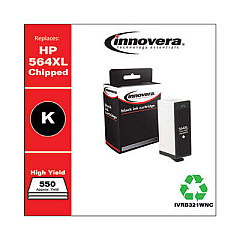
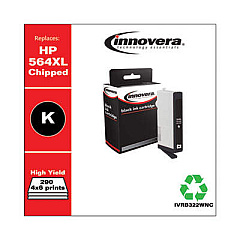
HP PhotoSmart D5460 Black Ink Cartridges

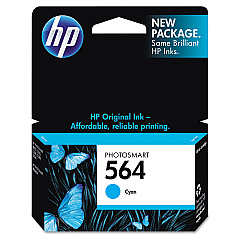
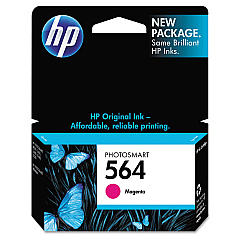
HP PhotoSmart D5460 Color Ink Cartridges

HP PhotoSmart D5460 Copy Paper

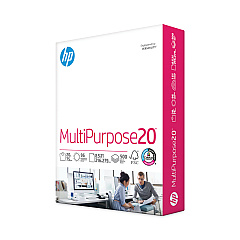
  • HP 112000 Multipurpose Paper

    Item 112000

    HP 112000 Multipurpose Paper

    HPM1120R Multipurpose Ultra White Paper, 96 Brightness, 20lb, 8 1/2 x 11, 500 Sh..

    Status

    In Stock

    $10.09

  • HP 115100 Multipurpose Paper

    Item 115100

    HP 115100 Multipurpose Paper

    HPM115RC Multipurpose Ultra White Paper, 96 Brightness, 20lb, 8-1/2 x 11, 500 sh..

    Status

    In Stock

    $50.99

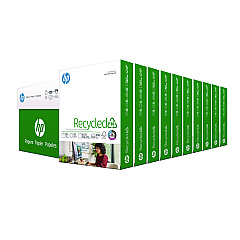
  • HP 112100 Recycled Paper

    Item 112100

    HP 112100 Recycled Paper

    HPE1120C Recycled Paper, 92 Bright, 20lb, 8-1/2 x 11, 500 sheets per ream, 10 re..

    Status

    In Stock

    Free Shipping

    $97.72

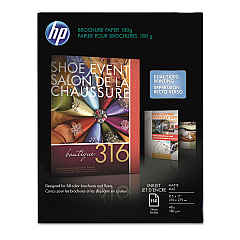
  • HP CH016A Inkjet Brochure Paper

    Item CH016A

    HP CH016A Inkjet Brochure Paper

    Inkjet Brochure/Flyer Paper, 103 Brightness, 48lb, 8-1/2 x 11, White, 150/Pack..

    Status

    In Stock

    $44.30

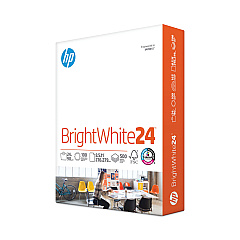
  • HP 203000 Bright White Inkjet Paper

    Item 203000

    HP 203000 Bright White Inkjet Paper

    HPB1124 Bright White Inkjet Paper, 97 Brightness, 24lb, 8-1/2 x 11, 500 Sheets/R..

    Status

    In Stock

    $14.10

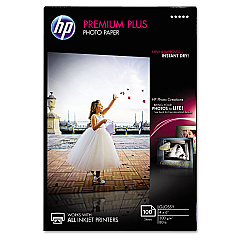
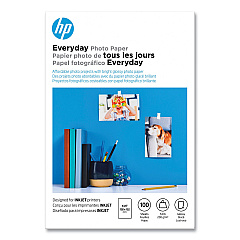
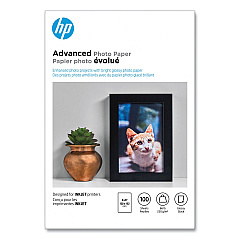
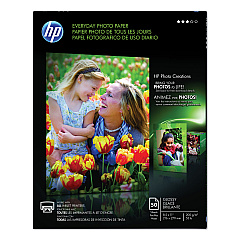
HP PhotoSmart D5460 Photo Paper

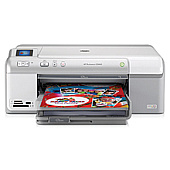
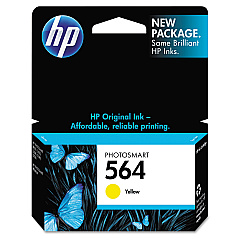
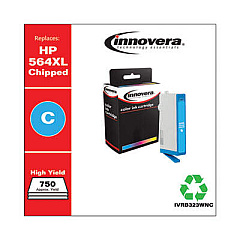
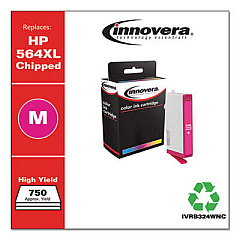
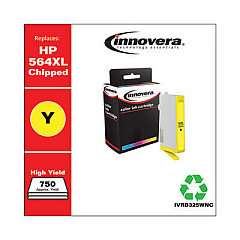
Ensure your HP PhotoSmart D5460 printer continues to deliver stunning prints with our premium HP PhotoSmart D5460 Ink Cartridges. Our comprehensive range includes the essential CB316WN Black, CB317WN Photo Black, CB318WN Cyan, CB319WN Magenta, and CB320WN Yellow cartridges, as well as the high-capacity CB321WN and CN684WN Black options. These genuine HP ink cartridges are designed to work seamlessly with your printer, providing consistent, high-quality results for both text documents and vibrant photo prints. Whether you're a business professional, educator, or photography enthusiast, our ink supplies cater to all your printing needs. Experience the perfect balance of affordability and performance with our HP PhotoSmart D5460 Ink Cartridges, ensuring your printer remains a reliable tool for all your creative and professional projects.

HP PhotoSmart D5460 Printer Ink: Black, Color & Combo Ink Cartridges FAQs

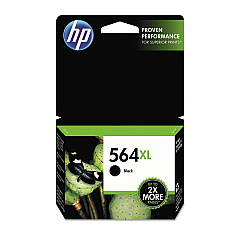
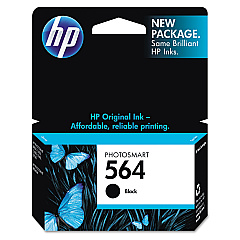
  • What is the difference between HP 564 and HP 564XL ink cartridges?

    The HP 564XL is a high yield cartridge meaning it contains more ink so it prints more pages than an HP 564 standard cartridge. High yield cartridge is another way of saying "higher page yield".

  • How long do HP PhotoSmart D5460 Ink Cartridges typically last?

    The lifespan of ink cartridges varies depending on usage, but on average, they can last for 200-300 pages for standard cartridges and up to 550 pages for high-capacity options.

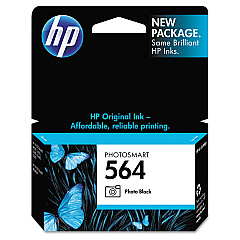
  • Why does the HP PhotoSmart D5460 use 2 black cartridges?

    The other smaller black contains a dye based ink which is used more for photo or image printing. By using the 2 black cartridges the printer is able to produce crisp, dark text and by switching in picture mode it can also then use the smaller dye based ink to produce the highest quality photos.

  • Are these ink cartridges compatible with other HP printer models?

    While these cartridges are designed specifically for the HP PhotoSmart D5460, they may be compatible with other HP models. Always check your printer's manual or the HP website for compatibility information.

  • Does the HP PhotoSmart D5460 scan and fax?

    No, The HP PhotoSmart D5460 is a cheaper model that saves you money because it does not include the multi function printer features you might expect. This also keeps the printer simple to use as well as small and lighter than models with scanners and fax machines built in.

  • Can I use third-party ink cartridges in my HP PhotoSmart D5460?

    While third-party cartridges may work, we recommend using genuine HP ink cartridges for optimal print quality and to maintain your printer's warranty.

  • Is HP PhotoSmart D5460 wireless?

    The D5460 does not offer as many connectivity options as some other Photosmart multifunction printers. it does not have Wi-Fi or Ethernet, but it does have a USB connection that will let it print locally.

  • How can I tell when it's time to replace my ink cartridges?

    Your printer will typically display a low ink warning. You may also notice a decrease in print quality or faded prints when cartridges need replacement.

  • Do I need to change all the ink cartridges in my HP PhotoSmart D5460 at once?

    No! Because the HP PhotoSmart D5460 uses individual ink cartridges you only need to replace the color you need. If you run out of cyan, replace only the cyan cartridge and start printing again.

  • What's the difference between the CB321WN and CN684WN Black Ink Cartridges?

    Both are high-capacity black ink cartridges, but the CN684WN is a newer model that may offer slightly higher page yield or improved performance.

  • How should I store unused ink cartridges?

    Store cartridges in their original sealed packaging at room temperature, away from direct sunlight and heat sources, to maintain their quality and shelf life.

  • Can I recycle empty HP ink cartridges?

    Yes, HP offers a free recycling program for empty ink cartridges. You can return them to participating retailers or request a free shipping label from HP's website.

  • What should I do if my printer doesn't recognize a new ink cartridge?

    Try removing and reinserting the cartridge, cleaning the contacts, or running the printer's alignment process. If issues persist, contact HP support for assistance.

  • How often should I replace the Photo Black (CB317WN) cartridge?

    The Photo Black cartridge is primarily used for high-quality photo printing. Its replacement frequency depends on how often you print photos and at what quality settings.

  • Are these ink cartridges covered by a warranty?

    Yes, genuine HP ink cartridges come with a warranty against defects in materials and workmanship. If you experience any issues, contact HP customer support for assistance.

Warehouse Locations

Policy & Agreement | Copyright © 1995-2026 BlueDogInk.com
