




Ads

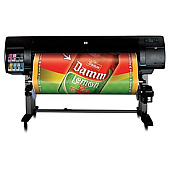
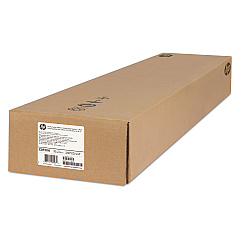
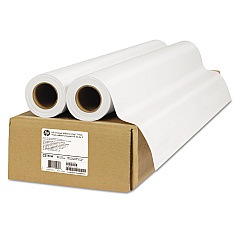
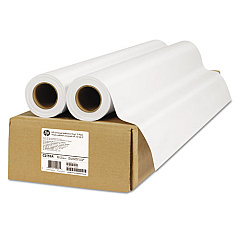
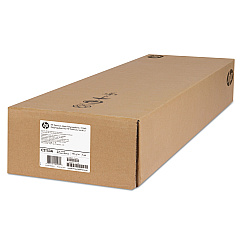
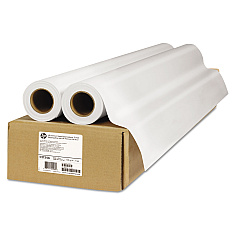
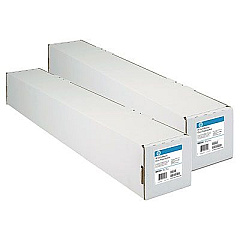
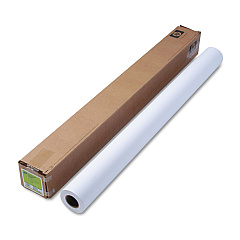
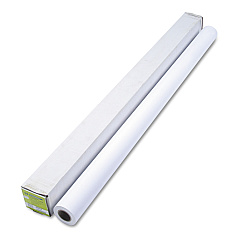
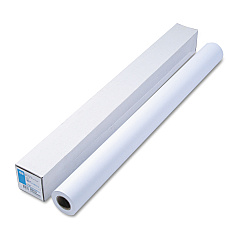
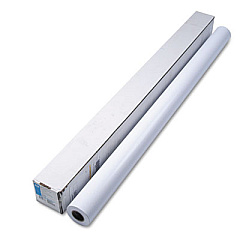
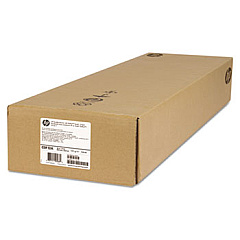
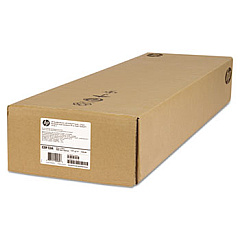
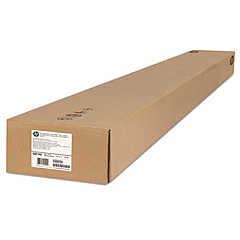
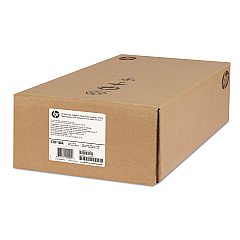
HP Designjet Z6100ps 60-in Large Format Paper

Enhance your large-format printing with HP Designjet Z6100ps 60-in Ink Cartridges. This comprehensive range includes high-quality printheads (C9460A, C9461A, C9462A, C9463A) and ink cartridges in various colors (C9464A Matte Black, C9465A Photo Black, C9466A Light Gray, C9467A Cyan, C9468A Magenta, C9469A Yellow, C9470A Light Cyan, C9471A Light Magenta). The C9518A Maintenance Kit ensures optimal performance. These genuine HP supplies deliver exceptional color accuracy, vivid prints, and long-lasting results for professional-grade graphics, photos, and technical drawings. Compatible with the HP Designjet Z6100ps 60-in printer, these cartridges offer reliable, high-volume printing for businesses, educational institutions, government agencies, healthcare facilities, and wholesale operations. Maximize your printer's potential and produce stunning, durable prints with these top-quality HP Designjet Z6100ps 60-in Ink Cartridges.

HP Designjet Z6100ps 60-in Ink Cartridges FAQs

  • What is the page yield for these ink cartridges?

    Page yield varies depending on the specific cartridge and print content. Please refer to HP's official specifications for detailed information.

  • Are these cartridges compatible with other HP Designjet models?

    These cartridges are specifically designed for the HP Designjet Z6100ps 60-in printer. Always check your printer's compatibility before purchasing.

  • How often should I replace the printheads?

    Printhead replacement frequency depends on usage. Monitor print quality and replace when necessary or as recommended by HP.

  • What is the shelf life of these ink cartridges?

    Unopened cartridges typically have a shelf life of 1-2 years. Always check the expiration date on the packaging.

  • Can I use third-party ink cartridges with this printer?

    While third-party cartridges may work, using genuine HP cartridges ensures optimal print quality and printer performance.

  • How do I install the maintenance kit?

    The maintenance kit comes with detailed instructions. If unsure, consult the printer manual or contact HP support for guidance.

  • Are these cartridges environmentally friendly?

    HP offers a recycling program for used cartridges. Check HP's website for details on their sustainability initiatives.

  • What should I do if a cartridge is not recognized by the printer?

    Try removing and reinserting the cartridge. If the issue persists, clean the cartridge contacts and try again. If problems continue, contact HP support.

  • How can I maximize the lifespan of my ink cartridges?

    Store cartridges in a cool, dry place, use the printer regularly, and avoid removing cartridges unless necessary.

  • Do these cartridges come with a warranty?

    Yes, genuine HP cartridges typically come with a warranty. Check the packaging or HP's website for specific warranty information.

Warehouse Locations

Policy & Agreement | Copyright © 1995-2026 BlueDogInk.com
