





Ads

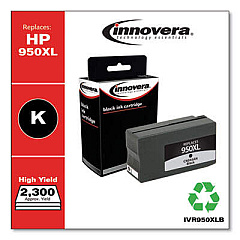
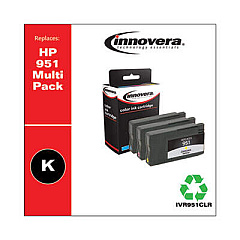
HP Officejet Pro 251dw Black Ink Cartridges

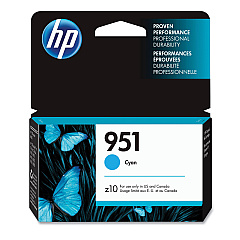
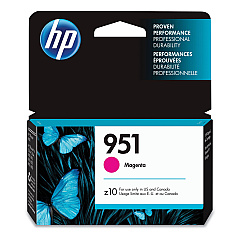
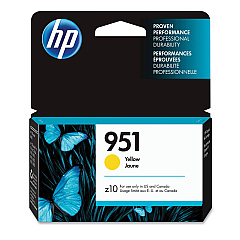
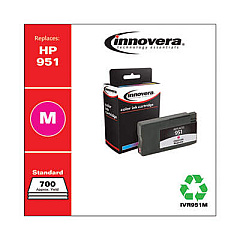
HP Officejet Pro 251dw Color Ink Cartridges

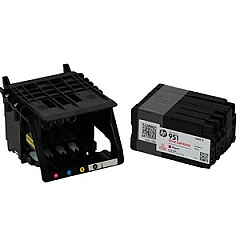
HP Officejet Pro 251dw Printheads

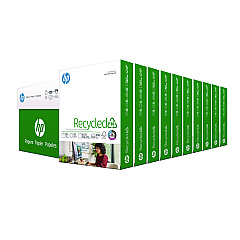
HP Officejet Pro 251dw Copy Paper

  • HP 115100 Multipurpose Paper

    Item 115100

    HP 115100 Multipurpose Paper

    HPM115RC Multipurpose Ultra White Paper, 96 Brightness, 20lb, 8-1/2 x 11, 500 sh..

    Status

    In Stock

    $50.99

  • HP 112100 Recycled Paper

    Item 112100

    HP 112100 Recycled Paper

    HPE1120C Recycled Paper, 92 Bright, 20lb, 8-1/2 x 11, 500 sheets per ream, 10 re..

    Status

    In Stock

    Free Shipping

    $97.72

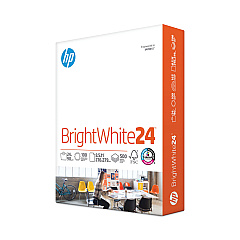
  • HP 203000 Bright White Inkjet Paper

    Item 203000

    HP 203000 Bright White Inkjet Paper

    HPB1124 Bright White Inkjet Paper, 97 Brightness, 24lb, 8-1/2 x 11, 500 Sheets/R..

    Status

    In Stock

    $14.10

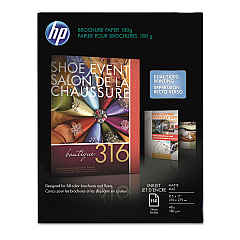
  • HP CH016A Inkjet Brochure Paper

    Item CH016A

    HP CH016A Inkjet Brochure Paper

    Inkjet Brochure/Flyer Paper, 103 Brightness, 48lb, 8-1/2 x 11, White, 150/Pack..

    Status

    In Stock

    $44.30

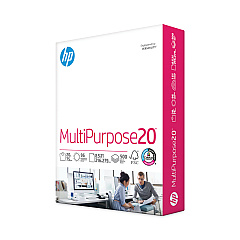
  • HP 112000 Multipurpose Paper

    Item 112000

    HP 112000 Multipurpose Paper

    HPM1120R Multipurpose Ultra White Paper, 96 Brightness, 20lb, 8 1/2 x 11, 500 Sh..

    Status

    In Stock

    $10.09

HP Officejet Pro 251dw Photo Paper

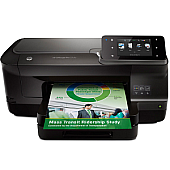
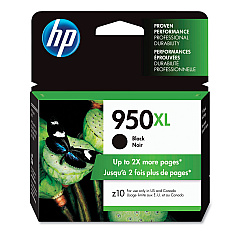
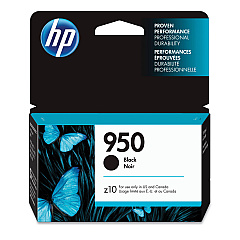
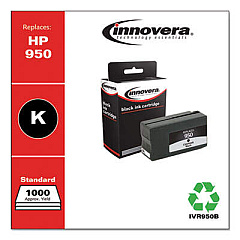
Keep your HP Officejet Pro 251dw running smoothly with our comprehensive range of HP Officejet Pro 251dw Ink Cartridges. We offer a complete selection of genuine HP ink cartridges, including high-capacity options for increased productivity. Choose from CN045AN Black, CN046AN Cyan, CN047AN Magenta, and CN048AN Yellow for vibrant, long-lasting prints. For more economical options, consider the standard-yield CN049AN Black, CN050AN Cyan, CN051AN Magenta, and CN052AN Yellow cartridges. Don't forget the essential CR322A Printhead to maintain optimal print quality. Our authentic HP inks are designed to work seamlessly with your printer, ensuring crisp text, vivid colors, and professional-quality documents every time. Whether you're a small business, educational institution, or government office, trust our HP Officejet Pro 251dw Ink Cartridges to deliver exceptional results for all your printing needs.

HP Officejet Pro 251dw Ink Cartridges FAQs

  • What is the difference between high-capacity and standard-yield cartridges?

    High-capacity cartridges (CN045AN-CN048AN) contain more ink and are ideal for high-volume printing, while standard-yield cartridges (CN049AN-CN052AN) are suitable for regular use and more budget-friendly.

  • How often should I replace the CR322A Printhead?

    The CR322A Printhead typically lasts for the lifetime of the printer. However, if you notice a decline in print quality that persists after replacing cartridges, you may need to replace the printhead.

  • Are these cartridges compatible with other HP printers?

    These cartridges are specifically designed for the HP Officejet Pro 251dw. Always check your printer's compatibility before purchasing ink cartridges.

  • How long do these ink cartridges last?

    The lifespan of ink cartridges varies depending on usage and print settings. High-capacity cartridges generally last longer than standard-yield ones.

  • Can I use third-party ink cartridges in my HP Officejet Pro 251dw?

    While third-party cartridges may work, we recommend using genuine HP cartridges for optimal print quality and to maintain your printer's warranty.

  • How can I tell when it's time to replace my ink cartridges?

    Your printer will display a low ink warning when cartridges need replacement. You may also notice a decline in print quality.

  • Are these cartridges environmentally friendly?

    HP offers a recycling program for used ink cartridges, helping to reduce environmental impact. Check HP's website for details on their recycling initiatives.

  • What's the shelf life of unopened ink cartridges?

    Unopened HP ink cartridges typically have a shelf life of 24 months from the date of manufacture when stored properly.

  • Can I mix high-capacity and standard-yield cartridges in my printer?

    Yes, you can use a combination of high-capacity and standard-yield cartridges in your HP Officejet Pro 251dw without any issues.

  • How do I install new ink cartridges in my HP Officejet Pro 251dw?

    To install new cartridges, open the ink cartridge access door, remove the old cartridge, insert the new one until it clicks into place, and close the access door. The printer will guide you through the process.

Warehouse Locations

Policy & Agreement | Copyright © 1995-2026 BlueDogInk.com
