









Ads

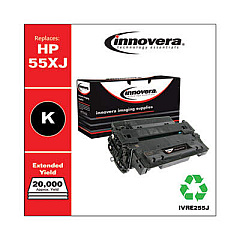
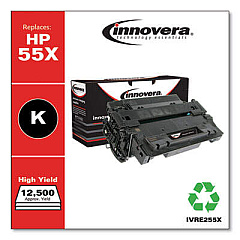
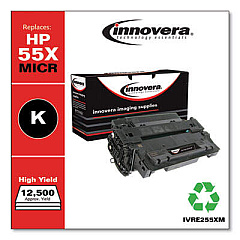
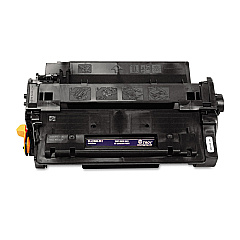
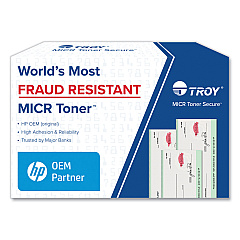
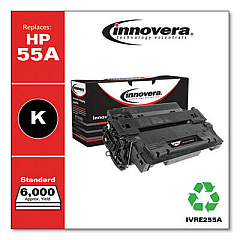
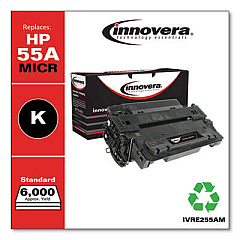
HP LaserJet Enterprise P3015 Black Toner Cartridges

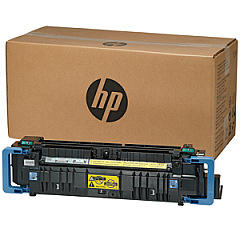
HP LaserJet Enterprise P3015 Fusers

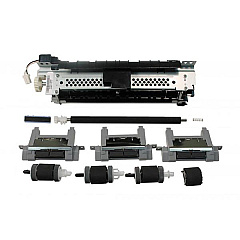
HP LaserJet Enterprise P3015 Maintenance Kits

HP LaserJet Enterprise P3015 Copy Paper

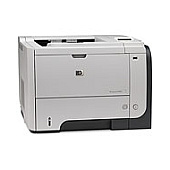
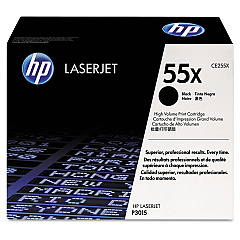
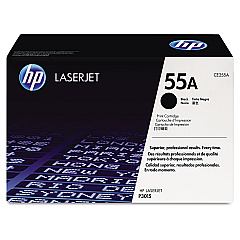
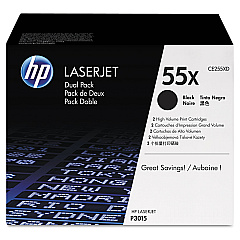
Ensure peak performance from your HP LaserJet Enterprise P3015 with our comprehensive range of HP LaserJet Enterprise P3015 Toner Cartridges and supplies. Our selection includes the standard CE255A and high-yield CE255X black toner cartridges, offering crisp, professional prints for your business needs. For high-volume printing environments, consider the CE255XD dual pack for added convenience and cost savings. Maintain your printer's optimal functionality with the RM1-6274 fuser unit, guaranteeing consistent heat distribution for flawless prints. The RM1-6323 pickup roller ensures smooth paper feeding, reducing the risk of jams and enhancing overall printer efficiency. Whether you're in healthcare, education, government, or wholesale, our genuine HP supplies deliver reliable, high-quality results page after page, maximizing your LaserJet Enterprise P3015's potential and keeping your operations running smoothly.

HP LaserJet Enterprise P3015 Toner Cartridges FAQs

  • What is the page yield for the HP CE255A toner cartridge?

    The HP CE255A toner cartridge has an approximate page yield of 6,000 pages at 5% coverage.

  • How does the CE255X differ from the CE255A?

    The CE255X is a high-yield cartridge with an approximate page yield of 12,500 pages, compared to the CE255A's 6,000 pages.

  • Is the CE255XD compatible with the HP LaserJet Enterprise P3015?

    Yes, the CE255XD is a dual pack of CE255X cartridges, fully compatible with the HP LaserJet Enterprise P3015.

  • How often should I replace the RM1-6274 fuser unit?

    The fuser unit typically needs replacement after 100,000 to 150,000 pages, but this can vary based on usage patterns.

  • What are the signs that the RM1-6323 pickup roller needs replacement?

    Signs include frequent paper jams, multiple pages feeding at once, or the printer failing to pick up paper from the tray.

  • Are these supplies compatible with other HP LaserJet models?

    While some supplies may be compatible with other models, it's best to check your printer's specific requirements to ensure compatibility.

  • How can I maximize the lifespan of my toner cartridges?

    To maximize toner life, use draft mode for internal documents, print in grayscale when possible, and ensure your printer is regularly maintained.

  • Are these genuine HP supplies?

    Yes, all the supplies listed are genuine HP products, ensuring optimal performance and print quality.

  • What's the difference between OEM and compatible toner cartridges?

    OEM (Original Equipment Manufacturer) cartridges are made by HP, while compatible cartridges are made by third parties. OEM cartridges generally offer better quality and reliability.

  • How should I store unused toner cartridges?

    Store unused cartridges in their original packaging, away from direct sunlight and extreme temperatures, in a cool, dry place to maintain their quality.

Warehouse Locations

Policy & Agreement | Copyright © 1995-2026 BlueDogInk.com
