









Ads

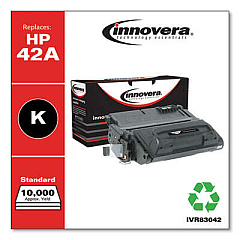
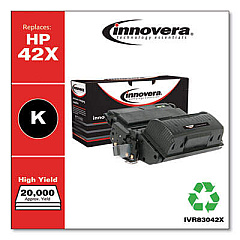
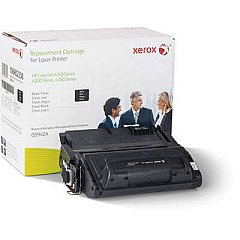
HP LaserJet 4250n Black Toner Cartridges

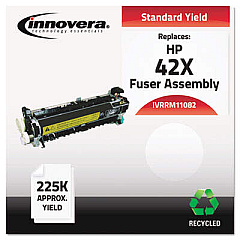
HP LaserJet 4250n Fusers

HP LaserJet 4250n Maintenance Kits

HP LaserJet 4250n Printer Parts

HP LaserJet 4250n Copy Paper

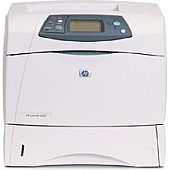
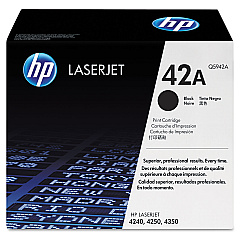
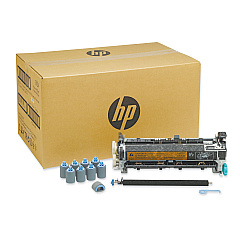
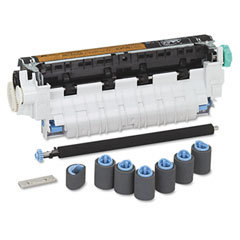
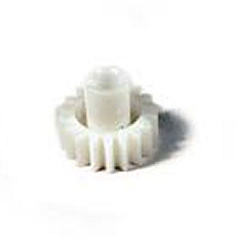
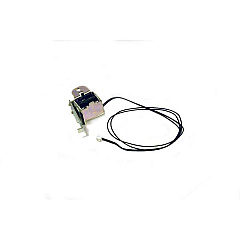
Ensure peak performance from your HP LaserJet 4250n with our comprehensive range of genuine HP LaserJet 4250n Toner Cartridges and supplies. From the high-yield Q5942A Black Toner Cartridge to essential maintenance components like the Q5421A Maintenance Kit, we offer everything your printer needs. Boost network connectivity with the J8025A#ABA Jetdirect 640n Gigabit Ethernet Print Server. Keep your printer running smoothly with replacement parts such as the RK2-0269 Pickup Solenoid, RL1-0007 Tray 1 Separation Pad, and RM1-1094 Lifter Drive Assembly. Our selection includes the RK2-0349 Feed Assembly Clutch, RM1-0043 Swing Plate Assembly, and RU5-0045 18 Tooth Gear, ensuring every aspect of your printer is covered. Trust in our quality supplies to deliver crisp, professional prints every time.

HP LaserJet 4250n Toner Cartridges FAQs

  • What is the yield of the HP Q5942A Black Toner Cartridge?

    The HP Q5942A Black Toner Cartridge has a yield of approximately 10,000 pages at 5% coverage.

  • Is the HP J8025A#ABA Jetdirect 640n Print Server compatible with the LaserJet 4250n?

    Yes, the HP J8025A#ABA Jetdirect 640n Gigabit Ethernet Print Server is fully compatible with the HP LaserJet 4250n.

  • How often should I replace the HP Q5421A Maintenance Kit?

    The HP Q5421A Maintenance Kit should typically be replaced after approximately 200,000 pages, or when print quality begins to degrade.

  • What does the RK2-0269 Pickup Solenoid do?

    The RK2-0269 Pickup Solenoid is responsible for initiating the paper pickup process in the printer.

  • Can I use non-HP toner cartridges in my LaserJet 4250n?

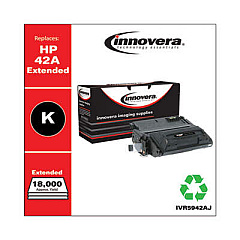
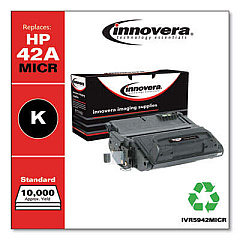
    While third-party cartridges may work, we recommend using genuine HP toner cartridges for optimal print quality and to maintain your printer's warranty.

  • What is the function of the RM1-1094 Lifter Drive Assembly?

    The RM1-1094 Lifter Drive Assembly helps to raise and lower the paper tray, ensuring proper paper feeding.

  • How do I know when to replace the RL1-0007 Tray 1 Separation Pad?

    Replace the RL1-0007 Tray 1 Separation Pad when you experience frequent paper jams or multiple sheets feeding at once from Tray 1.

  • Is the RU5-0045 18 Tooth Gear difficult to replace?

    While it's a relatively simple part, we recommend having a technician replace the RU5-0045 18 Tooth Gear to ensure proper installation and printer function.

  • What is the purpose of the RK2-0349 Feed Assembly Clutch?

    The RK2-0349 Feed Assembly Clutch controls the engagement and disengagement of the paper feed mechanism in the printer.

  • How long does shipping typically take for these supplies?

    Shipping times vary depending on your location and the shipping method chosen, but we typically process orders within 1-2 business days.

Warehouse Locations

Policy & Agreement | Copyright © 1995-2026 BlueDogInk.com
