









Ads

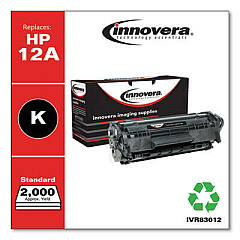
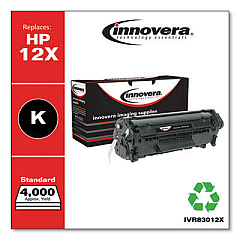
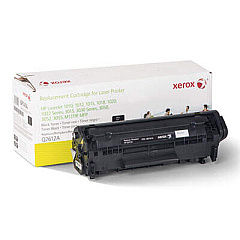
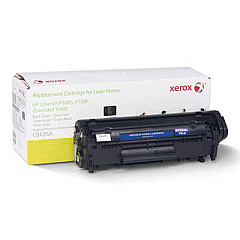
HP LaserJet 1012 Black Toner Cartridges

HP LaserJet 1012 Copy Paper

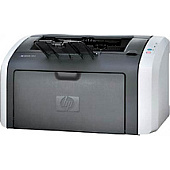
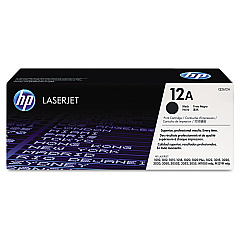
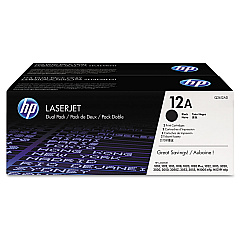
Ensure your HP LaserJet 1012 printer consistently delivers high-quality prints with our genuine HP LaserJet 1012 Toner Cartridges. These cartridges are specifically designed for optimal performance in your LaserJet 1012 printer, providing crisp text and sharp images. Choose between the standard HP Q2612A Black Toner Cartridge for regular printing needs or opt for the cost-effective HP Q2612D Black Toner Cartridge Dual Pack for high-volume printing environments. Both options offer reliable, smudge-free results and are easy to install, minimizing downtime. With these authentic HP toner cartridges, you'll experience fewer paper jams and extend the life of your printer. Trust in the superior quality and consistency of genuine HP LaserJet 1012 Toner Cartridges to keep your business or home office running smoothly and efficiently.

HP LaserJet 1012 Toner Cartridges FAQs

  • What is the page yield for the HP Q2612A Black Toner Cartridge?

    The HP Q2612A Black Toner Cartridge has an approximate page yield of 2,000 pages at 5% coverage.

  • Are these toner cartridges compatible with other HP LaserJet models?

    While primarily designed for the HP LaserJet 1012, these cartridges are also compatible with several other HP LaserJet models. Always check your printer's compatibility before purchasing.

  • How long do HP LaserJet 1012 Toner Cartridges typically last?

    The lifespan of a toner cartridge depends on usage, but under normal conditions, it should last several months to a year for average home or small office use.

  • What's the difference between the Q2612A and Q2612D cartridges?

    The Q2612A is a single cartridge, while the Q2612D is a dual pack containing two Q2612A cartridges, offering better value for high-volume users.

  • Are these genuine HP toner cartridges?

    Yes, these are genuine HP toner cartridges, ensuring the best quality and compatibility with your HP LaserJet 1012 printer.

  • How do I install the toner cartridge in my HP LaserJet 1012?

    Installation is simple: open the printer's front cover, remove the old cartridge, unpack the new one, and insert it into the printer until it clicks into place. Close the cover to complete installation.

  • Can I recycle used HP LaserJet 1012 Toner Cartridges?

    Yes, HP offers a free recycling program for used toner cartridges. You can return them through HP's Planet Partners program or at participating retail locations.

  • What should I do if my prints are coming out faded or streaky?

    First, try gently shaking the cartridge to redistribute the toner. If the problem persists, the cartridge may be low on toner and need replacement.

  • Is it safe to use third-party or refilled toner cartridges in my HP LaserJet 1012?

    While third-party cartridges may work, they can potentially damage your printer or void its warranty. For best results and to protect your printer, use genuine HP toner cartridges.

  • How should I store unused HP LaserJet 1012 Toner Cartridges?

    Store unused cartridges in their original packaging in a cool, dry place away from direct sunlight. Avoid extreme temperatures and humidity to maintain cartridge quality.

Warehouse Locations

Policy & Agreement | Copyright © 1995-2026 BlueDogInk.com
