




Ads

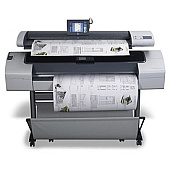
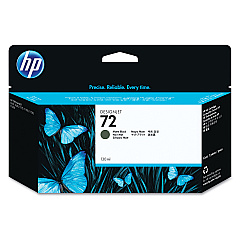
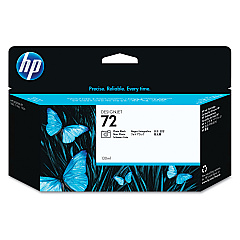
HP Designjet T1120 SD Black Ink Cartridges

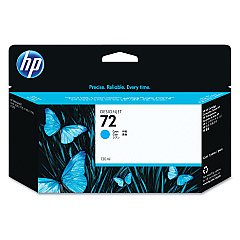
HP Designjet T1120 SD Color Ink Cartridges

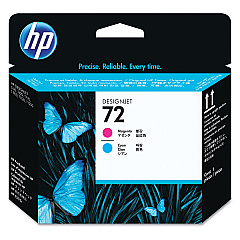
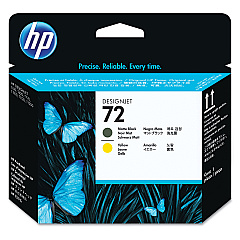
HP Designjet T1120 SD Printheads

HP Designjet T1120 SD Large Format Paper

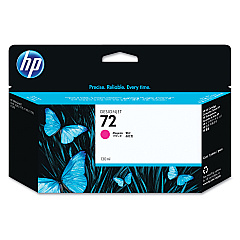
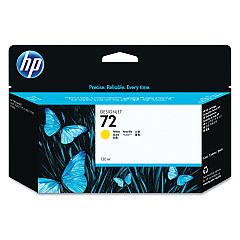
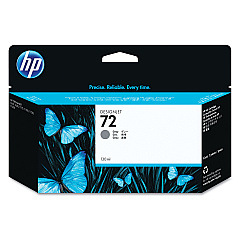
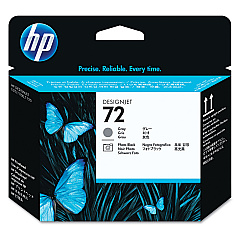
Enhance your printing capabilities with genuine HP Designjet T1120 SD Ink Cartridges. This comprehensive range includes Photo Black, Cyan, Magenta, Yellow, Gray, and Matte Black ink cartridges, along with high-quality printheads. These cartridges are specifically designed for the HP Designjet T1120 SD printer, ensuring optimal performance and stunning print quality. Whether you're producing architectural drawings, GIS maps, or high-resolution photos, these ink cartridges deliver vibrant colors, sharp details, and long-lasting results. The HP C9370A, C9371A, C9372A, C9373A, C9374A, and C9403A ink cartridges, combined with the C9380A, C9383A, and C9384A printheads, work seamlessly to produce professional-grade prints. Trust in HP's reliability and consistency for all your large-format printing needs with these genuine HP Designjet T1120 SD Ink Cartridges.

HP Designjet T1120 SD Ink Cartridges FAQs

  • What is the page yield for these ink cartridges?

    Page yield varies depending on the specific cartridge and print content. It's best to check the product specifications for each individual cartridge.

  • Are these cartridges compatible with other HP Designjet models?

    These cartridges are specifically designed for the HP Designjet T1120 SD. Always check your printer's compatibility before purchasing.

  • How often should I replace the printheads?

    Printhead replacement frequency depends on usage. Replace them when print quality noticeably declines or when prompted by the printer.

  • Can I use third-party ink cartridges in my HP Designjet T1120 SD?

    While third-party cartridges may work, using genuine HP cartridges ensures optimal print quality and printer performance.

  • How do I install these ink cartridges?

    Follow the instructions in your printer's user manual. Generally, you'll need to open the ink cartridge cover, remove the old cartridge, and insert the new one until it clicks into place.

  • What's the shelf life of these ink cartridges?

    Unopened cartridges typically have a shelf life of 1-2 years. Always check the expiration date on the package.

  • Are these cartridges recyclable?

    Yes, HP offers a recycling program for used ink cartridges. Visit HP's website for more information on their recycling initiatives.

  • What should I do if my printer doesn't recognize the new cartridge?

    Try removing and reinserting the cartridge. If the issue persists, clean the cartridge contacts and try again. If problems continue, contact HP support.

  • Can I buy these cartridges in bulk?

    Yes, many retailers offer bulk purchasing options for these cartridges. Check with your supplier for available packages.

  • How do I know when it's time to replace an ink cartridge?

    Your printer will typically alert you when ink levels are low. You can also check ink levels through the printer's control panel or driver software.

Warehouse Locations

Policy & Agreement | Copyright © 1995-2026 BlueDogInk.com
