




Ads

HP Designjet T1120ps 44-in Black Ink Cartridges

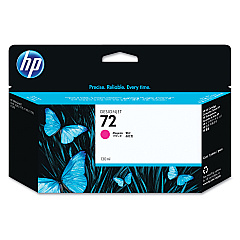
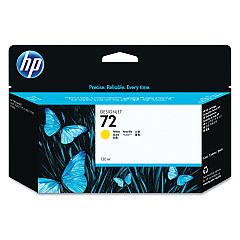
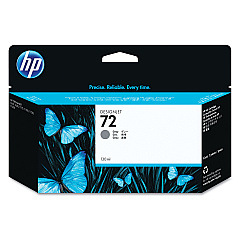
HP Designjet T1120ps 44-in Color Ink Cartridges

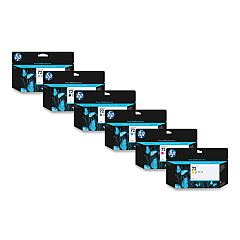
HP Designjet T1120ps 44-in Ink Set

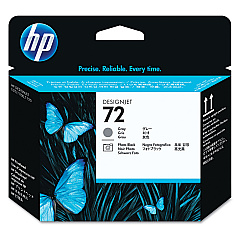
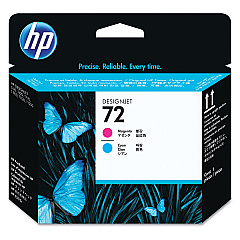
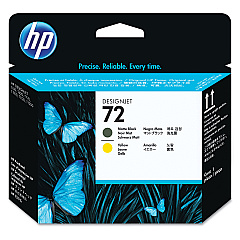
HP Designjet T1120ps 44-in Printheads

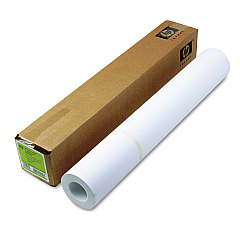
HP Designjet T1120ps 44-in Large Format Paper

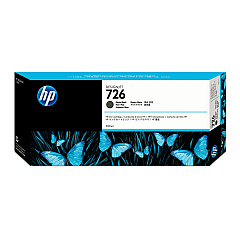
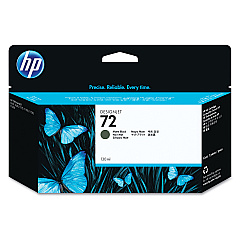
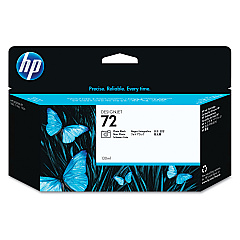
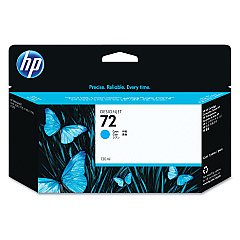
Enhance your printing capabilities with genuine HP Designjet T1120ps 44-in Ink Cartridges. This comprehensive set includes a range of high-quality ink cartridges and printheads designed to deliver exceptional results for your large-format printing needs. From the vibrant Photo Black (C9370A) to the versatile Matte Black (C9403A and CH575A), each cartridge is optimized for superior color accuracy and longevity. The set also features Cyan (C9371A), Magenta (C9372A), Yellow (C9373A), and Gray (C9374A) cartridges, ensuring a wide color gamut for your professional prints. The included printheads (C9380A, C9383A, C9384A) guarantee precise ink placement and consistent output. Whether you're in architecture, engineering, or graphic design, these HP Designjet T1120ps 44-in Ink Cartridges provide the reliability and quality you need for your large-format printing projects.

HP Designjet T1120ps 44-in Ink Cartridges FAQs

  • How long do HP Designjet T1120ps 44-in Ink Cartridges typically last?

    The lifespan of ink cartridges varies depending on usage, but they generally last for several hundred to a few thousand square feet of printing.

  • Are these ink cartridges compatible with other HP Designjet models?

    These cartridges are specifically designed for the HP Designjet T1120ps 44-in printer. Always check your printer's compatibility before purchasing.

  • How often should I replace the printheads?

    Printheads typically last longer than ink cartridges. Replace them when you notice a decline in print quality that persists after cleaning.

  • Can I use third-party ink cartridges with my HP Designjet T1120ps?

    While third-party cartridges may work, using genuine HP cartridges ensures optimal print quality and prevents potential damage to your printer.

  • What's the difference between Matte Black and Photo Black ink?

    Matte Black is ideal for non-glossy media, while Photo Black provides deeper blacks on glossy paper for high-quality photo prints.

  • How should I store unused ink cartridges?

    Store cartridges in their original packaging at room temperature, away from direct sunlight and heat sources, to maintain their quality.

  • Can I recycle empty HP ink cartridges?

    Yes, HP offers a recycling program for empty cartridges. Check their website for details on how to participate.

  • What should I do if my printer doesn't recognize a new cartridge?

    Try removing and reinserting the cartridge, cleaning the contacts, or updating your printer's firmware. If issues persist, contact HP support.

  • How can I maximize the lifespan of my ink cartridges?

    Print regularly to prevent ink from drying, use draft mode for non-critical prints, and keep your printer maintained to ensure efficient ink usage.

  • Are these ink cartridges pigment-based or dye-based?

    HP Designjet T1120ps cartridges use pigment-based inks, which offer better water resistance and longevity compared to dye-based inks.

Warehouse Locations

Policy & Agreement | Copyright © 1995-2026 BlueDogInk.com
