




Ads

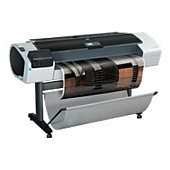
HP Designjet T1200 44-in Black Ink Cartridges

HP Designjet T1200 44-in Color Ink Cartridges

HP Designjet T1200 44-in Ink Set

HP Designjet T1200 44-in Printheads

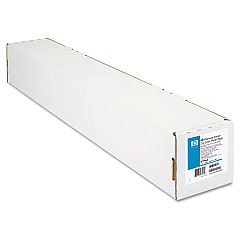
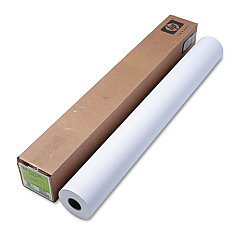
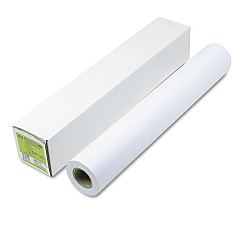
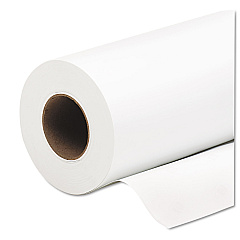
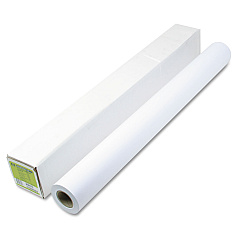
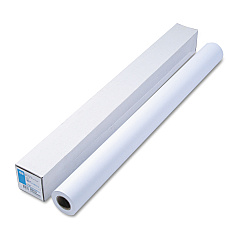
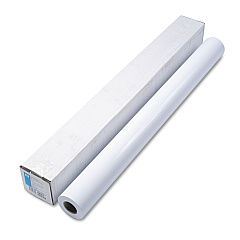
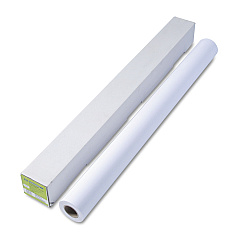
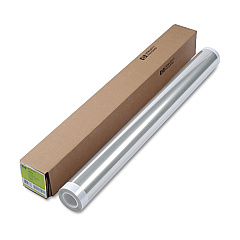
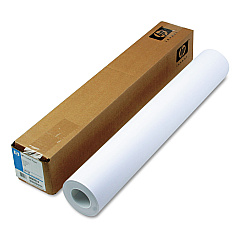
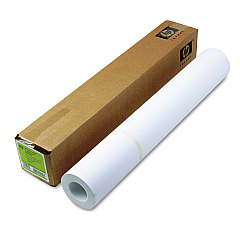
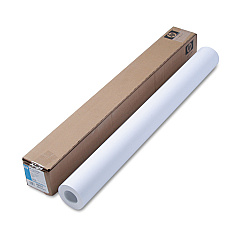
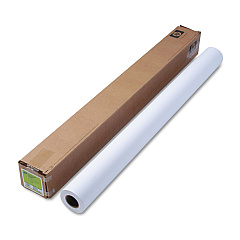
HP Designjet T1200 44-in Large Format Paper

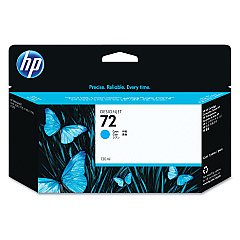
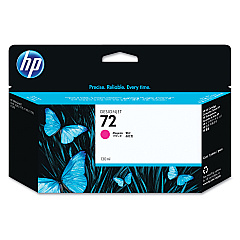
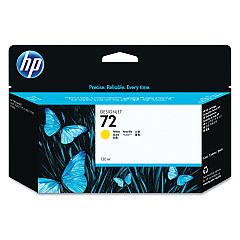
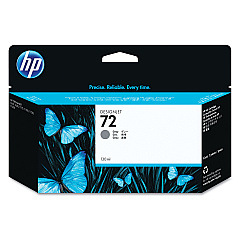
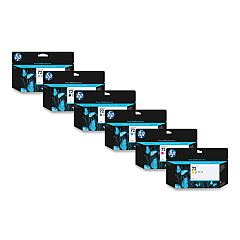
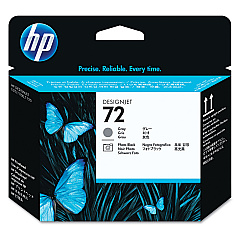
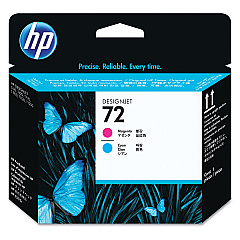
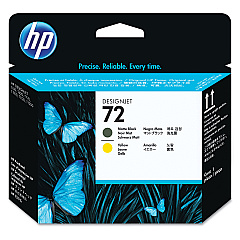
Enhance your HP Designjet T1200 44-in printing experience with our comprehensive range of HP Designjet T1200 44-in Ink Cartridges. Our selection includes the HP 72 Ink Cartridge Set, featuring Photo Black, Cyan, Magenta, Yellow, Gray, and Matte Black cartridges. These high-quality inks ensure vibrant, long-lasting prints for your large-format projects. We also offer individual cartridges like the HP C9370A Photo Black and HP C9371A Cyan for targeted replacements. For optimal performance, don't forget the HP C9380A, C9383A, and C9384A Printheads. Whether you're printing technical drawings, maps, or presentations, our genuine HP ink cartridges deliver exceptional results. Trust in the reliability and precision of HP inks to bring your designs to life with stunning clarity and color accuracy.

HP Designjet T1200 44-in Ink Cartridges FAQs

  • What ink cartridges are compatible with the HP Designjet T1200 44-in printer?

    The HP Designjet T1200 44-in printer is compatible with HP 72 series ink cartridges, including Photo Black, Cyan, Magenta, Yellow, Gray, and Matte Black.

  • How often should I replace the printheads in my HP Designjet T1200 44-in?

    Printhead replacement frequency depends on usage, but typically they should be replaced when print quality noticeably declines or when prompted by the printer.

  • Can I use non-HP ink cartridges in my HP Designjet T1200 44-in?

    While third-party cartridges may work, HP recommends using genuine HP ink cartridges for optimal print quality and to maintain warranty coverage.

  • What is the difference between Photo Black and Matte Black ink cartridges?

    Photo Black is used for glossy media and produces deeper blacks in photos, while Matte Black is optimized for matte papers and technical drawings.

  • How long do HP 72 ink cartridges typically last?

    The lifespan of HP 72 ink cartridges varies depending on usage and print content, but they generally last for several hundred to a few thousand pages.

  • Are HP 72 ink cartridges available in different sizes?

    Yes, HP 72 ink cartridges are available in standard and high-capacity sizes to suit different printing needs and budgets.

  • How can I check the ink levels in my HP Designjet T1200 44-in?

    You can check ink levels through the printer's control panel or by using the HP Utility software on your computer.

  • What should I do if my prints have streaks or lines?

    First, check and clean the printheads. If the issue persists, you may need to replace the printheads or align the printer.

  • Can I recycle used HP ink cartridges?

    Yes, HP offers a free recycling program for used ink cartridges. You can return them to participating retailers or request a shipping label from HP.

  • How should I store unused ink cartridges?

    Store unused ink cartridges in their original sealed packaging at room temperature, away from direct sunlight and heat sources, to maintain their quality and shelf life.

Warehouse Locations

Policy & Agreement | Copyright © 1995-2026 BlueDogInk.com
