









Ads

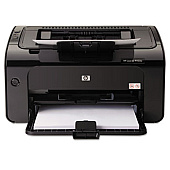
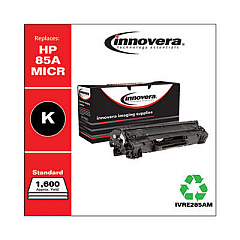
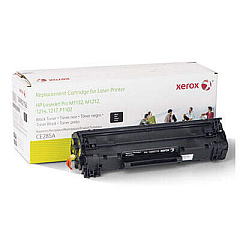
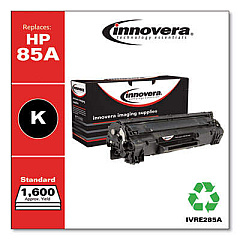
HP LaserJet Pro P1102w Black Toner Cartridges

HP LaserJet Pro P1102w Toner Set

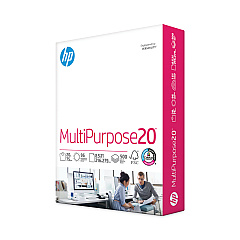
HP LaserJet Pro P1102w Copy Paper

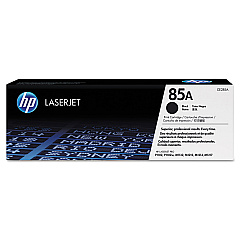
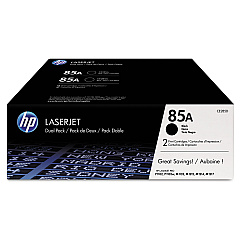
Ensure uninterrupted printing with genuine HP LaserJet Pro P1102w Toner Cartridges. These high-quality cartridges are designed specifically for your P1102w printer, delivering crisp, professional-grade text and graphics. Choose from various options to suit your printing needs: the HP 85A Black Toner Cartridge Tri-Pack (CE285AT1) for bulk savings, the individual HP CE285A Black Toner Cartridge for standard use, or the HP CE285D Toner Cartridge Dual Pack for a balance between quantity and cost-effectiveness. Each cartridge is engineered to work seamlessly with your printer, providing consistent, reliable performance and minimizing downtime. With these genuine HP toner cartridges, you'll experience superior print quality, reduced waste, and optimal printer functionality. Don't compromise on quality – trust HP LaserJet Pro P1102w Toner Cartridges for all your monochrome printing needs.

HP LaserJet Pro P1102w Toner Cartridges FAQs

  • What is the page yield for the HP CE285A toner cartridge?

    The HP CE285A toner cartridge has an approximate page yield of 1,600 pages based on 5% coverage.

  • Are these toner cartridges compatible with other HP LaserJet printers?

    These cartridges are specifically designed for the HP LaserJet Pro P1102w. Always check your printer's compatibility before purchasing.

  • How long do unopened toner cartridges last?

    Unopened toner cartridges can last up to two years if stored properly in a cool, dry place away from direct sunlight.

  • What's the difference between the Tri-Pack and Dual Pack?

    The Tri-Pack contains three individual cartridges, while the Dual Pack contains two. The Tri-Pack offers more value for high-volume printing needs.

  • Are these genuine HP cartridges?

    Yes, all the cartridges mentioned are genuine HP products, ensuring optimal performance and print quality.

  • Can I recycle these toner cartridges?

    Yes, HP offers a free recycling program for their toner cartridges. You can return them through HP's Planet Partners program.

  • How do I install a new toner cartridge in my HP LaserJet Pro P1102w?

    Open the toner cartridge door, remove the old cartridge, unpack the new one, and insert it into the printer. Close the door to complete installation.

  • What should I do if I experience print quality issues?

    First, ensure you're using genuine HP cartridges. Then, try printing a test page and cleaning the printer. If issues persist, consult your printer's manual or contact HP support.

  • Is it normal for toner cartridges to make noise during printing?

    Some noise is normal during printing. However, if you notice unusual or loud noises, it may indicate a problem with the cartridge or printer.

  • Can I use third-party or refilled cartridges in my HP LaserJet Pro P1102w?

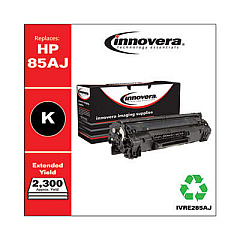
    While third-party cartridges may work, HP recommends using genuine HP cartridges for optimal print quality, reliability, and to maintain your printer's warranty.

Warehouse Locations

Policy & Agreement | Copyright © 1995-2026 BlueDogInk.com
