





Ads

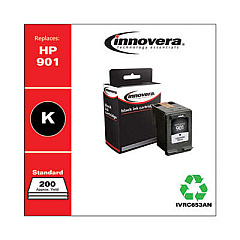
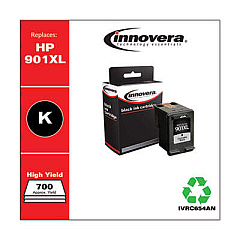
HP Officejet J4680 Black Ink Cartridges

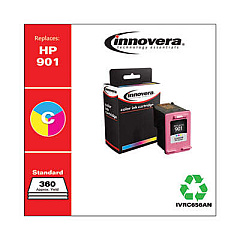
HP Officejet J4680 Color Ink Cartridges

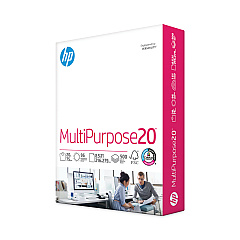
HP Officejet J4680 Copy Paper

  • HP 112000 Multipurpose Paper

    Item 112000

    HP 112000 Multipurpose Paper

    HPM1120R Multipurpose Ultra White Paper, 96 Brightness, 20lb, 8 1/2 x 11, 500 Sh..

    Status

    In Stock

    $10.09

  • HP 115100 Multipurpose Paper

    Item 115100

    HP 115100 Multipurpose Paper

    HPM115RC Multipurpose Ultra White Paper, 96 Brightness, 20lb, 8-1/2 x 11, 500 sh..

    Status

    In Stock

    $50.99

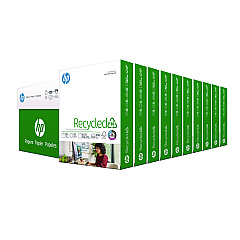
  • HP 112100 Recycled Paper

    Item 112100

    HP 112100 Recycled Paper

    HPE1120C Recycled Paper, 92 Bright, 20lb, 8-1/2 x 11, 500 sheets per ream, 10 re..

    Status

    In Stock

    Free Shipping

    $97.72

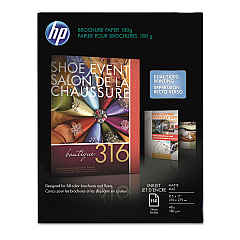
  • HP CH016A Inkjet Brochure Paper

    Item CH016A

    HP CH016A Inkjet Brochure Paper

    Inkjet Brochure/Flyer Paper, 103 Brightness, 48lb, 8-1/2 x 11, White, 150/Pack..

    Status

    In Stock

    $44.30

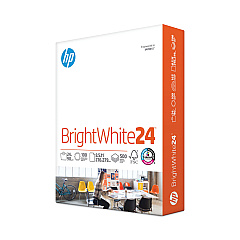
  • HP 203000 Bright White Inkjet Paper

    Item 203000

    HP 203000 Bright White Inkjet Paper

    HPB1124 Bright White Inkjet Paper, 97 Brightness, 24lb, 8-1/2 x 11, 500 Sheets/R..

    Status

    In Stock

    $14.10

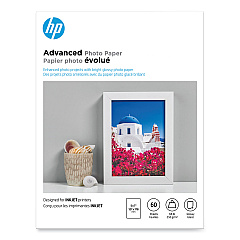
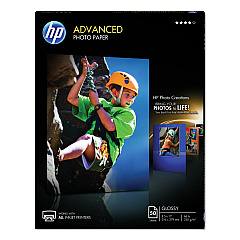
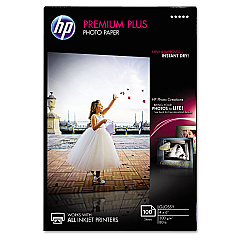
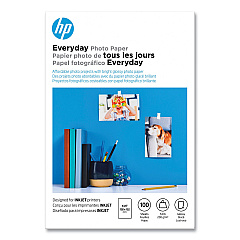
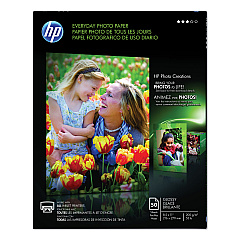
HP Officejet J4680 Photo Paper

Ensure your HP Officejet J4680 printer continues to deliver exceptional print quality with our range of compatible ink cartridges. Our HP Officejet J4680 Ink Cartridges include the Innovera Remanufactured Black High-Yield Ink, a cost-effective replacement for the 901XL (CC654AN), offering extended print capacity. For standard printing needs, choose the Innovera Remanufactured Black Ink, which replaces the 901 (CC653AN). Add vibrant color to your documents with the Innovera Remanufactured Tri-Color Ink, a perfect substitute for the 901 (CC656AN). These high-quality, remanufactured cartridges provide reliable performance and crisp, clear prints while helping you save on printing costs. Whether you're printing important business documents, school projects, or colorful presentations, our HP Officejet J4680 Ink Cartridges ensure consistent, professional results every time.

HP Officejet J4680 Ink Cartridges FAQs

  • Are these ink cartridges compatible with my HP Officejet J4680 printer?

    Yes, all the listed cartridges are specifically designed to be compatible with the HP Officejet J4680 printer.

  • What's the difference between the high-yield and standard black ink cartridges?

    The high-yield cartridge (901XL) contains more ink and can print more pages than the standard cartridge (901), making it more economical for high-volume printing.

  • Are these remanufactured cartridges as good as original HP cartridges?

    Innovera remanufactured cartridges are designed to meet or exceed OEM standards, providing comparable print quality and page yield at a lower cost.

  • How many pages can I expect to print with these cartridges?

    Page yield varies depending on the specific cartridge and print content. Generally, the high-yield black cartridge offers significantly more pages than the standard black cartridge.

  • Do these cartridges come with a warranty?

    Yes, Innovera remanufactured cartridges typically come with a warranty. Please check the product details for specific warranty information.

  • How long do these ink cartridges last?

    The lifespan of the cartridges depends on usage. Unopened cartridges can last up to 24 months, while opened cartridges should be used within 6-12 months for best results.

  • Can I use these cartridges in other HP printer models?

    These cartridges are specifically designed for the HP Officejet J4680. They may work in some other compatible HP models, but it's best to check your printer's compatibility before purchasing.

  • Are these cartridges environmentally friendly?

    Yes, remanufactured cartridges help reduce waste by reusing cartridge components, making them a more environmentally friendly option compared to new cartridges.

  • How do I install these ink cartridges in my HP Officejet J4680?

    Installation is simple. Open the printer's cartridge access door, remove the old cartridge, insert the new one until it clicks into place, and close the access door. Your printer should recognize the new cartridge automatically.

  • Can I mix these remanufactured cartridges with original HP cartridges?

    Yes, you can use these remanufactured cartridges alongside original HP cartridges without any issues. They are designed to work seamlessly with your printer and other cartridges.

Warehouse Locations

Policy & Agreement | Copyright © 1995-2026 BlueDogInk.com
