




Ads

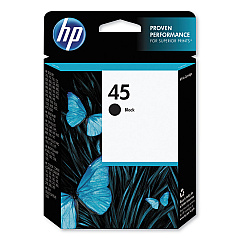
HP Designjet 700 24-in Black Ink Cartridges

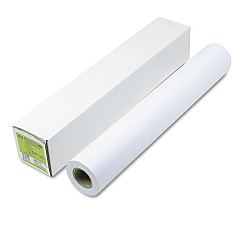
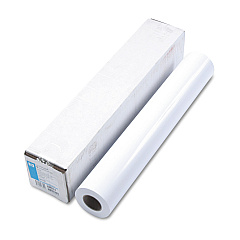
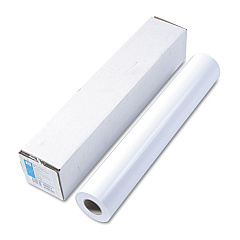
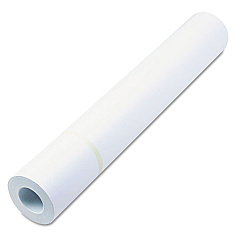
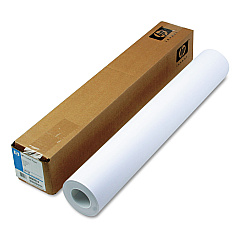
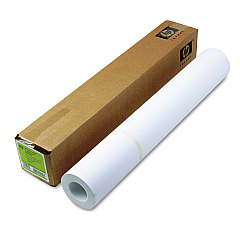
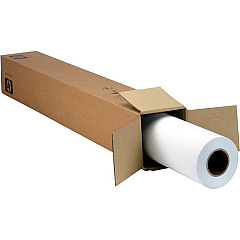
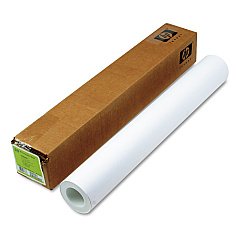
HP Designjet 700 24-in Large Format Paper

Enhance your large-format printing with genuine HP Designjet 700 24-in Ink Cartridges. These high-quality cartridges are specifically designed for the HP Designjet 700 24-in printer, ensuring optimal performance and stunning results. The HP 45 Black Ink Cartridge (51645A) delivers crisp, sharp text and precise line drawings, making it ideal for technical documents, CAD designs, and architectural plans. With its fast-drying formula, you can handle prints immediately without smudging. These cartridges offer excellent page yield and consistent output, reducing the need for frequent replacements. Whether you're in a busy office, educational institution, or government facility, HP Designjet 700 24-in Ink Cartridges provide reliable, professional-grade printing for all your large-format needs. Trust in HP's superior ink technology to bring your ideas to life with exceptional clarity and durability.

HP Designjet 700 24-in Ink Cartridges FAQs

  • How long does an HP 45 Black Ink Cartridge typically last?

    The lifespan of an HP 45 Black Ink Cartridge depends on usage, but it typically yields around 930 pages at 5% coverage.

  • Are these ink cartridges compatible with other HP Designjet models?

    The HP 45 Black Ink Cartridge is compatible with several HP Designjet models, but it's best to check your printer's specifications to ensure compatibility.

  • Can I use third-party ink cartridges in my HP Designjet 700 24-in printer?

    While third-party cartridges may work, using genuine HP ink cartridges is recommended for optimal print quality and to maintain your printer's warranty.

  • How do I install the HP 45 Black Ink Cartridge in my Designjet 700 24-in printer?

    To install, open the ink cartridge door, remove the old cartridge, insert the new one until it clicks into place, and close the door. The printer will automatically recognize the new cartridge.

  • What should I do if my printer doesn't recognize the new ink cartridge?

    Try removing and reinserting the cartridge. If the issue persists, clean the cartridge contacts and try again. If problems continue, contact HP support.

  • How should I store unused ink cartridges?

    Store unused cartridges in their original sealed packaging at room temperature, away from direct sunlight and heat sources, to maintain their quality and shelf life.

  • Can I recycle empty HP ink cartridges?

    Yes, HP offers a free recycling program for empty ink cartridges. You can return them to authorized collection points or request a shipping label from HP's website.

  • What's the shelf life of an unopened HP 45 Black Ink Cartridge?

    Unopened HP ink cartridges typically have a shelf life of 24 months from the date of manufacture when stored properly.

  • How can I check the ink levels in my HP Designjet 700 24-in printer?

    You can check ink levels through the printer's control panel or by using the HP utility software installed on your computer.

  • Does using genuine HP ink cartridges affect my printer's warranty?

    Using genuine HP ink cartridges helps maintain your printer's warranty. Using non-HP cartridges may void the warranty if they cause damage to the printer.

Warehouse Locations

Policy & Agreement | Copyright © 1995-2026 BlueDogInk.com
