




Ads

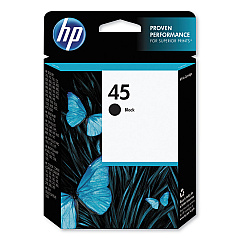
HP Designjet 750c 24-in Black Ink Cartridges

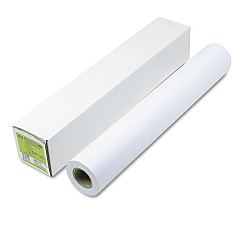
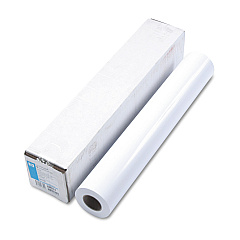
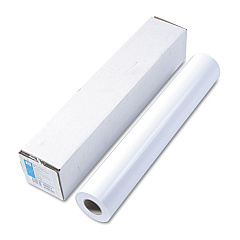
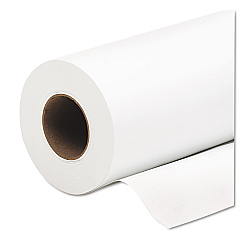
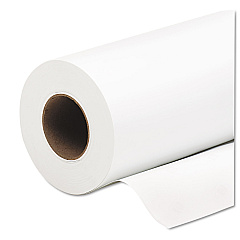
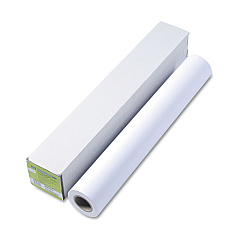
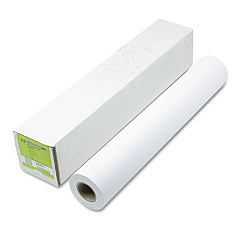
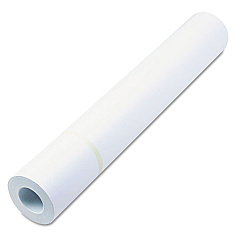
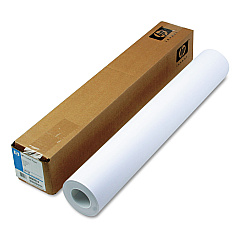
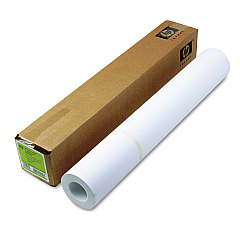
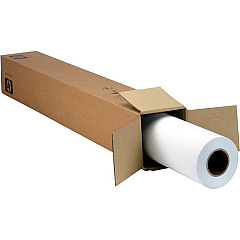
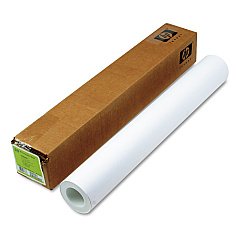
HP Designjet 750c 24-in Large Format Paper

Enhance your large-format printing with genuine HP Designjet 750c 24-in Ink Cartridges. These high-quality cartridges are specifically designed for the HP Designjet 750c 24-in printer, ensuring optimal performance and stunning results. The HP 45 Black Ink Cartridge (51645A) delivers crisp, sharp text and graphics, perfect for architectural drawings, GIS maps, and technical documents. With its generous capacity, this cartridge offers excellent value for high-volume printing environments. HP's advanced ink formulation provides fast-drying, smudge-resistant output, ideal for businesses, educational institutions, and government agencies requiring professional-grade prints. Experience consistent, reliable performance and reduced downtime with these genuine HP cartridges. Invest in HP Designjet 750c 24-in Ink Cartridges to maximize your printer's potential and achieve superior print quality for all your large-format projects.

HP Designjet 750c 24-in Ink Cartridges FAQs

  • What ink cartridge does the HP Designjet 750c 24-in use?

    The HP Designjet 750c 24-in uses the HP 45 Black Ink Cartridge (51645A).

  • How long does an HP 45 Black Ink Cartridge typically last?

    The lifespan of an HP 45 Black Ink Cartridge varies depending on usage, but it typically yields around 930 pages at 5% coverage.

  • Can I use third-party ink cartridges in my HP Designjet 750c 24-in?

    While third-party cartridges may work, HP recommends using genuine HP ink cartridges for optimal performance and print quality.

  • How do I install the ink cartridge in my HP Designjet 750c 24-in?

    To install the cartridge, open the printer's front cover, locate the cartridge holder, insert the new cartridge, and press firmly until it clicks into place.

  • Is the HP 45 Black Ink Cartridge compatible with other HP printers?

    Yes, the HP 45 Black Ink Cartridge is compatible with various HP printer models. Check your printer's specifications for compatibility.

  • How can I check the ink levels in my HP Designjet 750c 24-in?

    You can check ink levels through the printer's control panel or by using HP's printer software on your computer.

  • What should I do if my prints are coming out faded or streaky?

    Try cleaning the print heads using the printer's maintenance function. If the problem persists, you may need to replace the ink cartridge.

  • Can I recycle my used HP 45 Black Ink Cartridges?

    Yes, HP offers a free recycling program for used ink cartridges. Visit HP's website for more information on their recycling initiatives.

  • What is the shelf life of an unopened HP 45 Black Ink Cartridge?

    An unopened HP 45 Black Ink Cartridge typically has a shelf life of 24 months from the date of manufacture.

  • Does the HP Designjet 750c 24-in use any color ink cartridges?

    No, the HP Designjet 750c 24-in is a monochrome printer and only uses the HP 45 Black Ink Cartridge.

Warehouse Locations

Policy & Agreement | Copyright © 1995-2026 BlueDogInk.com
