





Ads

HP Photosmart 7850 Black Ink Cartridges

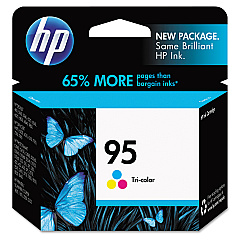
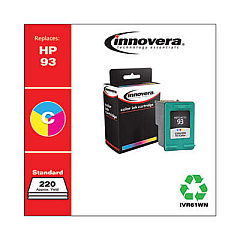
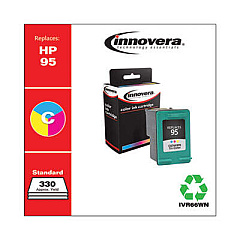
HP Photosmart 7850 Color Ink Cartridges

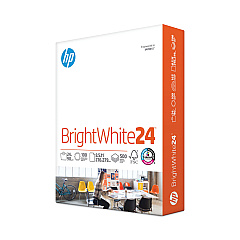
HP Photosmart 7850 Copy Paper

  • HP 203000 Bright White Inkjet Paper

    Item 203000

    HP 203000 Bright White Inkjet Paper

    HPB1124 Bright White Inkjet Paper, 97 Brightness, 24lb, 8-1/2 x 11, 500 Sheets/R..

    Status

    In Stock

    $14.10

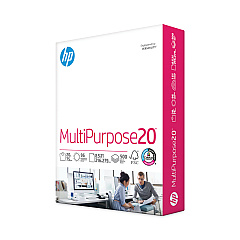
  • HP 112000 Multipurpose Paper

    Item 112000

    HP 112000 Multipurpose Paper

    HPM1120R Multipurpose Ultra White Paper, 96 Brightness, 20lb, 8 1/2 x 11, 500 Sh..

    Status

    In Stock

    $10.09

  • HP 115100 Multipurpose Paper

    Item 115100

    HP 115100 Multipurpose Paper

    HPM115RC Multipurpose Ultra White Paper, 96 Brightness, 20lb, 8-1/2 x 11, 500 sh..

    Status

    In Stock

    $50.99

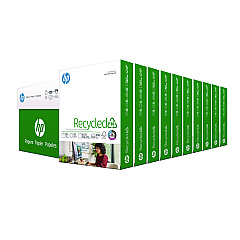
  • HP 112100 Recycled Paper

    Item 112100

    HP 112100 Recycled Paper

    HPE1120C Recycled Paper, 92 Bright, 20lb, 8-1/2 x 11, 500 sheets per ream, 10 re..

    Status

    In Stock

    Free Shipping

    $97.72

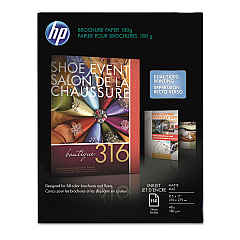
  • HP CH016A Inkjet Brochure Paper

    Item CH016A

    HP CH016A Inkjet Brochure Paper

    Inkjet Brochure/Flyer Paper, 103 Brightness, 48lb, 8-1/2 x 11, White, 150/Pack..

    Status

    In Stock

    $44.30

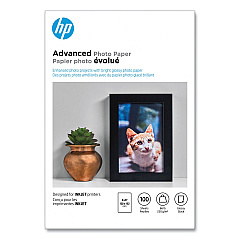
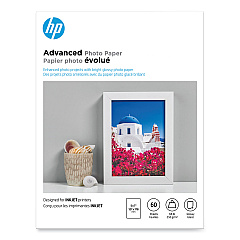
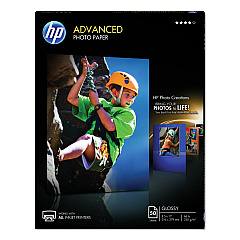
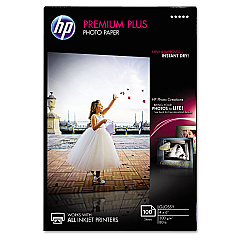
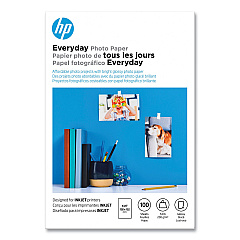
HP Photosmart 7850 Photo Paper

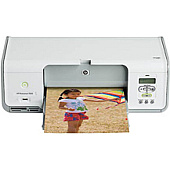
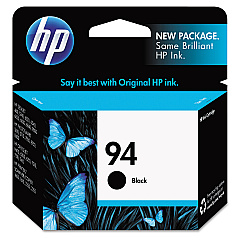
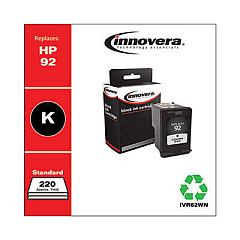
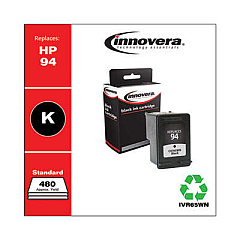
Enhance your printing experience with genuine HP Photosmart 7850 Ink Cartridges. These high-quality cartridges are designed to deliver exceptional results for your HP Photosmart 7850 printer. Choose from a range of options including the HP C8765WN Black Ink Cartridge for crisp text, and the HP C8766WN or C9361WN Tricolor Ink Cartridges for vibrant color prints. For everyday printing needs, the HP C9362WN Black Ink Cartridge offers reliable performance. These cartridges work seamlessly with your printer to produce sharp, long-lasting prints that resist fading. Whether you're printing important documents or cherished photos, HP Photosmart 7850 Ink Cartridges ensure professional-quality output every time. Trust in HP's innovative ink technology to bring your ideas to life with stunning clarity and color accuracy. Stock up on these essential supplies to keep your HP Photosmart 7850 running smoothly and efficiently.

HP Photosmart 7850 Ink Cartridges FAQs

  • How long do HP Photosmart 7850 Ink Cartridges typically last?

    The lifespan of ink cartridges varies depending on usage, but on average, they can last for 200-300 pages for black ink and 150-200 pages for color ink.

  • Are these ink cartridges compatible with other HP printers?

    While these cartridges are designed for the HP Photosmart 7850, they may be compatible with other HP models. Always check your printer's manual for specific cartridge requirements.

  • Can I use third-party ink cartridges in my HP Photosmart 7850?

    While third-party cartridges may work, HP recommends using genuine HP ink cartridges for optimal print quality and to maintain your printer's warranty.

  • How do I install new ink cartridges in my HP Photosmart 7850?

    Open the printer's front cover, wait for the cartridge holder to move to the center, remove the old cartridge, insert the new one, and close the cover. The printer will automatically align the new cartridge.

  • What's the difference between the HP C8766WN and C9361WN Tricolor Ink Cartridges?

    The main difference is capacity. The C8766WN typically has a higher page yield compared to the C9361WN, but both provide high-quality color prints.

  • How can I tell if my ink cartridge is running low?

    Your printer software will typically alert you when ink levels are low. You can also check ink levels through the printer's control panel or by printing a test page.

  • Are these ink cartridges recyclable?

    Yes, HP offers a recycling program for used ink cartridges. You can return them to HP or participating retailers for environmentally friendly disposal.

  • Can I refill these ink cartridges myself?

    While it's possible to refill cartridges, HP doesn't recommend this as it may affect print quality and potentially damage your printer. It's best to use new, genuine HP cartridges.

  • How should I store unused ink cartridges?

    Store cartridges in their original sealed packaging at room temperature. Avoid extreme temperatures and direct sunlight to maintain ink quality.

  • What should I do if my printer doesn't recognize a new ink cartridge?

    Try removing and reinserting the cartridge, cleaning the cartridge contacts, or running the printer's alignment process. If issues persist, contact HP support for assistance.

Warehouse Locations

Policy & Agreement | Copyright © 1995-2026 BlueDogInk.com
