




Ads

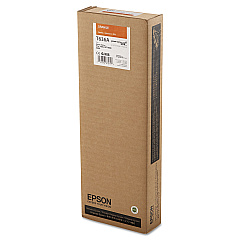
Epson Stylus Pro 9900 Black Ink Cartridges

Epson Stylus Pro 9900 Color Ink Cartridges

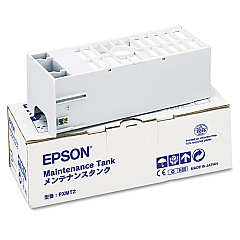
Epson Stylus Pro 9900 Maintenance Kits

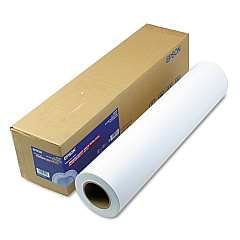
Epson Stylus Pro 9900 Large Format Paper

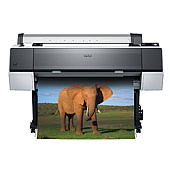
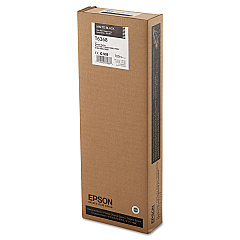
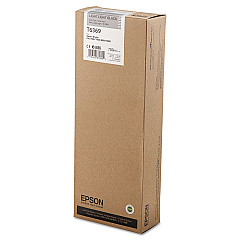
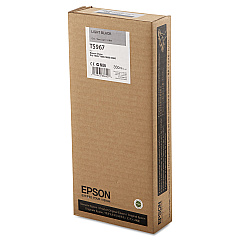
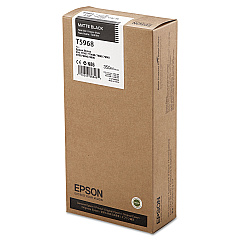
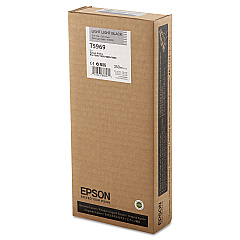
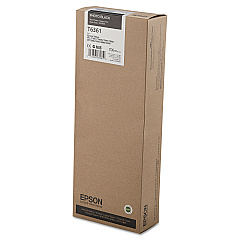
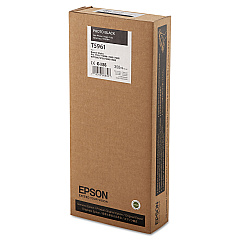
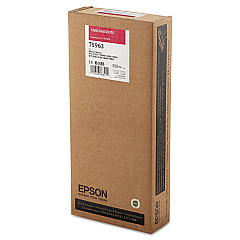
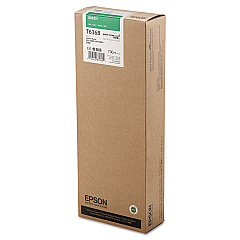
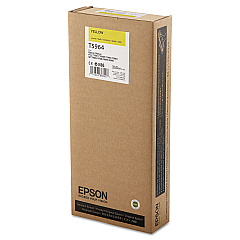
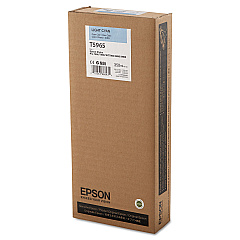
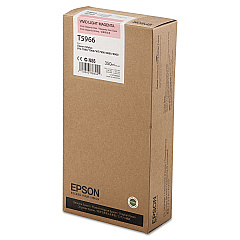
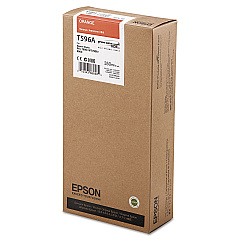
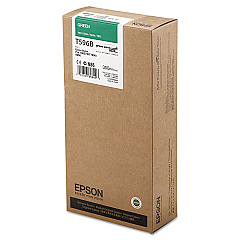
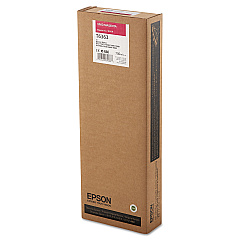
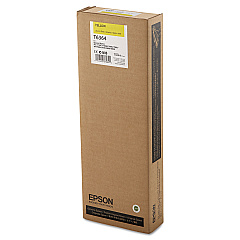
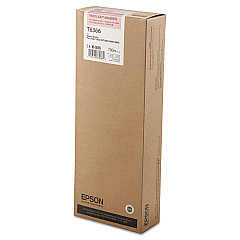
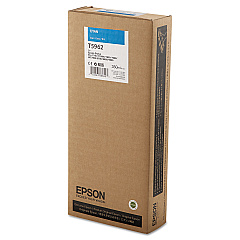
Elevate your printing experience with Epson Stylus Pro 9900 Ink Cartridges, designed to deliver exceptional quality and performance. This comprehensive range includes 22 cartridges, featuring vibrant colors like Photo Black, Cyan, Vivid Magenta, Yellow, Light Cyan, Vivid Light Magenta, Light Black, Matte Black, Light Light Black, Orange, and Green. The Epson C12C890191 Ink Maintenance Tank ensures optimal printer function. Whether you're a professional photographer, graphic designer, or business owner, these cartridges provide unparalleled color accuracy and longevity for your prints. The Epson Stylus Pro 9900 Ink Cartridges are available in both standard (T596 series) and high-capacity (T636 series) options, allowing you to choose the best fit for your printing needs. Trust in Epson's superior ink technology to bring your creative visions to life with stunning precision and clarity.

Epson Stylus Pro 9900 Ink Cartridges FAQs

  • What is the difference between T596 and T636 series cartridges?

    The T596 series are standard capacity cartridges, while the T636 series are high-capacity cartridges, offering more ink for higher volume printing needs.

  • Are these cartridges compatible with other Epson printers?

    These cartridges are specifically designed for the Epson Stylus Pro 9900 and may not be compatible with other Epson printer models.

  • How long do these ink cartridges typically last?

    The lifespan of the cartridges depends on usage, but high-capacity T636 series cartridges generally last longer than standard T596 series.

  • Can I use third-party ink cartridges in my Epson Stylus Pro 9900?

    While third-party cartridges may work, using genuine Epson cartridges ensures optimal print quality and prevents potential damage to your printer.

  • What is the purpose of the Ink Maintenance Tank?

    The Ink Maintenance Tank collects waste ink during printing and cleaning processes, helping to maintain the printer's performance.

  • How often should I replace the Ink Maintenance Tank?

    The frequency of replacement depends on usage, but typically when the printer indicates it's full or near capacity.

  • Are these cartridges environmentally friendly?

    Epson designs its cartridges with environmental considerations in mind, and offers recycling programs for used cartridges.

  • Can I mix T596 and T636 series cartridges in my printer?

    Yes, you can use both series interchangeably in the Epson Stylus Pro 9900, depending on your printing needs.

  • How do I know when it's time to replace a cartridge?

    The printer will display a message when a cartridge is low or empty and needs replacement.

  • What's the shelf life of unopened ink cartridges?

    Unopened Epson ink cartridges typically have a shelf life of two years from the date of production when stored properly.

Warehouse Locations

Policy & Agreement | Copyright © 1995-2026 BlueDogInk.com
