




Ads

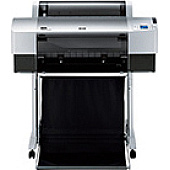
Epson Stylus Pro 7800 Black Ink Cartridges

Epson Stylus Pro 7800 Color Ink Cartridges

Epson Stylus Pro 7800 Maintenance Kits

Epson Stylus Pro 7800 Printer Accessories

Epson Stylus Pro 7800 Large Format Paper

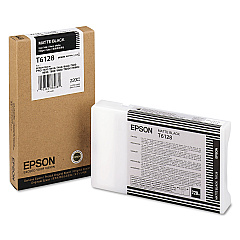
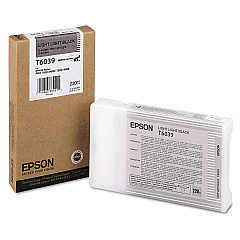
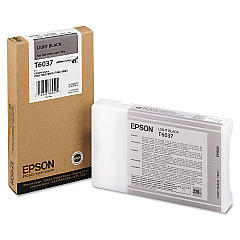
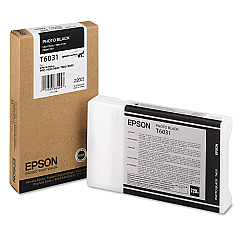
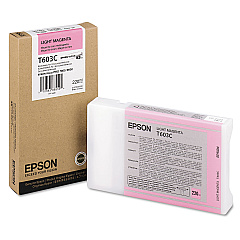
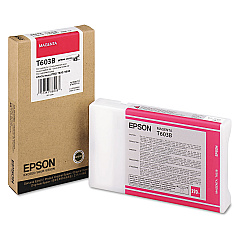
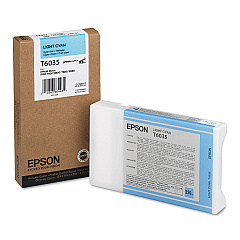
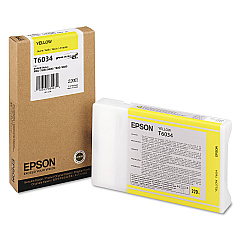
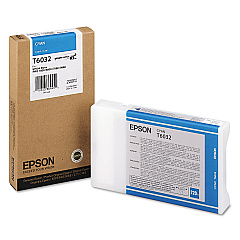
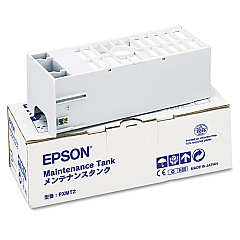
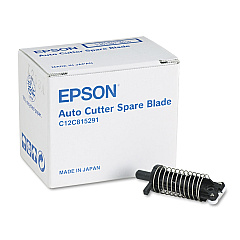
Elevate your printing experience with genuine Epson Stylus Pro 7800 Ink Cartridges. This comprehensive range includes the C12C815291 Replacement Printer Cutter Blade and C12C890191 Ink Maintenance Tank, ensuring optimal performance. The diverse color palette features Photo Black, Cyan, Yellow, Light Cyan, Light Black, Light Light Black, Magenta, Light Magenta, and Matte Black cartridges, delivering stunning, professional-quality prints. These high-capacity cartridges are designed to meet the demands of businesses, educational institutions, government agencies, healthcare facilities, and wholesale operations. With Epson's advanced ink technology, you'll achieve exceptional color accuracy, durability, and longevity in your prints. Trust in the reliability and superior quality of Epson Stylus Pro 7800 Ink Cartridges for all your large-format printing needs.

Epson Stylus Pro 7800 Ink Cartridges FAQs

  • What is the page yield for Epson Stylus Pro 7800 Ink Cartridges?

    Page yield varies depending on the specific cartridge and print settings. It's best to check the product specifications for each individual cartridge.

  • Are these cartridges compatible with other Epson printers?

    These cartridges are specifically designed for the Epson Stylus Pro 7800. They may not be compatible with other Epson printer models.

  • How often should I replace the Ink Maintenance Tank?

    The Ink Maintenance Tank should be replaced when prompted by your printer or when it reaches its capacity, which varies based on usage.

  • Can I use third-party ink cartridges in my Epson Stylus Pro 7800?

    While third-party cartridges may work, using genuine Epson cartridges ensures optimal print quality and helps maintain your printer's warranty.

  • How long do unopened ink cartridges last?

    Unopened ink cartridges typically last up to two years from the production date when stored properly at room temperature.

  • What's the difference between Photo Black and Matte Black ink?

    Photo Black is ideal for glossy media, while Matte Black is best for matte and fine art papers, providing deeper blacks on these surfaces.

  • How often should I replace the printer cutter blade?

    The frequency of cutter blade replacement depends on usage. Replace it when you notice a decline in cutting quality or as recommended by Epson.

  • Are these cartridges environmentally friendly?

    Epson designs its cartridges with environmental considerations in mind and offers recycling programs for used cartridges in many regions.

  • Can I mix old and new ink cartridges in my printer?

    It's generally best to use cartridges of similar age to ensure consistent print quality. However, mixing old and new cartridges won't damage your printer.

  • How do I properly store unused ink cartridges?

    Store unused cartridges in a cool, dry place at room temperature. Keep them in their original packaging until you're ready to use them.

Warehouse Locations

Policy & Agreement | Copyright © 1995-2026 BlueDogInk.com
