






Ads

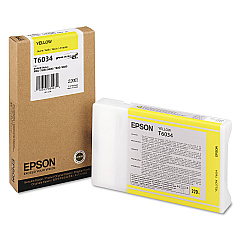
Epson Stylus Pro 9880 Black Ink Cartridges

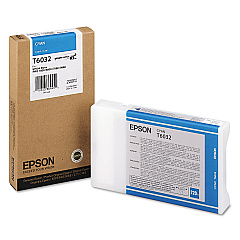
Epson Stylus Pro 9880 Color Ink Cartridges

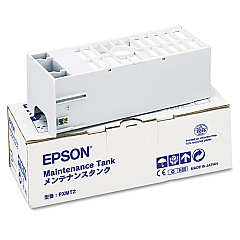
Epson Stylus Pro 9880 Maintenance Kits

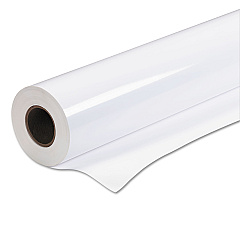
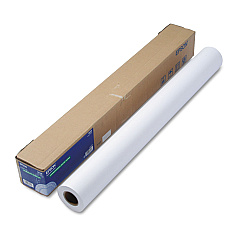
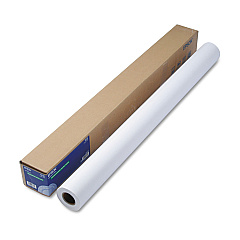
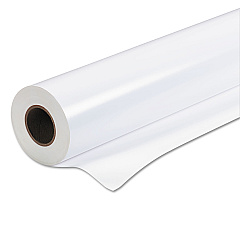
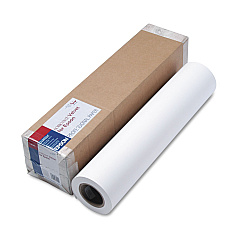
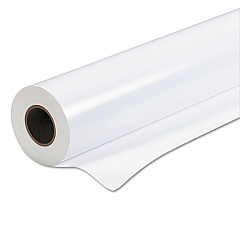
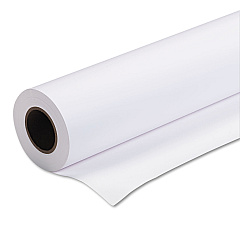
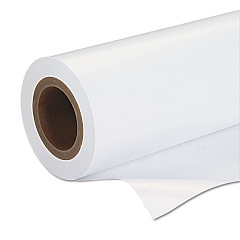
Epson Stylus Pro 9880 Large Format Paper

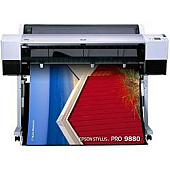
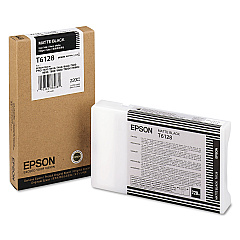
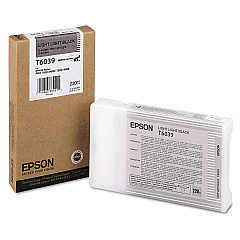
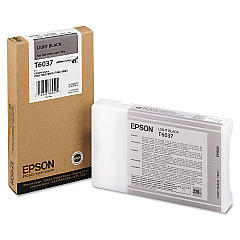
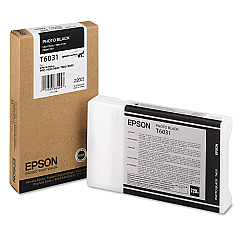
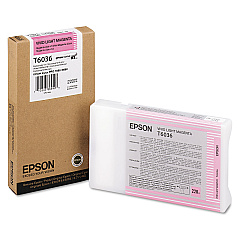
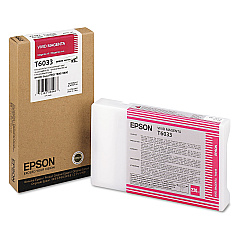
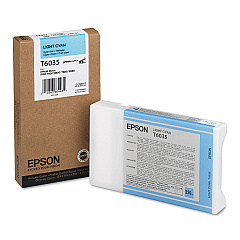
Elevate your professional printing with Epson Stylus Pro 9880 Ink Cartridges, designed for exceptional quality and performance. This comprehensive range includes the C12C890191 Ink Maintenance Tank and a spectrum of vibrant colors: T602300 Vivid Magenta, T603100 Photo Black, T603200 Cyan, T603300 Vivid Magenta, T603400 Yellow, T603500 Light Cyan, T603600 Vivid Light Magenta, T603700 Light Black, T603900 Light Light Black, and T612800 Matte Black. These high-capacity cartridges ensure consistent, professional-grade output for your large-format printing needs. Whether you're producing stunning photographs, detailed technical drawings, or eye-catching signage, Epson Stylus Pro 9880 Ink Cartridges deliver unparalleled color accuracy and longevity. Trust in Epson's innovative UltraChrome K3 ink technology to bring your creative vision to life with precision and brilliance.

Epson Stylus Pro 9880 Ink Cartridges FAQs

  • How long do Epson Stylus Pro 9880 Ink Cartridges typically last?

    The lifespan of these cartridges varies depending on usage, but they are high-capacity and designed for professional use, often lasting several months under normal printing conditions.

  • Are these ink cartridges compatible with other Epson printers?

    No, Epson Stylus Pro 9880 Ink Cartridges are specifically designed for use with the Epson Stylus Pro 9880 printer and are not compatible with other models.

  • What is the difference between Photo Black and Matte Black ink?

    Photo Black is optimized for glossy media, while Matte Black is designed for matte and fine art papers, providing deeper blacks on these surfaces.

  • Can I use third-party ink cartridges in my Epson Stylus Pro 9880?

    While third-party options exist, using genuine Epson cartridges ensures optimal print quality and helps maintain your printer's warranty.

  • How do I properly store unused ink cartridges?

    Store cartridges in a cool, dry place away from direct sunlight. Keep them in their original packaging until ready for use to prevent drying out.

  • What is the purpose of the Ink Maintenance Tank?

    The Ink Maintenance Tank collects waste ink during printing and maintenance operations, helping to keep your printer clean and functioning properly.

  • How often should I replace the Ink Maintenance Tank?

    Replace the Ink Maintenance Tank when prompted by your printer, which typically occurs after several complete sets of ink cartridges have been used.

  • Are these inks archival quality?

    Yes, Epson UltraChrome K3 inks used in these cartridges are designed for longevity and are considered archival quality when used with appropriate media.

  • What should I do if my printer doesn't recognize a new cartridge?

    Ensure the cartridge is properly seated and the chip is clean. If issues persist, try removing and reinserting the cartridge or cleaning the printer's cartridge contacts.

  • Can I refill these ink cartridges?

    Epson does not recommend refilling cartridges as it may affect print quality and potentially damage your printer. Always use new, genuine Epson cartridges for best results.

Warehouse Locations

Policy & Agreement | Copyright © 1995-2026 BlueDogInk.com
