













Ads

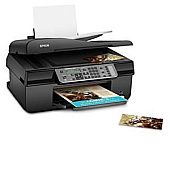
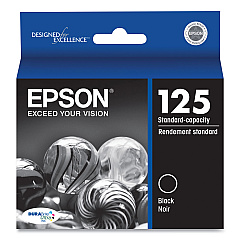
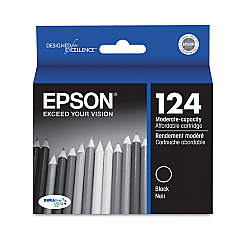
Epson WorkForce 323 Black Ink Cartridges

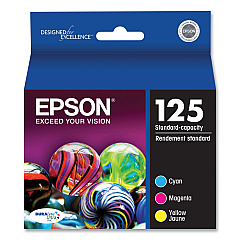
Epson WorkForce 323 Color Ink Cartridges

Epson WorkForce 323 Ink Set

Epson WorkForce 323 Photo Paper

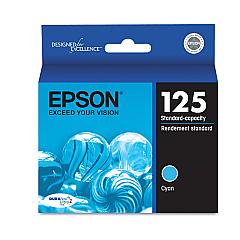
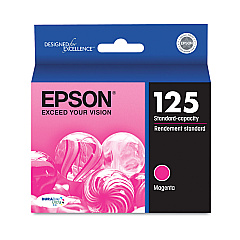
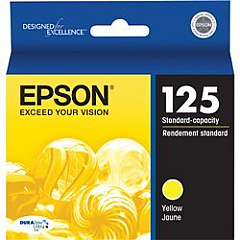
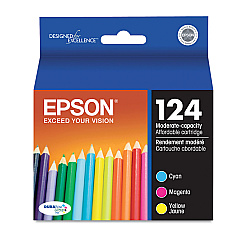
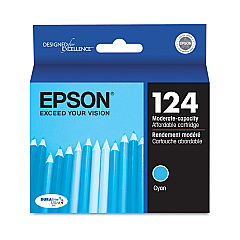
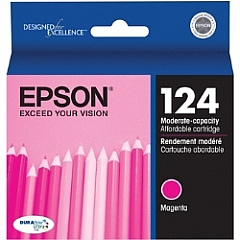
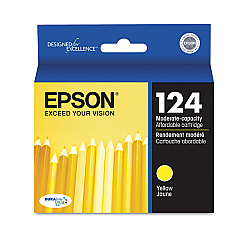
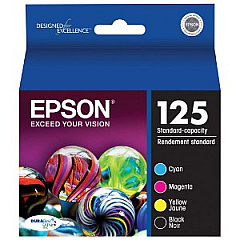
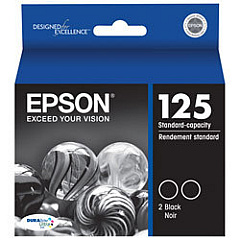
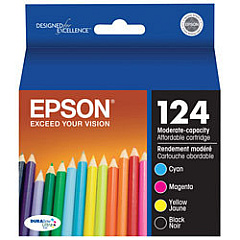
Enhance your printing experience with genuine Epson WorkForce 323 Ink Cartridges. These high-quality cartridges are designed to deliver exceptional results for your Epson WorkForce 323 printer. Choose from a wide range of options, including individual color cartridges (T124220 Cyan, T124320 Magenta, T124420 Yellow) and convenient multi-packs (T124520 Color Multi-Pack). For crisp text and sharp images, opt for the T124120 or T125120 Black Ink Cartridges. Save money with combo packs like the T124120-BCS or T125120-BCS, which include both black and color cartridges. The T125120-D2 Dual Pack Black Ink Cartridges offer even more value for high-volume printing. With Epson WorkForce 323 Ink Cartridges, you'll consistently produce professional-quality documents and vibrant photos that make a lasting impression.

Epson WorkForce 323 Ink Cartridges FAQs

  • What is the difference between T124 and T125 series ink cartridges?

    The T124 series are standard capacity cartridges, while the T125 series are high capacity cartridges that offer more ink and better value for high-volume printing.

  • Are these ink cartridges compatible with other Epson printers?

    These cartridges are specifically designed for the Epson WorkForce 323 printer. Always check your printer's manual for compatible cartridge models.

  • How long do these ink cartridges typically last?

    The lifespan of ink cartridges varies depending on usage and print settings. High capacity (T125) cartridges generally last longer than standard capacity (T124) cartridges.

  • Can I use third-party ink cartridges in my Epson WorkForce 323?

    While third-party cartridges may work, using genuine Epson cartridges ensures optimal print quality and helps maintain your printer's warranty.

  • What's the benefit of buying combo packs or multi-packs?

    Combo packs and multi-packs often offer better value for money and ensure you have all necessary colors on hand for uninterrupted printing.

  • How should I store unused ink cartridges?

    Store unused cartridges in a cool, dry place in their original packaging. Avoid extreme temperatures and direct sunlight.

  • What should I do if my printer doesn't recognize a new cartridge?

    Try removing and reinserting the cartridge. If the issue persists, clean the cartridge contacts and try again. If problems continue, contact Epson support.

  • Are these ink cartridges environmentally friendly?

    Epson has a cartridge recycling program. Check their website for details on how to recycle your used cartridges responsibly.

  • How can I tell if my ink cartridge is genuine?

    Genuine Epson cartridges have a hologram on the packaging and a chip that your printer can recognize. Purchase from authorized retailers to ensure authenticity.

  • What's the shelf life of these ink cartridges?

    Unopened cartridges typically have a shelf life of about two years from the production date. Always check the expiration date on the packaging.

Warehouse Locations

Policy & Agreement | Copyright © 1995-2026 BlueDogInk.com
