













Ads

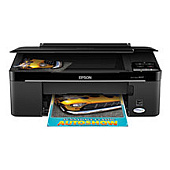
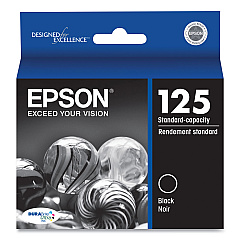
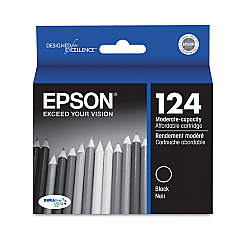
Epson Stylus NX127 Black Ink Cartridges

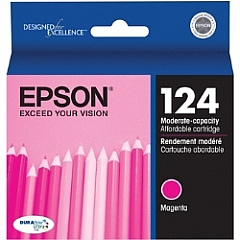
Epson Stylus NX127 Color Ink Cartridges

Epson Stylus NX127 Ink Set

Epson Stylus NX127 Photo Paper

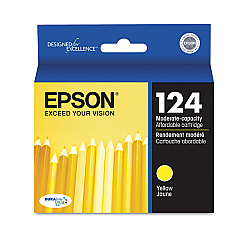
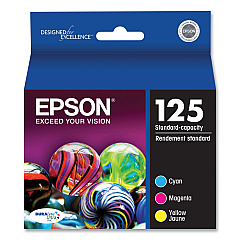
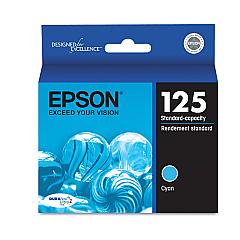
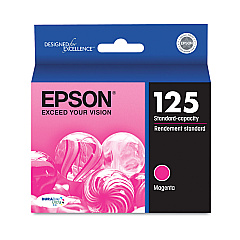
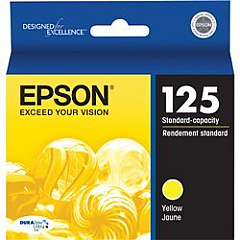
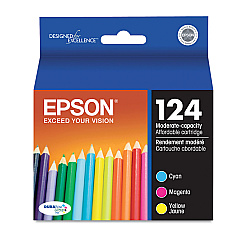
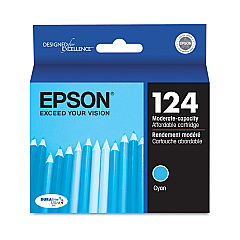
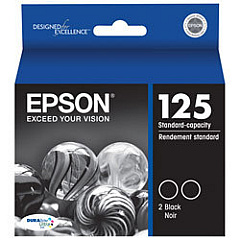
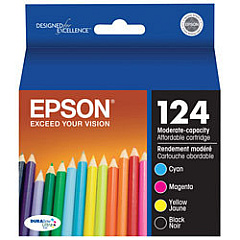
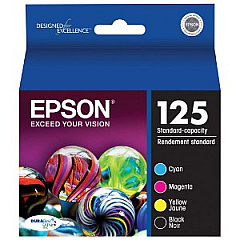
Enhance your printing experience with genuine Epson Stylus NX127 Ink Cartridges. These high-quality cartridges are designed to deliver exceptional results for your home or office printing needs. Choose from a wide range of options, including individual color cartridges (black, cyan, magenta, and yellow) or convenient combo packs and multi-packs for cost-effective printing. The Epson T124 and T125 series cartridges are compatible with your Stylus NX127 printer, ensuring optimal performance and vibrant, long-lasting prints. Whether you're printing documents, photos, or graphics, these cartridges provide superior color accuracy and sharp text. With options like the T125120-D2 Dual Pack Black Ink Cartridges, you can stock up and save. Trust in Epson's reliable ink technology to bring your ideas to life with stunning clarity and precision.

Epson Stylus NX127 Ink Cartridges FAQs

  • What is the difference between T124 and T125 series cartridges?

    T124 series are standard capacity cartridges, while T125 series are high-capacity cartridges that yield more prints.

  • Are these cartridges compatible with other Epson printers?

    These cartridges are specifically designed for the Epson Stylus NX127. Always check your printer's compatibility before purchasing.

  • How long do these ink cartridges last?

    The lifespan of cartridges depends on usage, but high-capacity T125 series typically last longer than standard T124 series.

  • Can I use third-party ink cartridges in my Epson Stylus NX127?

    While third-party cartridges may work, using genuine Epson cartridges ensures optimal print quality and printer performance.

  • What's the benefit of buying combo packs?

    Combo packs often offer better value for money and ensure you have all necessary colors on hand.

  • How do I install these ink cartridges?

    Follow your printer's user manual for step-by-step installation instructions. It's usually a simple process of opening the printer, removing old cartridges, and inserting new ones.

  • Are these cartridges environmentally friendly?

    Epson offers a cartridge recycling program. Check their website for details on how to recycle used cartridges.

  • What should I do if my printer doesn't recognize the new cartridge?

    Ensure the cartridge is properly seated and the protective tape is removed. If issues persist, clean the cartridge contacts and try again.

  • How can I extend the life of my ink cartridges?

    Print in draft mode for non-essential documents, maintain your printer regularly, and avoid leaving the printer unused for long periods.

  • Do these cartridges come with a warranty?

    Yes, genuine Epson cartridges typically come with a limited warranty. Check the packaging or Epson's website for specific warranty information.

Warehouse Locations

Policy & Agreement | Copyright © 1995-2026 BlueDogInk.com
