









Ads

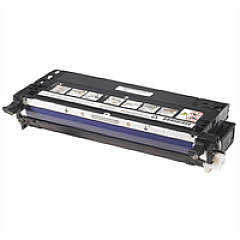
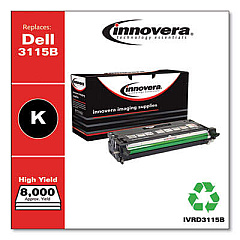
Dell 3110cn Black Toner Cartridges

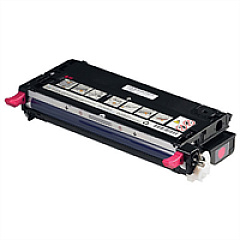
Dell 3110cn Color Toner Cartridges

Dell 3110cn Fusers

Dell 3110cn Copy Paper

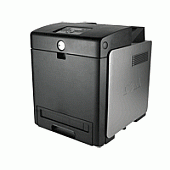
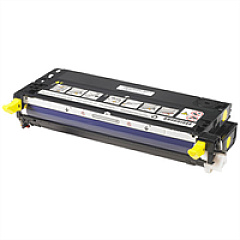
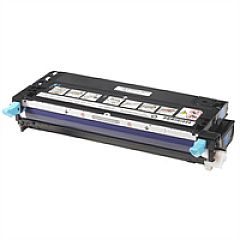
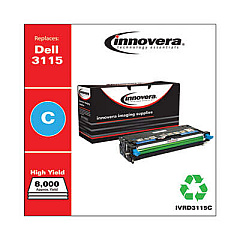
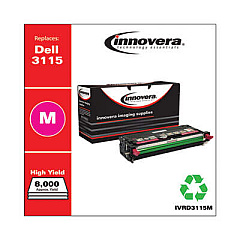
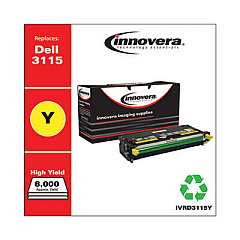
Enhance your printing experience with genuine Dell 3110cn Toner Cartridges, designed to deliver exceptional quality and reliability. Our comprehensive range includes high-yield cartridges in black, cyan, magenta, and yellow, ensuring vibrant color output and crisp text for all your business documents. The Dell 310-8092 Black, 310-8094 Cyan, 310-8096 Magenta, and 310-8098 Yellow cartridges offer extended print capacity, reducing the frequency of replacements and maximizing productivity. For optimal printer maintenance, we also provide the Dell 310-8730 and UG190 Fuser Kits, ensuring your Dell 3110cn continues to perform at its best. Whether you're printing reports, presentations, or marketing materials, these authentic Dell supplies guarantee professional results every time. Trust in the superior performance and consistency of genuine Dell 3110cn Toner Cartridges for all your printing needs.

Dell 3110cn Toner Cartridges FAQs

  • How long do Dell 3110cn toner cartridges typically last?

    The high-yield cartridges can print approximately 8,000 pages for black and 8,000 pages for each color, based on 5% coverage.

  • Are these toner cartridges compatible with other Dell printer models?

    These cartridges are specifically designed for the Dell 3110cn printer and may not be compatible with other models.

  • What is the difference between standard and high-yield cartridges?

    High-yield cartridges contain more toner and can print more pages than standard cartridges, offering better value for high-volume printing.

  • How often should I replace the fuser kit?

    The fuser kit typically needs replacement after about 100,000 pages, but this can vary based on usage patterns.

  • Can I use third-party toner cartridges in my Dell 3110cn printer?

    While third-party cartridges may work, using genuine Dell cartridges ensures optimal print quality and prevents potential damage to your printer.

  • How can I tell when it's time to replace a toner cartridge?

    Your printer will display a low toner warning when a cartridge needs replacement. You may also notice a decrease in print quality.

  • Are these toner cartridges environmentally friendly?

    Dell offers a recycling program for used toner cartridges, helping to reduce environmental impact.

  • What's the shelf life of unopened Dell 3110cn toner cartridges?

    Unopened cartridges typically have a shelf life of 1-2 years when stored in a cool, dry place.

  • Can I replace individual color cartridges, or do I need to replace all at once?

    You can replace individual color cartridges as needed, which helps manage costs and reduce waste.

  • What should I do if I experience print quality issues with new cartridges?

    First, ensure the cartridge is properly installed. If issues persist, run the printer's built-in cleaning and alignment tools, or contact Dell support for assistance.

Warehouse Locations

Policy & Agreement | Copyright © 1995-2026 BlueDogInk.com
