













Ads

Dell 2155cn Black Toner Cartridges

Dell 2155cn Color Toner Cartridges

Dell 2155cn Drum Units

Dell 2155cn Copy Paper

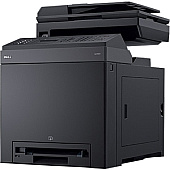
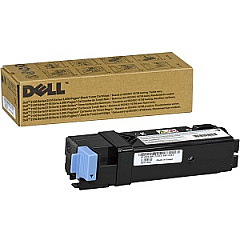
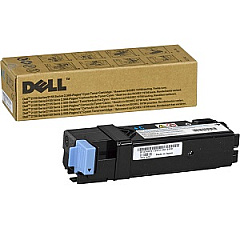
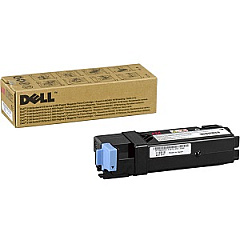
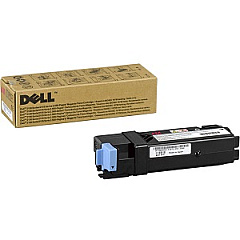
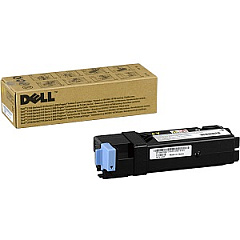
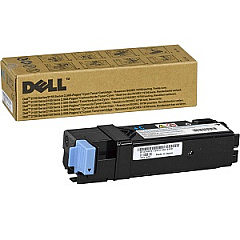
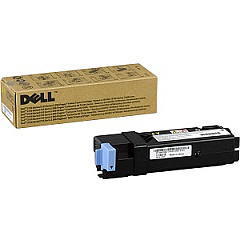
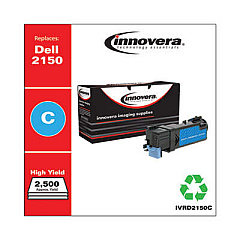
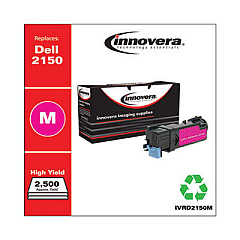
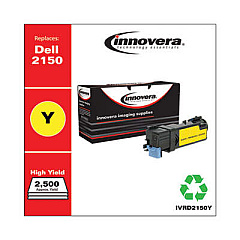
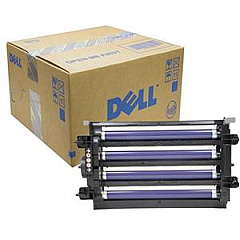
Enhance your printing experience with genuine Dell 2155cn Toner Cartridges, designed to deliver exceptional quality and reliability. Our comprehensive range includes the Dell 2FV35 Black, 769T5 Cyan, 899WG Dual Black, 8WNV5 Magenta, 9M2WC Magenta, N51XP Black, NPDXG Yellow, NT6X2 Yellow, and WHPFG Cyan toner cartridges. These high-performance consumables ensure crisp text and vibrant colors for all your professional printing needs. Don't forget the essential KGR81 Imaging Drum to maintain optimal print quality. By choosing authentic Dell 2155cn Toner Cartridges, you're guaranteeing consistent results, maximizing your printer's efficiency, and reducing downtime. Whether you're printing important business documents, educational materials, or healthcare records, our toner cartridges provide the reliability and performance you need to keep your operations running smoothly.

Dell 2155cn Toner Cartridges FAQs

  • How long do Dell 2155cn toner cartridges typically last?

    The lifespan of Dell 2155cn toner cartridges varies depending on usage, but they generally yield around 2,500 pages for standard capacity and 5,000 pages for high-capacity cartridges.

  • Are these toner cartridges compatible with other Dell printer models?

    These toner cartridges are specifically designed for the Dell 2155cn printer. They may not be compatible with other Dell models, so it's best to check your printer's specifications.

  • How can I tell when it's time to replace my toner cartridge?

    Your Dell 2155cn printer will display a low toner warning when it's time to replace a cartridge. You may also notice a decrease in print quality or faded text and images.

  • Can I use third-party or refilled toner cartridges in my Dell 2155cn printer?

    While third-party cartridges may work, using genuine Dell toner cartridges ensures optimal print quality and prevents potential damage to your printer.

  • How should I store unused toner cartridges?

    Store unused cartridges in a cool, dry place away from direct sunlight. Keep them in their original packaging until you're ready to use them.

  • What's the difference between standard and high-capacity toner cartridges?

    High-capacity cartridges contain more toner and can print more pages before needing replacement, making them more cost-effective for high-volume printing.

  • How often should I replace the imaging drum?

    The Dell KGR81 Imaging Drum typically needs replacement after processing about 50,000 pages, but this can vary based on usage and print quality settings.

  • Are these toner cartridges environmentally friendly?

    Dell offers a recycling program for used toner cartridges, helping to reduce environmental impact. Check Dell's website for details on their recycling initiatives.

  • Can I mix different brands of toner cartridges in my Dell 2155cn printer?

    It's not recommended to mix different brands of toner cartridges. Using all genuine Dell cartridges ensures consistent print quality and proper printer function.

  • What should I do if I experience print quality issues after installing a new cartridge?

    First, ensure the cartridge is properly installed. If issues persist, try running the printer's cleaning cycle or contacting Dell support for further assistance.

Warehouse Locations

Policy & Agreement | Copyright © 1995-2026 BlueDogInk.com
