









Ads

Dell 1320c Black Toner Cartridges

Dell 1320c Color Toner Cartridges

Dell 1320c Drum Units

Dell 1320c Copy Paper

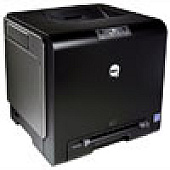
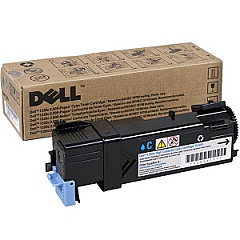
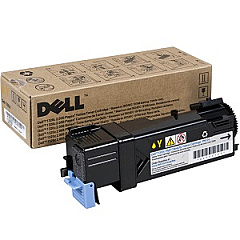
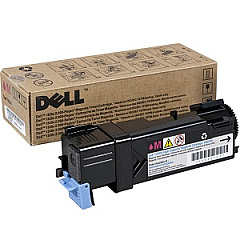
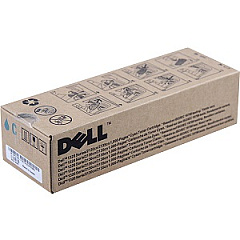
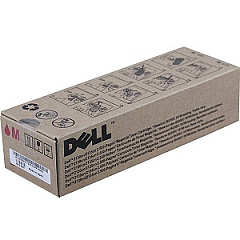
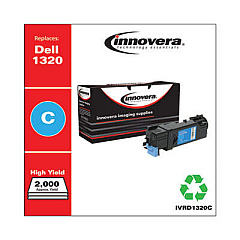
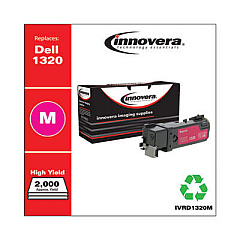
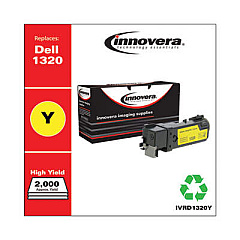
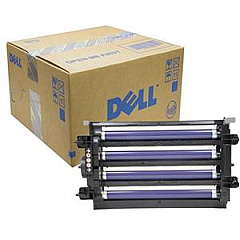
Enhance your printing experience with genuine Dell 1320c Toner Cartridges, designed to deliver exceptional quality and reliability. Our comprehensive range includes the essential Dell KGR81 Imaging Drum, ensuring crisp and clear prints every time. For vibrant color output, choose from our selection of high-performance cartridges: Dell KU051 and P238C Cyan, P240C and WM138 Magenta, and PN124 Yellow. These toner cartridges are specifically engineered to work seamlessly with your Dell 1320c printer, guaranteeing optimal performance and longevity. Whether you're printing important business documents or eye-catching marketing materials, our Dell 1320c Toner Cartridges provide the perfect balance of affordability and professional-grade results. Trust in the consistency and superior print quality that only genuine Dell supplies can offer, and keep your Dell 1320c running at peak efficiency.

Dell 1320c Toner Cartridges FAQs

  • How long do Dell 1320c toner cartridges typically last?

    The lifespan of Dell 1320c toner cartridges varies depending on usage, but they generally yield around 2,000 pages for color cartridges and 2,500 pages for black cartridges.

  • Are these toner cartridges compatible with other Dell printer models?

    These toner cartridges are specifically designed for the Dell 1320c printer and may not be compatible with other models. Always check your printer's compatibility before purchasing.

  • How often should I replace the imaging drum?

    The Dell KGR81 Imaging Drum typically needs replacement after processing about 24,000 pages, but this can vary based on usage patterns.

  • Can I use third-party toner cartridges in my Dell 1320c printer?

    While third-party cartridges may work, using genuine Dell toner cartridges ensures optimal print quality and prevents potential damage to your printer.

  • How can I tell when it's time to replace a toner cartridge?

    Your Dell 1320c printer will display a low toner warning when a cartridge needs replacement. You may also notice a decrease in print quality.

  • Are these toner cartridges environmentally friendly?

    Dell offers a recycling program for used toner cartridges, promoting environmental sustainability. Check Dell's website for details on their recycling initiatives.

  • What's the difference between the KU051 and P238C cyan toner cartridges?

    Both are cyan cartridges for the Dell 1320c, but they may have different capacities or be from different production runs. Check your printer's specific requirements before purchasing.

  • How should I store unused toner cartridges?

    Store unused cartridges in a cool, dry place away from direct sunlight. Keep them in their original packaging until ready for use to maintain quality.

  • Can I buy these toner cartridges in bulk for my business?

    Yes, bulk purchasing options are often available for businesses. Contact the supplier directly to inquire about volume discounts and business accounts.

  • What should I do if I experience print quality issues with these cartridges?

    First, ensure the cartridge is properly installed. If issues persist, try printing a test page or cleaning the printer heads. If problems continue, contact Dell support for assistance.

Warehouse Locations

Policy & Agreement | Copyright © 1995-2026 BlueDogInk.com
