







Ads

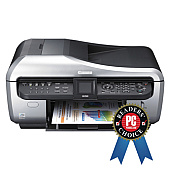
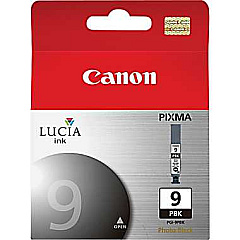
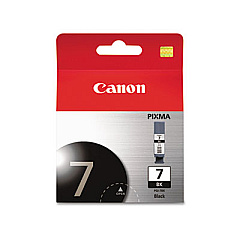
Canon PIXMA MX7600 Black Ink Cartridges

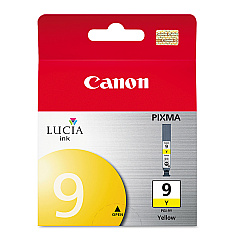
Canon PIXMA MX7600 Color Ink Cartridges

Canon PIXMA MX7600 Ink Set

Canon PIXMA MX7600 Photo Paper

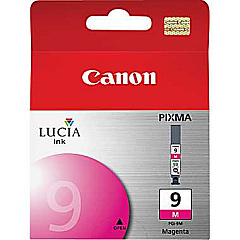
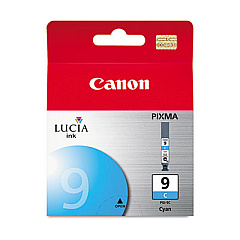
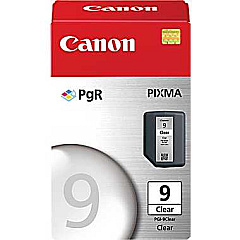
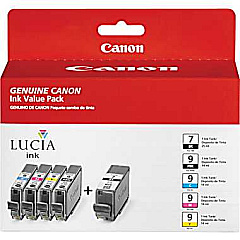
Enhance your printing experience with genuine Canon PIXMA MX7600 Ink Cartridges. This versatile all-in-one printer demands high-quality ink to produce exceptional results for both home and office use. The MX7600 utilizes a range of cartridges, including the PGI-7BK Black, PGI-9 and PGI-7 Value Pack, PGI-9 Clear, PGI-9C Cyan, PGI-9M Magenta, PGI-9PBK Photo Black, and PGI-9Y Yellow. These cartridges work in harmony to deliver crisp text, vibrant colors, and professional-quality photos. The unique clear ink cartridge adds a protective layer to your prints, ensuring longevity and resistance to smudging. Whether you're printing documents, photos, or marketing materials, these genuine Canon ink cartridges guarantee optimal performance and superior print quality. Invest in authentic Canon PIXMA MX7600 Ink Cartridges to maximize your printer's potential and achieve outstanding results every time.

Canon PIXMA MX7600 Ink Cartridges FAQs

  • How often should I replace the ink cartridges in my Canon PIXMA MX7600?

    Replacement frequency depends on usage, but typically when print quality diminishes or the printer indicates low ink levels.

  • Can I use third-party ink cartridges in my Canon PIXMA MX7600?

    While third-party cartridges may work, using genuine Canon ink cartridges ensures optimal print quality and prevents potential damage to your printer.

  • What is the purpose of the clear ink cartridge?

    The clear ink cartridge applies a protective coating to your prints, enhancing durability and resistance to smudging and fading.

  • How many pages can I print with a set of Canon PIXMA MX7600 ink cartridges?

    Page yield varies depending on the specific cartridge and print content, but typically ranges from 500 to 1,600 pages per cartridge.

  • Are these ink cartridges compatible with other Canon printer models?

    These specific cartridges are designed for the Canon PIXMA MX7600. Always check your printer's manual for compatible cartridge models.

  • How long do unopened ink cartridges last?

    Unopened cartridges typically have a shelf life of 1-2 years when stored properly in a cool, dry place.

  • Can I refill these ink cartridges?

    Canon does not recommend refilling cartridges as it may affect print quality and potentially damage your printer.

  • What should I do if my printer doesn't recognize a new ink cartridge?

    Try removing and reinserting the cartridge, cleaning the contacts, or running a printer head alignment. If issues persist, contact Canon support.

  • Is it necessary to replace all ink cartridges at once?

    No, you can replace individual cartridges as needed. However, replacing all at once may ensure more consistent print quality.

  • How can I properly dispose of empty ink cartridges?

    Many office supply stores offer recycling programs for empty cartridges. You can also check Canon's website for their cartridge recycling options.

Warehouse Locations

Policy & Agreement | Copyright © 1995-2026 BlueDogInk.com
