







Ads

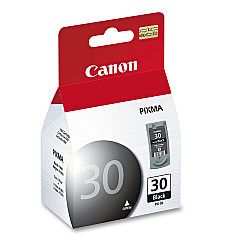
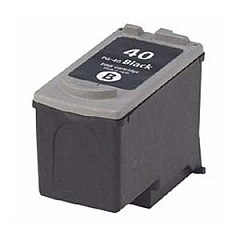
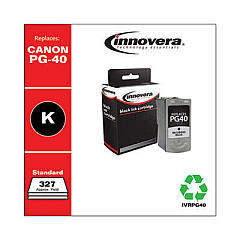
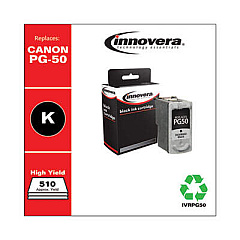
Canon PIXMA MX300 Black Ink Cartridges

Canon PIXMA MX300 Color Ink Cartridges

Canon PIXMA MX300 Photo Paper

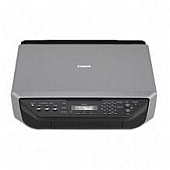
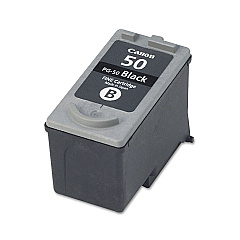
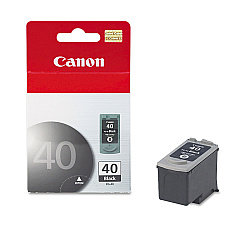
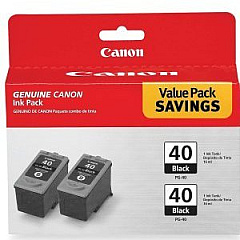
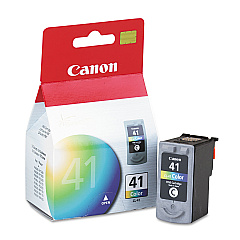
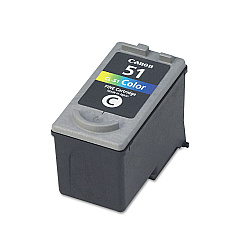
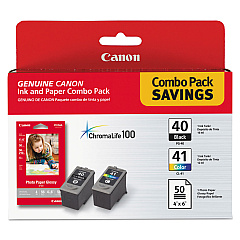
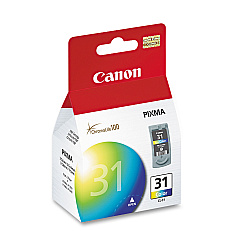
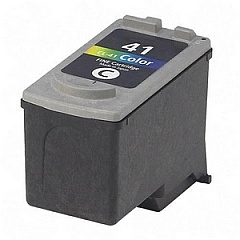
Enhance your printing experience with genuine Canon PIXMA MX300 Ink Cartridges. These high-quality cartridges ensure crisp text and vibrant colors for all your documents and photos. Choose from a range of options including the Canon CL-31, CL-41, and CL-51 for vivid color prints, or the PG-30, PG-40, and PG-50 for sharp black text. The PG-40 Twin Pack offers added convenience, while the PG-40 CL-41 with GP502 combo provides a complete printing solution. Compatible with your Canon PIXMA MX300 printer, these cartridges deliver consistent, professional-quality results. Whether you're printing business reports, school projects, or family photos, trust Canon's original ink cartridges to bring your ideas to life with exceptional clarity and longevity.

Canon PIXMA MX300 Ink Cartridges FAQs

  • How long do Canon PIXMA MX300 ink cartridges typically last?

    The lifespan of ink cartridges varies depending on usage, but on average, they can last for 200-300 pages for black ink and 300-400 pages for color ink.

  • Can I use third-party ink cartridges in my Canon PIXMA MX300 printer?

    While third-party cartridges may work, Canon recommends using genuine Canon ink cartridges for optimal print quality and to protect your printer's warranty.

  • What's the difference between the PG and CL series ink cartridges?

    PG (Pigment) cartridges contain black ink for text, while CL (Color) cartridges contain cyan, magenta, and yellow inks for color printing.

  • How do I know when it's time to replace my ink cartridges?

    Your printer will display a low ink warning on its screen or through your computer when cartridges need replacement.

  • Are these ink cartridges recyclable?

    Yes, Canon offers a recycling program for used ink cartridges. Check their website for details on how to participate.

  • Can I use a color cartridge if I'm only printing in black and white?

    While it's possible, it's more efficient to use a black ink cartridge for monochrome printing to conserve color ink.

  • What should I do if my printer doesn't recognize a new ink cartridge?

    Try removing and reinserting the cartridge, cleaning the contacts, or running a printer head alignment. If issues persist, contact Canon support.

  • How should I store unused ink cartridges?

    Store cartridges in a cool, dry place in their original packaging. Avoid extreme temperatures and direct sunlight.

  • What's the shelf life of unopened ink cartridges?

    Unopened cartridges typically have a shelf life of 1-2 years from the production date when stored properly.

  • Can I refill these ink cartridges myself?

    While it's possible to refill cartridges, Canon doesn't recommend this as it may affect print quality and potentially damage your printer.

Warehouse Locations

Policy & Agreement | Copyright © 1995-2026 BlueDogInk.com
