







Ads

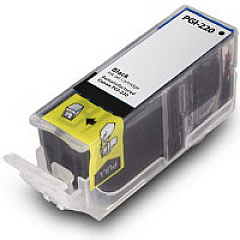
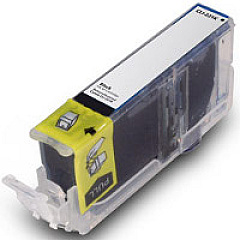
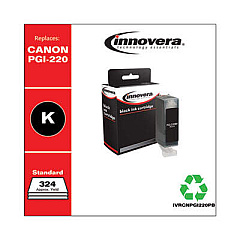
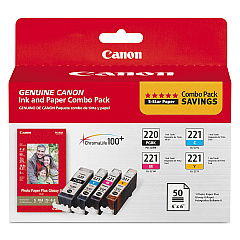
Canon PIXMA MP560 Black Ink Cartridges

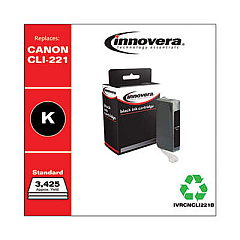
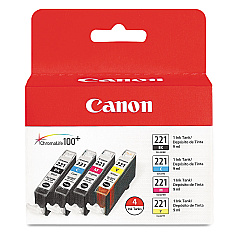
Canon PIXMA MP560 Color Ink Cartridges

Canon PIXMA MP560 Photo Paper

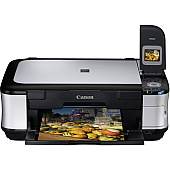
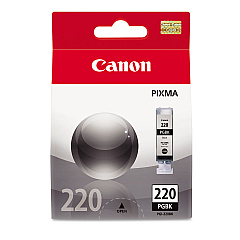
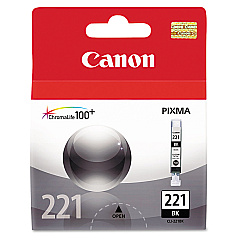
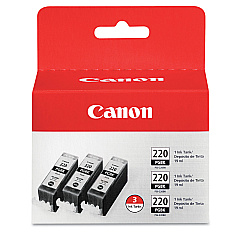
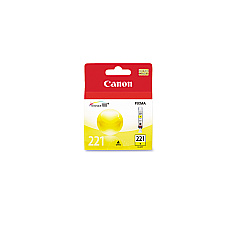
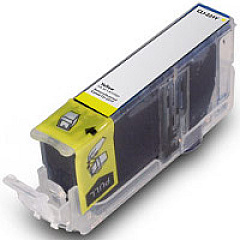
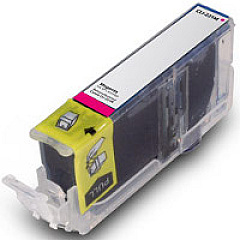
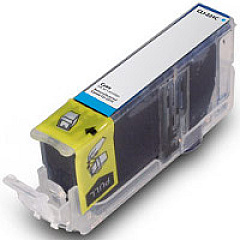
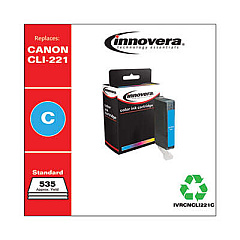
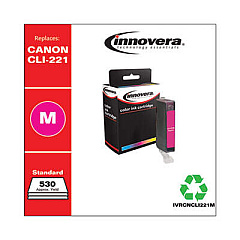
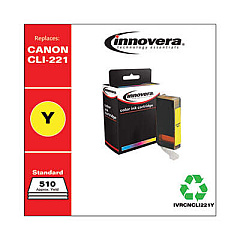
Enhance your printing experience with genuine Canon PIXMA MP560 Ink Cartridges. This versatile all-in-one printer demands high-quality ink for optimal performance. Choose from a range of options including the Canon CLI-221 Color Ink Tank 4 Pack for vibrant color prints, or individual tanks in black, cyan, magenta, and yellow for precise color control. For text-heavy documents, the Canon PGI-220 Black Ink Tank offers crisp, clear results. Combo packs provide convenience and value, ensuring you're always ready to print. Whether you're printing photos, reports, or everyday documents, these authentic Canon cartridges deliver exceptional quality and longevity. Trust in the reliability and performance of genuine Canon ink to bring your ideas to life with the PIXMA MP560.

Canon PIXMA MP560 Ink Cartridges FAQs

  • How long do Canon PIXMA MP560 ink cartridges typically last?

    The lifespan of ink cartridges varies depending on usage, but on average, they can last for 200-300 pages for color cartridges and 300-400 pages for black cartridges.

  • Can I use third-party ink cartridges in my Canon PIXMA MP560?

    While third-party cartridges may work, Canon recommends using genuine Canon ink cartridges for optimal print quality and to avoid potential damage to your printer.

  • What's the difference between PGI and CLI ink cartridges?

    PGI (Pigment Ink) cartridges are typically used for black text, while CLI (Chromalife Ink) cartridges are used for color printing and photos.

  • How do I know when it's time to replace my ink cartridges?

    Your printer will display a low ink warning on its screen or through your computer when cartridges need replacement.

  • Can I replace individual color cartridges or do I need to replace all colors at once?

    You can replace individual color cartridges as needed, which helps reduce waste and save money.

  • Are Canon PIXMA MP560 ink cartridges recyclable?

    Yes, Canon offers a recycling program for used ink cartridges. Check their website for details on how to participate.

  • How should I store unused ink cartridges?

    Store unused cartridges in a cool, dry place in their original packaging. Avoid extreme temperatures and direct sunlight.

  • What should I do if my printer doesn't recognize a new ink cartridge?

    Try removing and reinserting the cartridge. If the issue persists, clean the cartridge contacts and try again. If problems continue, the cartridge may be defective.

  • Can I use CLI-221 cartridges in other Canon printer models?

    CLI-221 cartridges are compatible with several Canon printer models, but always check your printer's manual or Canon's website for specific compatibility information.

  • How can I maximize the life of my ink cartridges?

    Print only when necessary, use draft mode for non-critical documents, and keep your printer on to prevent ink from drying out in the print head.

Warehouse Locations

Policy & Agreement | Copyright © 1995-2026 BlueDogInk.com
