







Ads

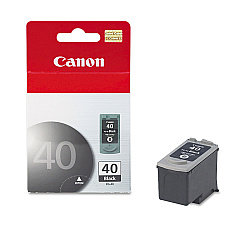
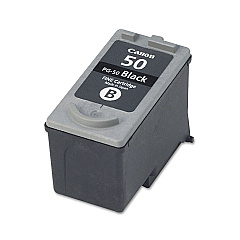
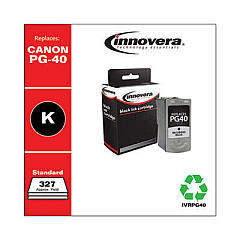
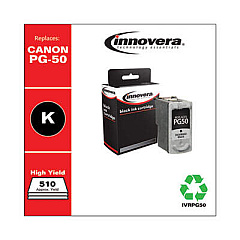
Canon PIXMA MP150 Black Ink Cartridges

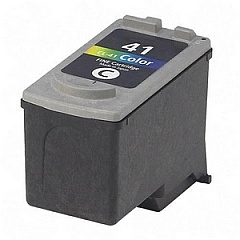
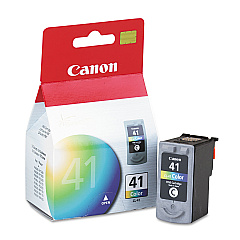
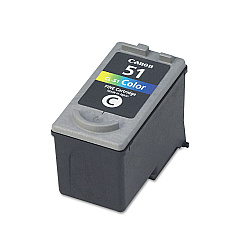
Canon PIXMA MP150 Color Ink Cartridges

Canon PIXMA MP150 Photo Paper

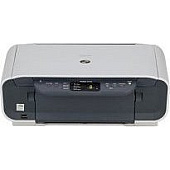
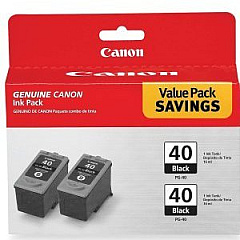
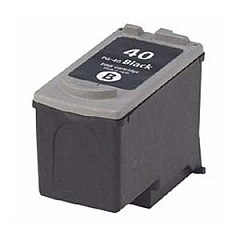
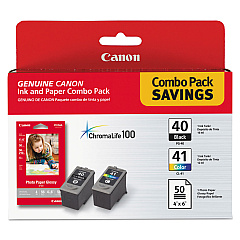
Enhance your printing experience with genuine Canon PIXMA MP150 Ink Cartridges. These high-quality cartridges ensure crisp text and vibrant images for all your printing needs. Choose from a range of options including the Canon CL-41 and CL-51 Color Ink Cartridges for stunning color prints, or the PG-40 and PG-50 Black Ink Cartridges for sharp monochrome documents. For added convenience, consider the PG-40 Black Twin Pack or the PG-40 CL-41 with GP502 combo. These cartridges are designed specifically for your Canon PIXMA MP150 printer, guaranteeing optimal performance and longevity. Whether you're printing photos, reports, or everyday documents, these ink cartridges deliver exceptional results every time. Trust in Canon's superior ink technology to bring your ideas to life with unparalleled clarity and color accuracy.

Canon PIXMA MP150 Ink Cartridges FAQs

  • What ink cartridges are compatible with the Canon PIXMA MP150?

    The Canon PIXMA MP150 is compatible with CL-41, CL-51, PG-40, and PG-50 ink cartridges.

  • Can I use third-party ink cartridges in my Canon PIXMA MP150?

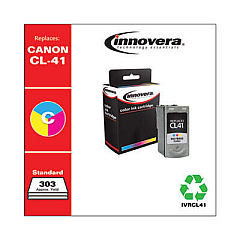
    While third-party cartridges may work, using genuine Canon ink cartridges is recommended for optimal print quality and to avoid potential damage to your printer.

  • How long do Canon PIXMA MP150 ink cartridges typically last?

    The lifespan of ink cartridges varies depending on usage, but on average, they can last for 200-300 pages for black ink and 300-400 pages for color ink.

  • What's the difference between PG-40 and PG-50 black ink cartridges?

    The PG-50 has a higher page yield compared to the PG-40, meaning it can print more pages before needing replacement.

  • Are Canon PIXMA MP150 ink cartridges refillable?

    While it's possible to refill these cartridges, it's not recommended as it may affect print quality and potentially damage your printer.

  • What should I do if my printer doesn't recognize the new ink cartridge?

    Try removing and reinserting the cartridge, cleaning the contacts, or running a printer head alignment. If issues persist, contact Canon support.

  • Can I use CL-51 instead of CL-41 in my Canon PIXMA MP150?

    Yes, the CL-51 is a high-yield version of the CL-41 and is compatible with the Canon PIXMA MP150.

  • How do I properly store unused ink cartridges?

    Store cartridges in a cool, dry place in their original packaging. Avoid direct sunlight and extreme temperatures.

  • What's included in the PG-40 CL-41 with GP502 package?

    This package includes a PG-40 black ink cartridge, a CL-41 color ink cartridge, and a pack of GP502 glossy photo paper.

  • How can I check the ink levels in my Canon PIXMA MP150?

    You can check ink levels through the printer's LCD display or by using the Canon printer software on your computer.

Warehouse Locations

Policy & Agreement | Copyright © 1995-2026 BlueDogInk.com
