







Ads

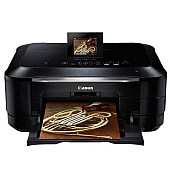
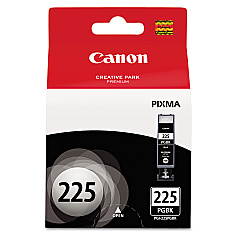
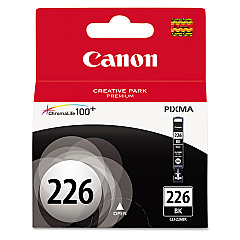
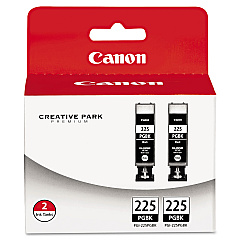
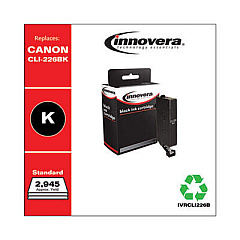
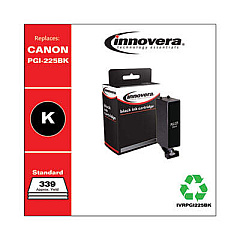
Canon PIXMA MG8220 Black Ink Cartridges

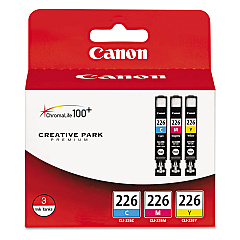
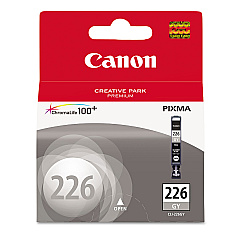
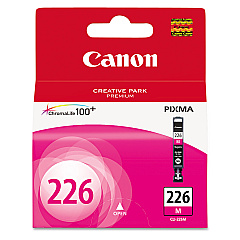
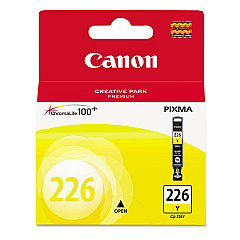
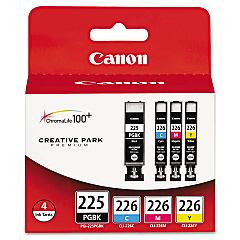
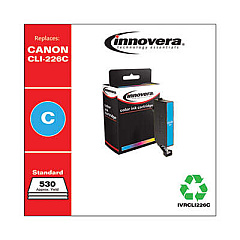
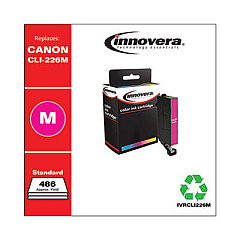
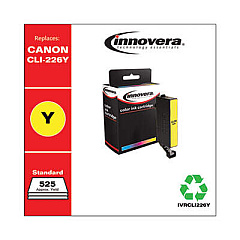
Canon PIXMA MG8220 Color Ink Cartridges

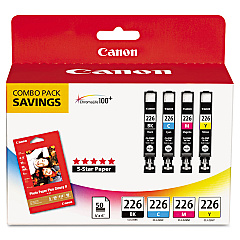
Canon PIXMA MG8220 Photo Paper

Enhance your printing experience with genuine Canon PIXMA MG8220 Ink Cartridges. This versatile printer utilizes a range of high-quality ink cartridges, including the Canon CLI-226 series in black, cyan, magenta, yellow, and gray, as well as the Canon PGI-225 Pigment Black Ink Tank. For convenience, combo packs are available, such as the CLI-226 Color 3-Pack and the PGI-225 CLI-226 4-Pack. These cartridges deliver exceptional print quality, vibrant colors, and sharp text for all your printing needs. Whether you're printing photos, documents, or creative projects, these ink cartridges ensure professional results every time. The Canon PIXMA MG8220 Ink Cartridges are designed to work seamlessly with your printer, providing reliable performance and long-lasting prints. Invest in genuine Canon ink cartridges to maximize your printer's potential and enjoy stunning, fade-resistant results for years to come.

Canon PIXMA MG8220 Ink Cartridges FAQs

  • How long do Canon PIXMA MG8220 Ink Cartridges typically last?

    The lifespan of ink cartridges varies depending on usage, but on average, they can last for 200-300 pages for color cartridges and 300-400 pages for black cartridges.

  • Can I use third-party ink cartridges in my Canon PIXMA MG8220 printer?

    While third-party cartridges may work, using genuine Canon ink cartridges is recommended for optimal print quality and to avoid potential damage to your printer.

  • How do I know when it's time to replace my ink cartridges?

    Your printer will display a low ink warning on its screen or through your computer when cartridges need replacement.

  • Are the Canon PIXMA MG8220 Ink Cartridges refillable?

    Canon does not recommend refilling cartridges as it may affect print quality and potentially damage your printer. It's best to use new, genuine Canon cartridges.

  • What's the difference between PGI and CLI ink cartridges?

    PGI (Pigment) cartridges contain pigment-based ink for text, while CLI (Chromalife) cartridges use dye-based ink for color printing and photos.

  • How should I store unused ink cartridges?

    Store cartridges in a cool, dry place away from direct sunlight. Keep them in their original packaging until ready for use.

  • Can I use my Canon PIXMA MG8220 if one color cartridge is empty?

    Yes, you can continue printing, but print quality may be affected. It's best to replace empty cartridges promptly.

  • Are Canon PIXMA MG8220 Ink Cartridges environmentally friendly?

    Canon offers a cartridge recycling program to minimize environmental impact. Check their website for details on how to participate.

  • How do I properly install new ink cartridges in my Canon PIXMA MG8220?

    Open the printer cover, wait for the cartridge holder to move to the center, remove the old cartridge, insert the new one until it clicks, and close the cover.

  • What should I do if my printer doesn't recognize a new ink cartridge?

    Ensure the cartridge is properly installed and compatible with your printer model. If issues persist, clean the cartridge contacts and try again.

Warehouse Locations

Policy & Agreement | Copyright © 1995-2026 BlueDogInk.com
