




Ads

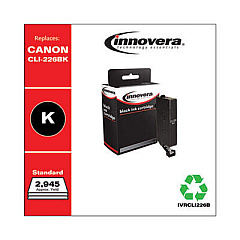
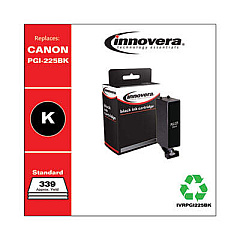
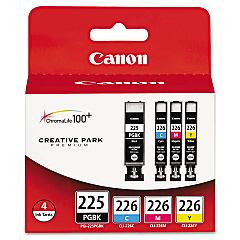
Canon PIXMA iX6520 Black Ink Cartridges

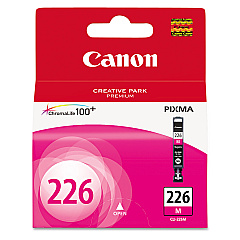
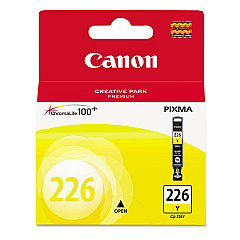
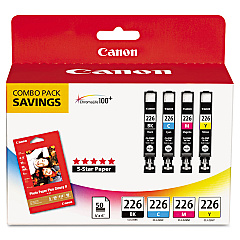
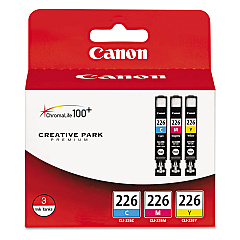
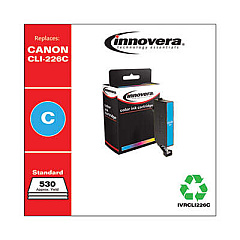
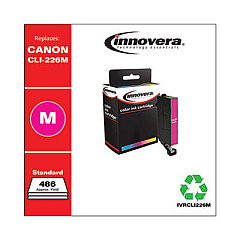
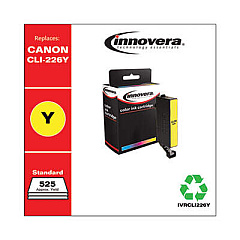
Canon PIXMA iX6520 Color Ink Cartridges

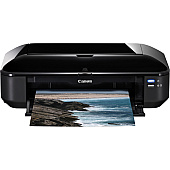
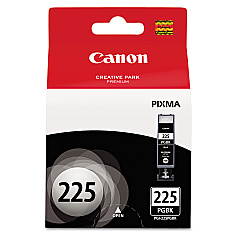
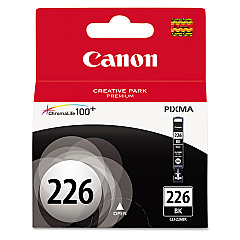
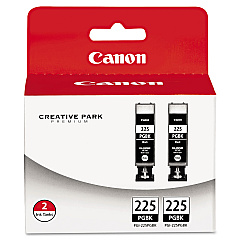
Enhance your printing experience with genuine Canon PIXMA iX6520 Ink Cartridges. This versatile printer utilizes a range of high-quality ink options, including the Canon CLI-226 series in black, cyan, magenta, and yellow, as well as convenient color combo packs. For crisp text and professional documents, the Canon PGI-225 Pigment Black Ink Tank delivers exceptional results. Whether you're printing vibrant photos or sharp business materials, these cartridges ensure consistent, long-lasting output. The Canon PIXMA iX6520 Ink Cartridges are designed to work seamlessly with your printer, providing optimal performance and preventing potential damage from incompatible alternatives. With options like the economical twin pack for black ink, you can stock up and save. Trust in Canon's superior ink technology to bring your ideas to life with stunning clarity and color accuracy.

Canon PIXMA iX6520 Ink Cartridges FAQs

  • How long do Canon PIXMA iX6520 Ink Cartridges typically last?

    The lifespan of ink cartridges varies depending on usage, but on average, they can last for 200-300 pages for color cartridges and 300-400 pages for black cartridges.

  • Are these ink cartridges compatible with other Canon printers?

    While some cartridges may be compatible with other Canon models, it's best to check your printer's specific requirements to ensure compatibility.

  • Can I use third-party ink cartridges in my Canon PIXMA iX6520?

    While third-party cartridges may work, using genuine Canon ink cartridges is recommended to ensure optimal print quality and to maintain your printer's warranty.

  • How do I know when it's time to replace my ink cartridges?

    Your printer will typically alert you when ink levels are low. You may also notice a decrease in print quality or missing colors in your printouts.

  • What's the difference between PGI and CLI ink cartridges?

    PGI (Pigment) cartridges are typically used for black text, while CLI (Dye) cartridges are used for color printing and photos.

  • How should I store unused ink cartridges?

    Store cartridges in a cool, dry place, away from direct sunlight. Keep them in their original packaging until ready for use.

  • Can I refill these ink cartridges myself?

    While it's possible to refill cartridges, it's not recommended as it may affect print quality and potentially damage your printer.

  • What's the shelf life of unopened ink cartridges?

    Unopened cartridges typically have a shelf life of 1-2 years from the date of manufacture when stored properly.

  • How do I properly install new ink cartridges in my Canon PIXMA iX6520?

    Follow the instructions in your printer's manual. Generally, you'll need to open the printer cover, remove the old cartridge, and insert the new one until it clicks into place.

  • Are these ink cartridges environmentally friendly?

    Canon offers a recycling program for used ink cartridges, helping to reduce environmental impact. Check Canon's website for details on how to participate.

Warehouse Locations

Policy & Agreement | Copyright © 1995-2026 BlueDogInk.com
