







Ads

Canon PIXMA iP8500 Black Ink Cartridges

Canon PIXMA iP8500 Color Ink Cartridges

Canon PIXMA iP8500 Photo Paper

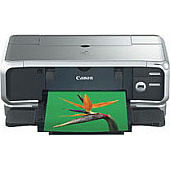
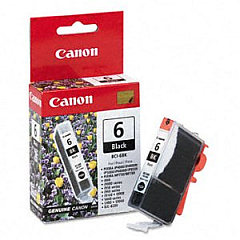
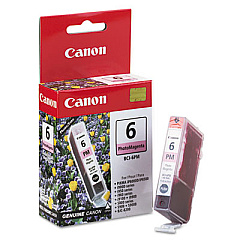
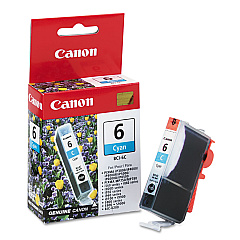
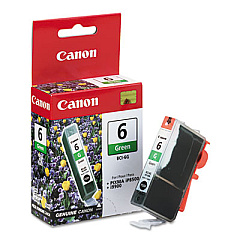
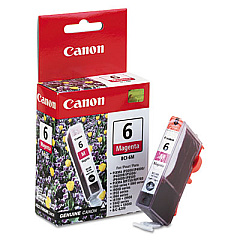
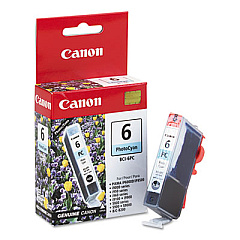
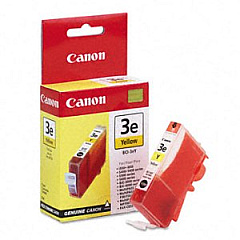
Enhance your printing experience with genuine Canon PIXMA iP8500 Ink Cartridges. This high-performance printer utilizes a versatile set of seven individual ink cartridges, including BCI-6Bk Black, BCI-6C Cyan, BCI-6G Green, BCI-6M Magenta, BCI-6PC Photo Cyan, BCI-6PM Photo Magenta, and BCI-6Y Yellow. These premium inks deliver exceptional color accuracy and vibrancy, ensuring your documents and photos look their best. The Canon PIXMA iP8500's innovative ink system allows for efficient ink usage, as you only need to replace the specific color that runs out. Whether you're printing professional reports, stunning photographs, or creative projects, these ink cartridges provide consistent, high-quality results. Trust in the reliability and superior print quality of genuine Canon ink cartridges to keep your PIXMA iP8500 performing at its peak.

Canon PIXMA iP8500 Ink Cartridges FAQs

  • How many ink cartridges does the Canon PIXMA iP8500 use?

    The Canon PIXMA iP8500 uses seven individual ink cartridges.

  • Can I use non-genuine ink cartridges in my Canon PIXMA iP8500?

    While third-party cartridges may work, using genuine Canon ink cartridges is recommended for optimal print quality and to avoid potential damage to your printer.

  • How often should I replace the ink cartridges in my Canon PIXMA iP8500?

    Replace individual cartridges when they run out of ink or when print quality noticeably decreases.

  • What's the difference between the regular and photo cyan/magenta cartridges?

    Photo cyan and photo magenta cartridges contain lighter shades of ink for improved color gradation in photo prints.

  • Why does the Canon PIXMA iP8500 have a green ink cartridge?

    The green ink cartridge helps to expand the color gamut, allowing for more accurate and vibrant color reproduction, especially in nature scenes.

  • Are Canon PIXMA iP8500 ink cartridges compatible with other Canon printers?

    These cartridges are specifically designed for the iP8500 model and may not be compatible with other Canon printers.

  • How do I properly store unused ink cartridges?

    Store unused cartridges in a cool, dry place in their original packaging until ready for use.

  • Can I refill Canon PIXMA iP8500 ink cartridges?

    While refilling is possible, it's not recommended as it may affect print quality and potentially damage your printer.

  • How do I know which ink cartridge needs replacing?

    The printer's software will alert you when a specific cartridge is low or empty.

  • Are these ink cartridges environmentally friendly?

    Canon offers a recycling program for used ink cartridges to minimize environmental impact.

Warehouse Locations

Policy & Agreement | Copyright © 1995-2026 BlueDogInk.com
