







Ads

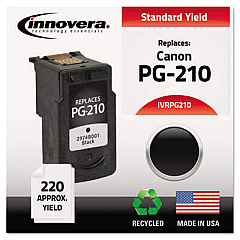
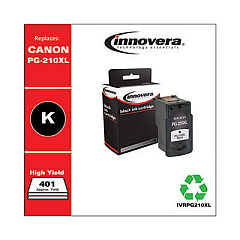
Canon PIXMA iP2702 Black Ink Cartridges

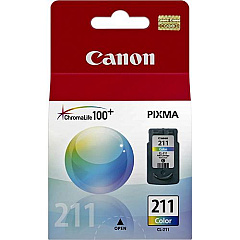
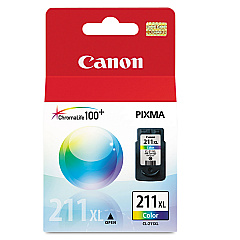
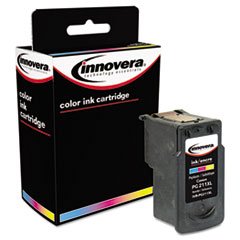
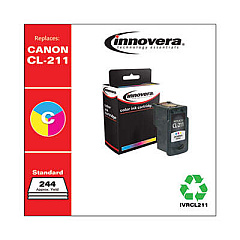
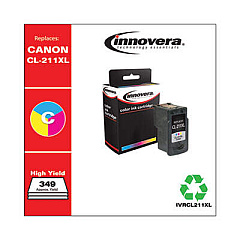
Canon PIXMA iP2702 Color Ink Cartridges

Canon PIXMA iP2702 Photo Paper

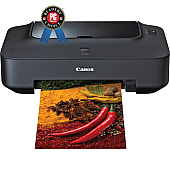
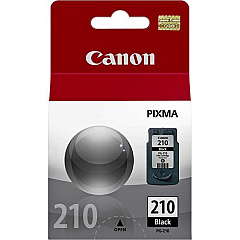
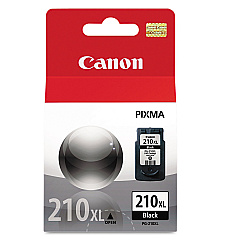
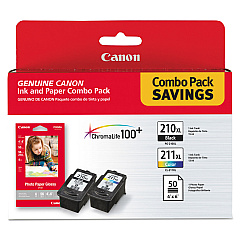
Enhance your printing experience with genuine Canon PIXMA iP2702 Ink Cartridges. These high-quality cartridges are designed to deliver exceptional results for your home or small office needs. Choose from a range of options including the standard Canon CL-211 Color and PG-210 Black Ink Tanks, or opt for the high-yield XL versions for more prints and greater value. The Canon PG-210XL CL-211XL with GP502 combo pack offers both color and black ink, plus photo paper for complete printing solutions. These cartridges ensure crisp text, vibrant colors, and long-lasting prints that resist fading. Compatible with your Canon PIXMA iP2702 printer, these ink cartridges are easy to install and provide reliable performance. Whether you're printing documents, photos, or creative projects, trust Canon PIXMA iP2702 Ink Cartridges to bring your ideas to life with professional-quality results.

Canon PIXMA iP2702 Ink Cartridges FAQs

  • How long do Canon PIXMA iP2702 Ink Cartridges typically last?

    The lifespan of ink cartridges varies depending on usage, but standard cartridges typically last for about 200-300 pages, while XL cartridges can print up to 400-500 pages.

  • Can I use non-Canon brand ink cartridges in my PIXMA iP2702 printer?

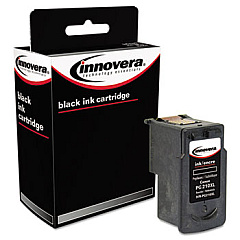
    While third-party cartridges may work, using genuine Canon ink cartridges is recommended for optimal print quality and to maintain your printer's warranty.

  • What's the difference between standard and XL ink cartridges?

    XL cartridges contain more ink and can print more pages than standard cartridges, offering better value for high-volume printing needs.

  • How do I install new ink cartridges in my Canon PIXMA iP2702?

    Open the printer cover, wait for the cartridge holder to move to the center, remove the old cartridge, insert the new one until it clicks, then close the cover.

  • Are Canon PIXMA iP2702 Ink Cartridges recyclable?

    Yes, Canon offers a recycling program for used ink cartridges. Check their website for details on how to participate.

  • Can I use color ink cartridges to print in black and white?

    While possible, it's not recommended as it's less efficient and may result in a grayish output. For best results, use black ink for monochrome printing.

  • How can I check the ink levels in my Canon PIXMA iP2702?

    You can check ink levels through the printer software on your computer or by observing the LED indicators on the printer itself.

  • What should I do if my printer doesn't recognize the new ink cartridge?

    Try removing and reinserting the cartridge, ensuring it's properly seated. If issues persist, clean the cartridge contacts and try again.

  • Can I refill Canon PIXMA iP2702 Ink Cartridges myself?

    While possible, refilling cartridges yourself is not recommended as it may lead to poor print quality and potential printer damage.

  • How should I store unused ink cartridges?

    Store cartridges in their original sealed packaging, at room temperature, away from direct sunlight and heat to maintain their quality and prevent drying out.

Warehouse Locations

Policy & Agreement | Copyright © 1995-2026 BlueDogInk.com
