







Ads

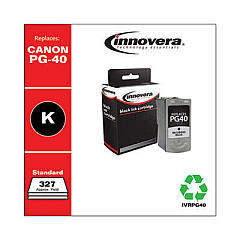
Canon PIXMA iP1700 Black Ink Cartridges

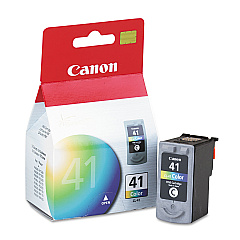
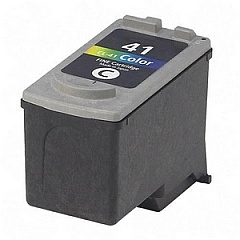
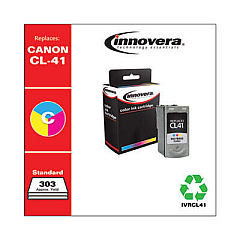
Canon PIXMA iP1700 Color Ink Cartridges

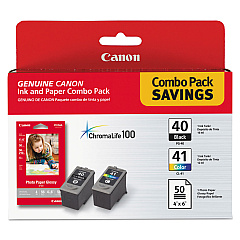
Canon PIXMA iP1700 Photo Paper

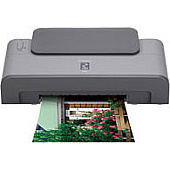
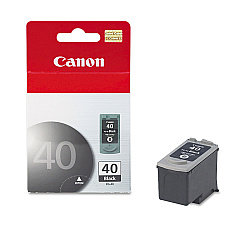
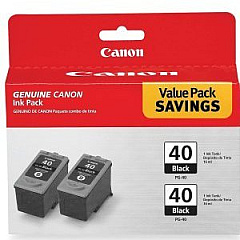
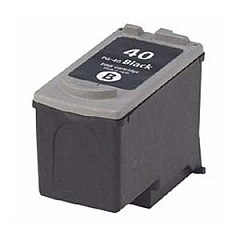
Ensure your Canon PIXMA iP1700 printer continues to deliver exceptional prints with our range of high-quality Canon PIXMA iP1700 Ink Cartridges. Choose from the vibrant Canon CL-41 Color Ink Cartridge for vivid photos and graphics, or the reliable Canon PG-40 Black Ink Cartridge for crisp text documents. For cost-effective bulk printing, consider the Canon PG-40 Black Twin Pack. The Canon PG-40 CL-41 with GP502 combo offers both black and color cartridges, plus photo paper for a complete printing solution. These genuine Canon cartridges are designed to work seamlessly with your iP1700 printer, ensuring optimal performance and longevity. Whether you're printing professional documents, school projects, or cherished family photos, our selection of Canon PIXMA iP1700 Ink Cartridges will help you achieve outstanding results every time.

Canon PIXMA iP1700 Ink Cartridges FAQs

  • How long do Canon PIXMA iP1700 ink cartridges last?

    The lifespan of ink cartridges varies depending on usage, but typically, a standard cartridge can print 200-300 pages.

  • Are these ink cartridges compatible with other Canon printers?

    While these cartridges are designed for the Canon PIXMA iP1700, they may be compatible with other Canon models. Check your printer's manual for compatibility.

  • Can I use third-party ink cartridges in my Canon PIXMA iP1700?

    While third-party cartridges may work, using genuine Canon cartridges ensures optimal print quality and prevents potential damage to your printer.

  • How do I install new ink cartridges in my Canon PIXMA iP1700?

    Open the printer cover, wait for the cartridge holder to move to the center, remove the old cartridge, insert the new one until it clicks, then close the cover.

  • What's the difference between PG-40 and CL-41 cartridges?

    PG-40 is a black ink cartridge, while CL-41 is a tri-color cartridge containing cyan, magenta, and yellow inks.

  • How can I tell if my ink cartridge is running low?

    Your printer software will typically alert you when ink levels are low. You may also notice a decrease in print quality.

  • Can I recycle my used ink cartridges?

    Yes, Canon offers a recycling program for used ink cartridges. Check their website for details on how to participate.

  • What's included in the PG-40 CL-41 with GP502 package?

    This package includes one PG-40 black cartridge, one CL-41 color cartridge, and Canon GP502 photo paper.

  • How should I store unused ink cartridges?

    Store cartridges in a cool, dry place in their original packaging. Avoid extreme temperatures and direct sunlight.

  • What should I do if my printer doesn't recognize the new cartridge?

    Try removing and reinserting the cartridge. If the issue persists, clean the cartridge contacts and try again. If problems continue, contact Canon support.

Warehouse Locations

Policy & Agreement | Copyright © 1995-2026 BlueDogInk.com
