







Ads

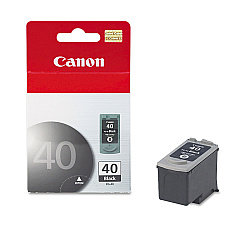
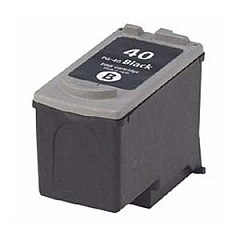
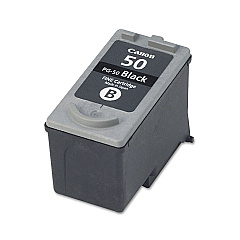
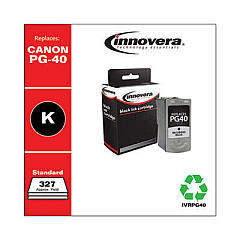
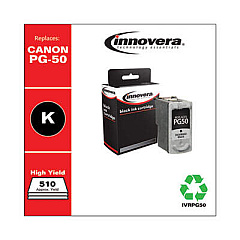
Canon PIXMA MP450 Black Ink Cartridges

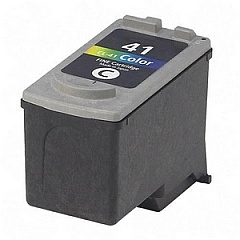
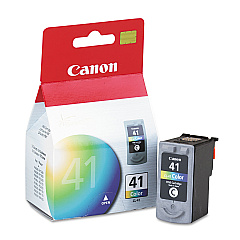
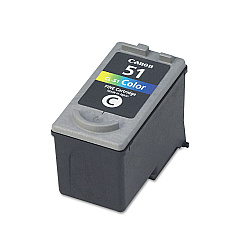
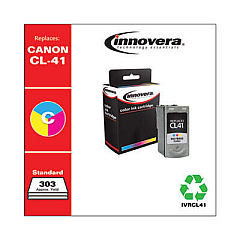
Canon PIXMA MP450 Color Ink Cartridges

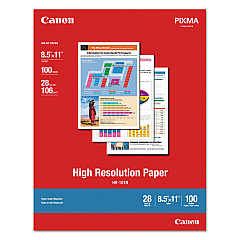
Canon PIXMA MP450 Photo Paper

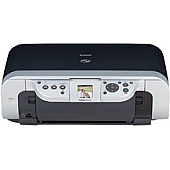
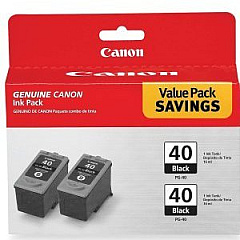
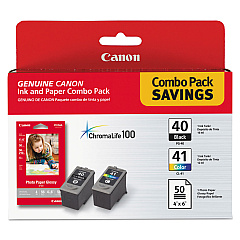
Enhance your printing experience with genuine Canon PIXMA MP450 Ink Cartridges. These high-quality cartridges ensure crisp text and vibrant images for all your printing needs. Choose from a range of options including the Canon CL-41 and CL-51 Color Ink Cartridges for stunning color prints, or the PG-40 and PG-50 Black Ink Cartridges for sharp monochrome documents. For added convenience, consider the PG-40 Black Twin Pack or the PG-40 CL-41 with GP502 combo. These cartridges are specifically designed for optimal performance with your Canon PIXMA MP450 printer, delivering consistent, professional-quality results every time. Whether you're printing photos, reports, or everyday documents, these genuine Canon ink cartridges will help you achieve the best possible output while maintaining your printer's longevity.

Canon PIXMA MP450 Ink Cartridges FAQs

  • What ink cartridges are compatible with the Canon PIXMA MP450?

    The Canon PIXMA MP450 is compatible with CL-41, CL-51, PG-40, and PG-50 ink cartridges.

  • Can I use third-party ink cartridges in my Canon PIXMA MP450?

    While third-party cartridges may work, using genuine Canon ink cartridges is recommended for optimal print quality and printer performance.

  • How long do Canon PIXMA MP450 ink cartridges typically last?

    The lifespan of ink cartridges varies depending on usage, but on average, they can last for 200-300 pages.

  • What's the difference between PG-40 and PG-50 black ink cartridges?

    The PG-50 has a higher page yield compared to the PG-40, making it more suitable for users who print frequently.

  • Can I use CL-51 instead of CL-41 in my Canon PIXMA MP450?

    Yes, the CL-51 is a high-capacity version of the CL-41 and is compatible with the Canon PIXMA MP450.

  • How do I install new ink cartridges in my Canon PIXMA MP450?

    Open the printer cover, wait for the cartridge holder to move to the center, remove the old cartridge, insert the new one, and close the cover.

  • What should I do if my printer doesn't recognize the new ink cartridge?

    Try removing and reinserting the cartridge, cleaning the contacts, or running the printer's alignment function.

  • Is it worth buying the PG-40 Black Twin Pack?

    If you print frequently, the twin pack can be more cost-effective and convenient than buying individual cartridges.

  • What's included in the PG-40 CL-41 with GP502 package?

    This package includes a PG-40 black cartridge, a CL-41 color cartridge, and GP502 glossy photo paper.

  • How can I extend the life of my Canon PIXMA MP450 ink cartridges?

    Print only when necessary, use draft mode for non-essential prints, and keep the printer's printheads clean.

Warehouse Locations

Policy & Agreement | Copyright © 1995-2026 BlueDogInk.com
