





Ads

Canon imagePROGRAF iPF600 Black Ink Cartridges

Canon imagePROGRAF iPF600 Color Ink Cartridges

Canon imagePROGRAF iPF600 Ink Set

Canon imagePROGRAF iPF600 Printheads

Canon imagePROGRAF iPF600 Maintenance Kits

Canon imagePROGRAF iPF600 Large Format Paper

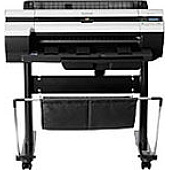
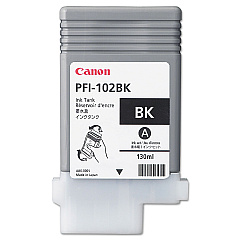
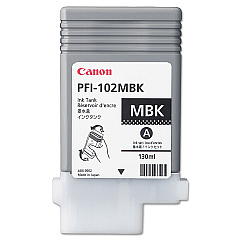
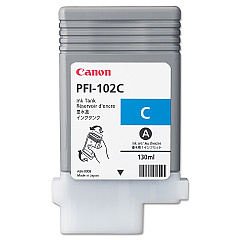
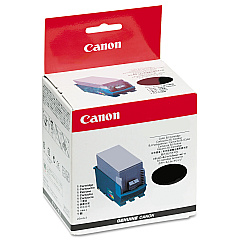
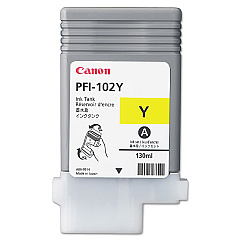
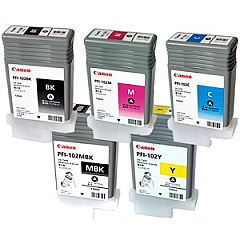
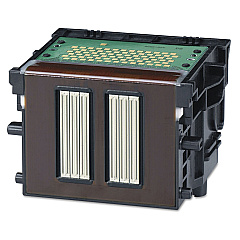
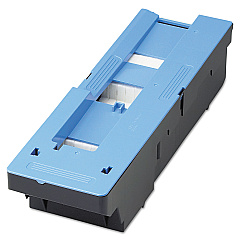
Enhance your printing capabilities with genuine Canon imagePROGRAF iPF600 Ink Cartridges. This comprehensive set includes the MC-16 Maintenance Cartridge, PF-03 Print Head, and PFI-102 Ink Tank Set, featuring individual tanks for Black, Cyan, Magenta, Matte Black, and Yellow. These high-quality cartridges are designed to deliver exceptional color accuracy, sharp details, and long-lasting prints. The Canon imagePROGRAF iPF600 Ink Cartridges are perfect for businesses, educational institutions, government agencies, healthcare facilities, and wholesale operations requiring professional-grade large-format printing. With these reliable ink cartridges, you can produce stunning presentations, posters, technical drawings, and more. Experience consistent performance and reduced downtime with Canon's innovative ink technology, ensuring your iPF600 printer operates at peak efficiency for all your high-volume printing needs.

Canon imagePROGRAF iPF600 Ink Cartridges FAQs

  • How long do Canon imagePROGRAF iPF600 Ink Cartridges typically last?

    The lifespan of the cartridges depends on usage, but they generally last for several hundred to a few thousand prints, depending on the specific cartridge and print content.

  • Are these ink cartridges compatible with other Canon printers?

    These cartridges are specifically designed for the Canon imagePROGRAF iPF600 printer and may not be compatible with other models.

  • What is the purpose of the MC-16 Maintenance Cartridge?

    The MC-16 Maintenance Cartridge collects waste ink during printing and cleaning processes, helping to maintain the printer's performance and cleanliness.

  • How often should I replace the PF-03 Print Head?

    The PF-03 Print Head typically lasts for several months to a year, depending on usage. Replace it when print quality noticeably declines or when prompted by the printer.

  • Can I use third-party ink cartridges in the Canon imagePROGRAF iPF600?

    While third-party cartridges may work, using genuine Canon cartridges ensures optimal print quality and helps maintain your printer's warranty.

  • What's the difference between the PFI-102BK and PFI-102MBK ink tanks?

    The PFI-102BK is standard Black ink, while the PFI-102MBK is Matte Black ink, which is optimized for printing on matte and fine art papers.

  • How do I know when it's time to replace an ink cartridge?

    The printer will display a warning message when ink levels are low. You can also check ink levels through the printer's control panel or software.

  • Are these ink cartridges environmentally friendly?

    Canon designs its cartridges with environmental considerations in mind, and they offer a cartridge recycling program to minimize environmental impact.

  • Can I buy individual ink tanks, or do I have to purchase the entire set?

    You can purchase individual ink tanks as needed, allowing you to replace only the colors that are running low.

  • What should I do if I experience print quality issues after installing new cartridges?

    First, ensure the cartridges are properly installed. If issues persist, run a print head cleaning and alignment through the printer's maintenance menu.

Warehouse Locations

Policy & Agreement | Copyright © 1995-2026 BlueDogInk.com
