




Ads

Canon imageRUNNER C5180 Black Toner Cartridges

Canon imageRUNNER C5180 Color Toner Cartridges

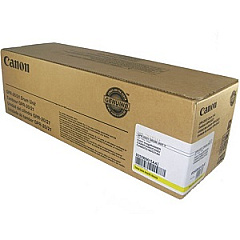
Canon imageRUNNER C5180 Drum Units

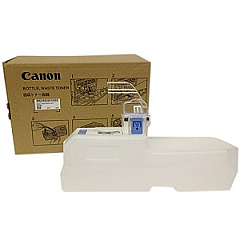
Canon imageRUNNER C5180 Waste Toner Kits

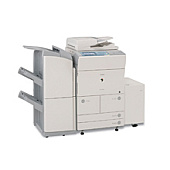
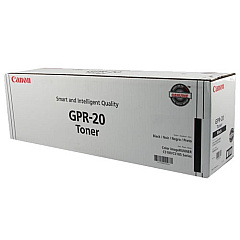
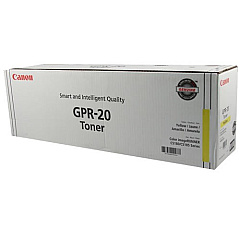
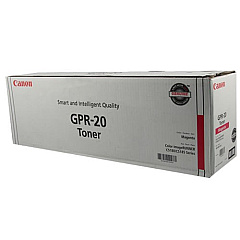
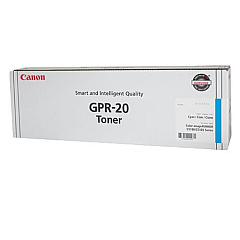
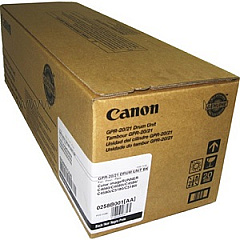
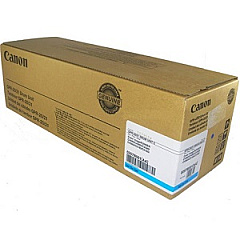
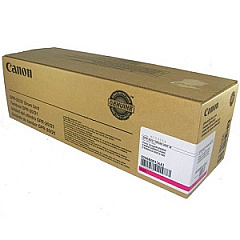
Ensure top-quality prints with genuine Canon imageRUNNER C5180 Toner Cartridges. This high-performance multifunction printer relies on a range of specialized supplies to deliver exceptional results. The system includes the Canon FM2-5383-000 Waste Toner Bottle for efficient waste management, and four color-specific GPR-20 toner cartridges in Black, Cyan, Magenta, and Yellow. For optimal image quality and longevity, the C5180 also utilizes four separate GPR-20/GPR-21 drum units, one for each color. These components work in harmony to produce crisp text and vibrant graphics, making the Canon imageRUNNER C5180 an ideal choice for businesses, educational institutions, and healthcare facilities requiring high-volume, professional-grade printing. Regular replacement of these genuine Canon supplies ensures consistent performance and helps maintain the printer's reliability over time.

Canon imageRUNNER C5180 Printers Supplies FAQs

  • How often should I replace the toner cartridges in my Canon imageRUNNER C5180?

    Replacement frequency depends on usage, but typically when print quality diminishes or the printer indicates low toner levels.

  • Can I use third-party toner cartridges in my Canon imageRUNNER C5180?

    While third-party options exist, using genuine Canon cartridges ensures optimal print quality and prevents potential damage to your printer.

  • What is the page yield for the Canon GPR-20 toner cartridges?

    Page yields vary by color, but generally range from 30,000 to 36,000 pages for black and 27,000 to 32,000 pages for color cartridges at 5% coverage.

  • How do I know when to replace the waste toner bottle?

    The printer will display a message when the waste toner bottle is full and needs replacement.

  • Are the drum units and toner cartridges separate components?

    Yes, the Canon imageRUNNER C5180 uses separate drum units and toner cartridges for each color.

  • How often should the drum units be replaced?

    Drum units typically last longer than toner cartridges, often for 70,000 to 80,000 pages, but replacement timing varies based on usage.

  • Can I replace just one color toner cartridge at a time?

    Yes, you can replace individual color cartridges as needed when they run out.

  • What happens if I continue printing when the printer indicates low toner?

    Print quality may deteriorate, and you risk damaging the printer if you continue printing with very low or empty cartridges.

  • How should I store spare toner cartridges?

    Store cartridges in a cool, dry place away from direct sunlight and in their original packaging until ready for use.

  • Is it necessary to shake the toner cartridge before installation?

    Yes, gently shaking the cartridge helps distribute the toner evenly for optimal print quality.

Warehouse Locations

Policy & Agreement | Copyright © 1995-2026 BlueDogInk.com
