







Ads

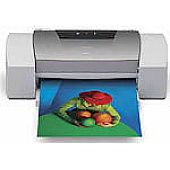
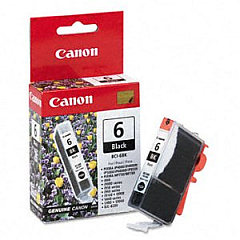
Canon i9100 Black Ink Cartridges

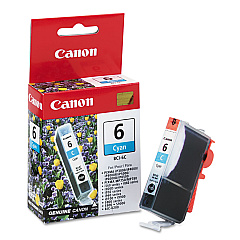
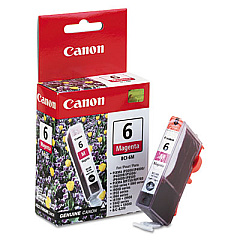
Canon i9100 Color Ink Cartridges

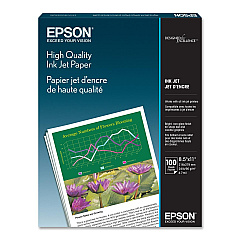
Canon i9100 Photo Paper

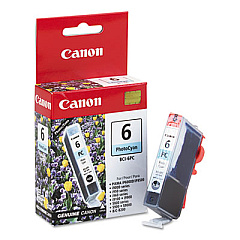
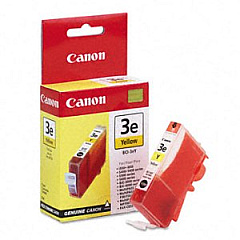
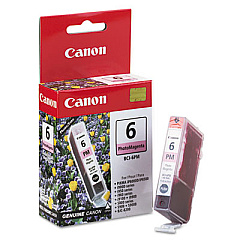
Enhance your printing experience with genuine Canon i9100 Ink Cartridges, designed to deliver exceptional quality and vibrant results. This comprehensive set includes six individual cartridges: BCI-6Bk Black, BCI-6C Cyan, BCI-6M Magenta, BCI-6PC Photo Cyan, BCI-6PM Photo Magenta, and BCI-6Y Yellow. Each cartridge is precision-engineered to work seamlessly with your Canon i9100 printer, ensuring optimal performance and longevity. Whether you're printing professional documents, stunning photographs, or creative projects, these ink cartridges provide rich, true-to-life colors and sharp, crisp text. With their high-capacity design, you'll enjoy extended printing sessions without frequent replacements. Trust in the reliability and consistency of genuine Canon i9100 Ink Cartridges to bring your ideas to life with unparalleled clarity and brilliance.

Canon i9100 Ink Cartridges FAQs

  • How long do Canon i9100 Ink Cartridges typically last?

    The lifespan of Canon i9100 Ink Cartridges varies depending on usage, but they generally last for several hundred pages.

  • Are these ink cartridges compatible with other Canon printer models?

    These cartridges are specifically designed for the Canon i9100 printer. Always check your printer's compatibility before purchasing.

  • Can I use third-party ink cartridges in my Canon i9100 printer?

    While third-party cartridges may work, using genuine Canon ink cartridges ensures optimal print quality and prevents potential damage to your printer.

  • How do I install Canon i9100 Ink Cartridges?

    Open the printer cover, remove the old cartridge, insert the new one until it clicks into place, and close the cover. Follow the printer's on-screen instructions for any additional steps.

  • What should I do if my printer doesn't recognize the new ink cartridge?

    Try removing and reinserting the cartridge, cleaning the contacts, or running a printer head alignment. If issues persist, contact Canon support.

  • Can I buy individual ink cartridges or do I need to purchase the entire set?

    You can purchase individual Canon i9100 Ink Cartridges as needed, allowing you to replace only the colors that are low.

  • How should I store unused ink cartridges?

    Store unused cartridges in a cool, dry place, away from direct sunlight. Keep them in their original packaging until ready for use.

  • What's the difference between the regular and photo cyan/magenta cartridges?

    Photo cyan and photo magenta cartridges contain lighter shades of ink, which help create smoother color transitions and more realistic photo prints.

  • How can I check the ink levels in my Canon i9100 printer?

    You can check ink levels through your printer's control panel or via the Canon printer software on your computer.

  • Are Canon i9100 Ink Cartridges recyclable?

    Yes, Canon offers a recycling program for used ink cartridges. Check their website for details on how to participate in this eco-friendly initiative.

Warehouse Locations

Policy & Agreement | Copyright © 1995-2026 BlueDogInk.com
