







Ads

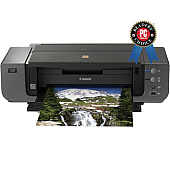
Canon PIXMA Pro9500 Mark II Black Ink Cartridges

Canon PIXMA Pro9500 Mark II Color Ink Cartridges

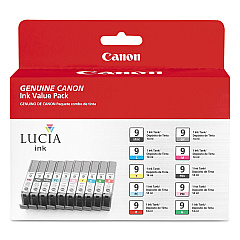
Canon PIXMA Pro9500 Mark II Ink Set

Canon PIXMA Pro9500 Mark II Photo Paper

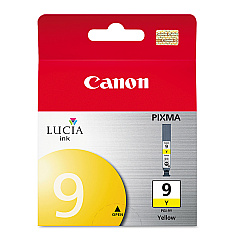
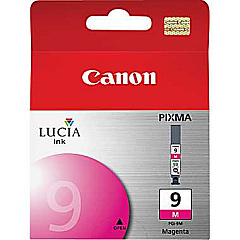
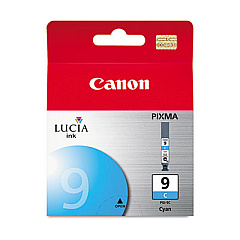
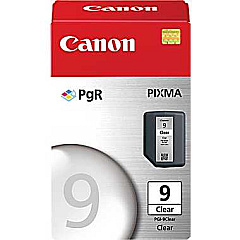
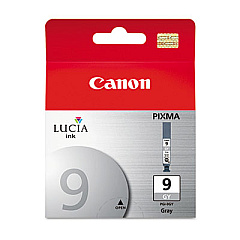
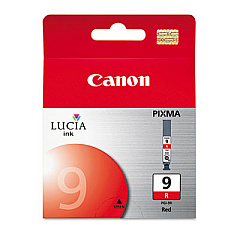
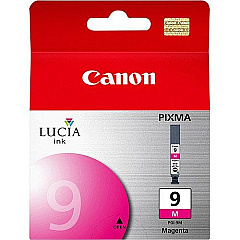
Elevate your printing experience with Canon PIXMA Pro9500 Mark II Ink Cartridges, designed to deliver exceptional quality and vibrant colors for professional-grade prints. This advanced printer utilizes a comprehensive range of ink cartridges, including PGI-9 Clear, Cyan, Green, Gray, Magenta, Matte Black, Photo Black, Photo Cyan, Photo Magenta, Red, and Yellow. The diverse color palette ensures stunning accuracy and depth in your prints, whether you're producing fine art reproductions, professional photographs, or detailed graphic designs. With the Canon PIXMA Pro9500 Mark II Ink Cartridges, you'll achieve unparalleled color fidelity and longevity in your prints. These high-capacity cartridges are engineered to work seamlessly with your Canon PIXMA Pro9500 Mark II printer, guaranteeing optimal performance and consistent results for all your printing needs.

Canon PIXMA Pro9500 Mark II Ink Cartridges FAQs

  • How many ink cartridges does the Canon PIXMA Pro9500 Mark II use?

    The Canon PIXMA Pro9500 Mark II uses 12 individual ink cartridges.

  • What is the purpose of the PGI-9 Clear Ink Cartridge?

    The PGI-9 Clear Ink Cartridge is used to enhance the glossiness and durability of prints, particularly on glossy media.

  • Can I use non-Canon ink cartridges in my PIXMA Pro9500 Mark II?

    While third-party cartridges may work, it's recommended to use genuine Canon ink cartridges for optimal print quality and to maintain your printer's warranty.

  • How long do Canon PIXMA Pro9500 Mark II Ink Cartridges typically last?

    The lifespan of ink cartridges varies depending on usage, but they generally last for several hundred prints.

  • Is it necessary to replace all ink cartridges at once?

    No, you only need to replace individual cartridges as they run out of ink.

  • What's the difference between Photo Black and Matte Black ink?

    Photo Black is used for glossy media, while Matte Black is optimized for matte and fine art papers.

  • Are these ink cartridges compatible with other Canon printers?

    The PGI-9 series ink cartridges are specifically designed for the Canon PIXMA Pro9500 Mark II and may not be compatible with other models.

  • How can I check the ink levels in my Canon PIXMA Pro9500 Mark II?

    You can check ink levels through the printer's LCD display or via the Canon printer software on your computer.

  • What should I do if a cartridge is not recognized by the printer?

    Try removing and reinserting the cartridge. If the issue persists, clean the cartridge contacts and ensure it's properly installed.

  • Are these ink cartridges refillable?

    Canon does not recommend refilling these cartridges. Doing so may affect print quality and potentially damage your printer.

Warehouse Locations

Policy & Agreement | Copyright © 1995-2026 BlueDogInk.com
