




Ads

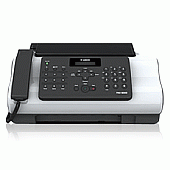
Canon FAX-JX200 Black Ink Cartridges

Canon FAX-JX200 Color Ink Cartridges

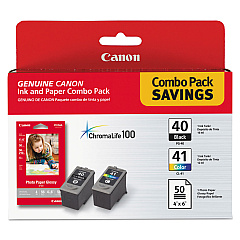
  • Canon PG-40 CL-41 with GP502

    Item 0615B009

    Canon PG-40 CL-41 with GP502

    PG-40 Black tank, CL-41 Color tank, Photo Paper Glossy 4" x 6" 50pk..

    Status

    In Stock

    $60.99

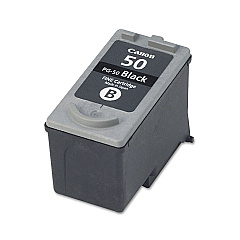
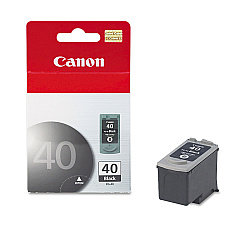
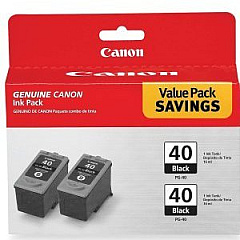
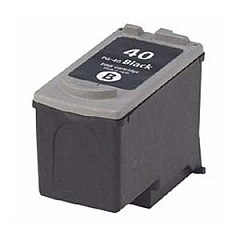
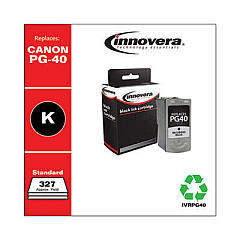
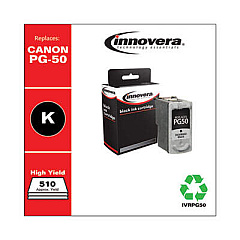
Keep your Canon FAX-JX200 running smoothly with our high-quality Canon FAX-JX200 Ink Cartridges. We offer a range of compatible options to suit your printing needs, including the Canon PG-40 Black Ink Cartridge for crisp text and sharp faxes. For heavy users, the Canon PG-40 Black Twin Pack provides excellent value. The Canon PG-40 CL-41 with GP502 combo offers both black and color cartridges plus photo paper for versatile printing. For those requiring higher yield, the Canon PG-50 Black Ink Cartridge is an ideal choice. Our genuine Canon cartridges ensure optimal performance and longevity for your FAX-JX200, delivering professional-quality results every time. Whether you're a small business, educational institution, or healthcare provider, our selection of Canon FAX-JX200 Ink Cartridges will keep your communication flowing efficiently and cost-effectively.

Canon FAX-JX200 Printers Supplies FAQs

  • How long do Canon FAX-JX200 ink cartridges typically last?

    The lifespan of ink cartridges varies depending on usage, but on average, a standard cartridge lasts for about 200-300 pages.

  • Are these ink cartridges compatible with other Canon printers?

    While some cartridges may be compatible with other Canon models, it's best to check your printer's specific requirements to ensure compatibility.

  • What's the difference between PG-40 and PG-50 cartridges?

    The PG-50 is a high-yield cartridge that contains more ink and can print more pages than the standard PG-40.

  • Can I use third-party ink cartridges in my Canon FAX-JX200?

    While third-party cartridges may work, using genuine Canon cartridges ensures optimal performance and protects your printer's warranty.

  • How do I install a new ink cartridge in my Canon FAX-JX200?

    Open the front cover, wait for the cartridge holder to move to the center, remove the old cartridge, insert the new one until it clicks, then close the cover.

  • What should I do if my printer doesn't recognize the new cartridge?

    Try removing and reinserting the cartridge, cleaning the contacts, or running a printer head alignment. If issues persist, contact Canon support.

  • How can I extend the life of my ink cartridges?

    Print in draft mode when possible, maintain your printer regularly, and avoid leaving the printer idle for long periods.

  • Is it normal for ink cartridges to expire?

    Yes, ink cartridges have expiration dates. Using them beyond this date may result in poor print quality or printer damage.

  • Can I refill these ink cartridges myself?

    While it's possible to refill cartridges, it's not recommended as it may void your warranty and potentially damage your printer.

  • How should I store unused ink cartridges?

    Store cartridges in a cool, dry place in their original packaging. Avoid extreme temperatures and direct sunlight.

Warehouse Locations

Policy & Agreement | Copyright © 1995-2026 BlueDogInk.com
