




Ads

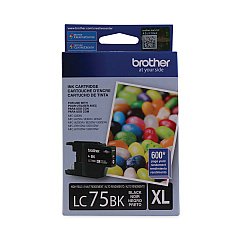
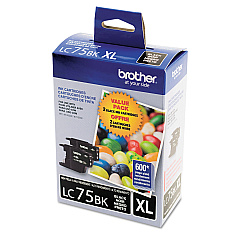
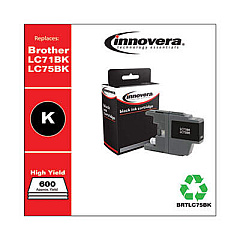
Brother MFC-J835DW Black Ink Cartridges

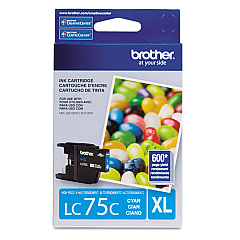
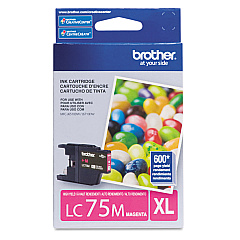
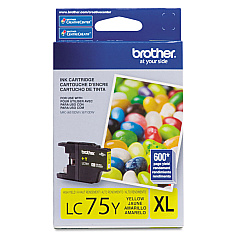
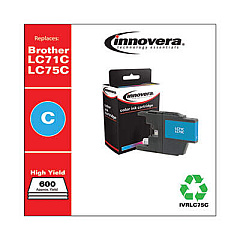
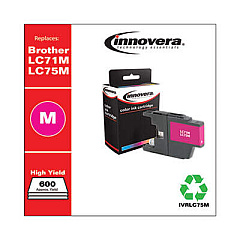
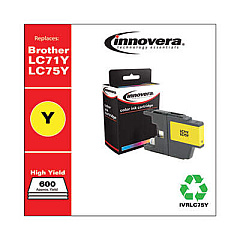
Brother MFC-J835DW Color Ink Cartridges

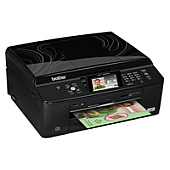
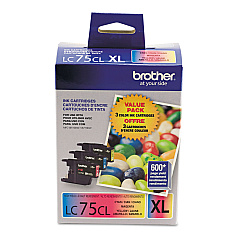
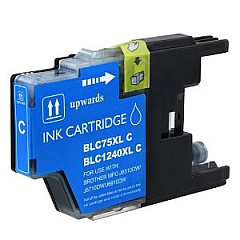
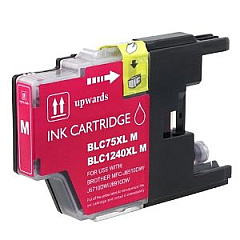
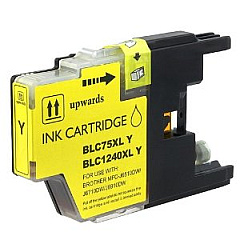
Ensure optimal print quality with genuine Brother MFC-J835DW Ink Cartridges. This versatile all-in-one printer demands reliable ink supplies to deliver crisp documents and vibrant photos. Choose from a range of options including the cost-effective LC713PKS and LC752PKS Value Packs, or individual cartridges in black, cyan, magenta, and yellow. For higher yield requirements, consider the LC753PKS Value Pack or individual LC75 series cartridges. These authentic Brother inks are designed to work seamlessly with your MFC-J835DW, providing consistent, fade-resistant results. Whether you're printing business reports, school projects, or family photos, these cartridges ensure your printer performs at its best. Maximize your printing efficiency and minimize costs by selecting the right Brother MFC-J835DW Ink Cartridges for your specific needs.

Brother MFC-J835DW Ink Cartridges FAQs

  • What's the difference between LC71 and LC75 ink cartridges?

    LC75 cartridges have a higher page yield than LC71 cartridges, offering more prints per cartridge.

  • Are these ink cartridges compatible with other Brother printers?

    While they're designed for the MFC-J835DW, they may be compatible with other Brother models. Always check your printer's manual for compatibility.

  • How long do these ink cartridges typically last?

    The lifespan varies based on usage, but standard LC71 cartridges yield about 300 pages, while high-yield LC75 cartridges can print up to 600 pages.

  • Can I use third-party ink cartridges in my Brother MFC-J835DW?

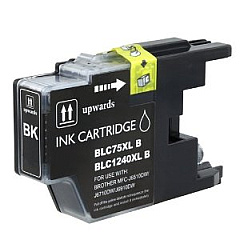
    While third-party cartridges may work, using genuine Brother cartridges ensures optimal print quality and prevents potential printer damage.

  • What's included in the Value Pack cartridges?

    Value Packs typically include one of each color (black, cyan, magenta, and yellow) at a discounted price compared to buying individually.

  • How do I install these ink cartridges?

    Open the ink cartridge cover, remove the old cartridge, unpack the new one, and insert it until it clicks into place. Close the cover and follow on-screen instructions.

  • Can I recycle empty ink cartridges?

    Yes, Brother offers a recycling program for empty cartridges. Check their website for details on how to participate.

  • How can I tell if my ink cartridge is genuine?

    Look for the Brother hologram on the packaging and the Brother logo on the cartridge itself.

  • What should I do if my printer doesn't recognize the new cartridge?

    Try removing and reinserting the cartridge. If issues persist, clean the printer's contacts and ensure the cartridge is properly seated.

  • Can I buy these cartridges in bulk for my business?

    Yes, bulk purchasing options are often available for businesses. Contact Brother or authorized retailers for volume pricing.

Warehouse Locations

Policy & Agreement | Copyright © 1995-2026 BlueDogInk.com
