




Ads

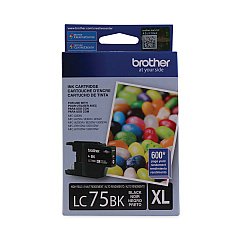
Brother MFC-J5910dw Black Ink Cartridges

Brother MFC-J5910dw Color Ink Cartridges

Brother MFC-J5910dw Warranty and Services

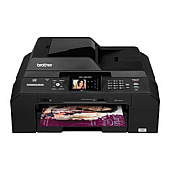
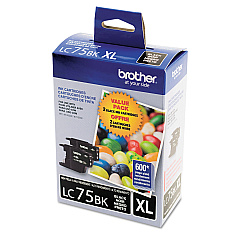
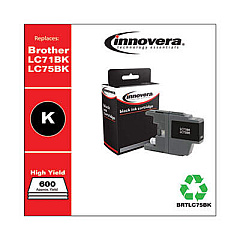
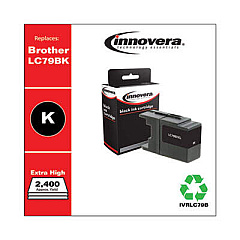
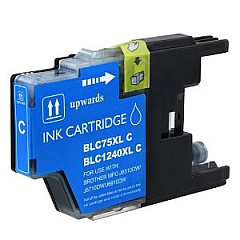
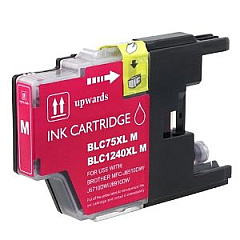
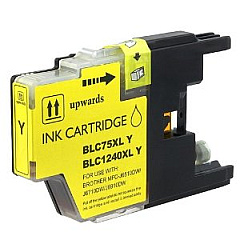
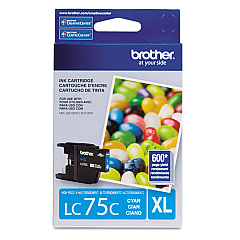
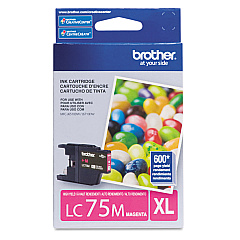
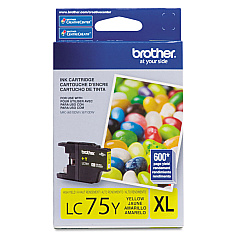
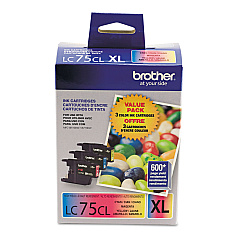
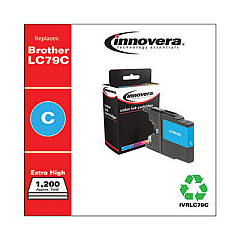
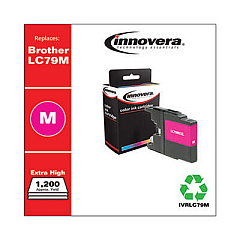
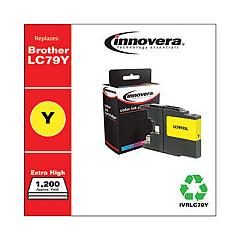
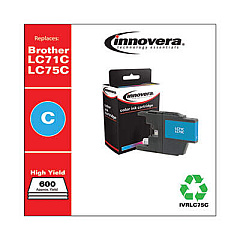
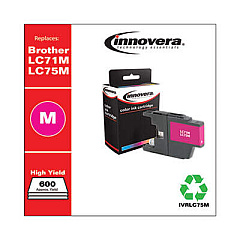
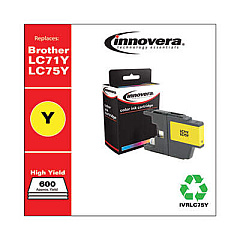
Ensure optimal performance for your Brother MFC-J5910dw printer with genuine Brother MFC-J5910dw Ink Cartridges. Our comprehensive range includes the LC752PKS and LC753PKS Value Packs for cost-effective printing, as well as individual LC75 series cartridges in Black, Cyan, Magenta, and Yellow. For high-volume printing needs, we offer the LC793PKS Value Pack and LC79 series cartridges, delivering exceptional print quality and yield. These authentic Brother ink cartridges are designed to work seamlessly with your MFC-J5910dw, producing crisp text and vibrant colors for all your professional and personal printing requirements. Whether you're printing documents, reports, or photos, our Brother MFC-J5910dw Ink Cartridges provide reliable, smudge-resistant results that meet the demands of businesses, educational institutions, government offices, and healthcare facilities.

Brother MFC-J5910dw Ink Cartridges FAQs

  • What is the difference between LC75 and LC79 ink cartridges?

    LC79 cartridges are high-yield versions, offering more ink and a higher page yield compared to the standard LC75 cartridges.

  • Are these ink cartridges compatible with other Brother printer models?

    While they are designed for the MFC-J5910dw, they may be compatible with other Brother models. Always check your printer's manual for compatibility.

  • How long do these ink cartridges typically last?

    The lifespan varies depending on usage, but LC75 cartridges generally yield about 600 pages, while LC79 cartridges can yield up to 2,400 pages.

  • Can I use third-party ink cartridges in my Brother MFC-J5910dw?

    While third-party cartridges may work, using genuine Brother cartridges ensures optimal print quality and prevents potential damage to your printer.

  • What's included in the Value Pack cartridges?

    Value Packs typically include one of each color (Black, Cyan, Magenta, and Yellow) at a discounted price compared to buying them individually.

  • How do I know when it's time to replace my ink cartridges?

    Your printer will display a low ink warning. You can also check ink levels through the printer's control panel or your computer.

  • Are these cartridges environmentally friendly?

    Brother offers a cartridge recycling program to minimize environmental impact. Check their website for details on how to participate.

  • Can I replace individual color cartridges, or do I need to replace all colors at once?

    You can replace individual color cartridges as needed. There's no need to replace all colors simultaneously.

  • How should I store unused ink cartridges?

    Store cartridges in a cool, dry place away from direct sunlight. Keep them in their original packaging until ready for use.

  • What's the shelf life of these ink cartridges?

    Unopened cartridges typically have a shelf life of 1-2 years. Always check the expiration date printed on the package.

Warehouse Locations

Policy & Agreement | Copyright © 1995-2026 BlueDogInk.com
