




Ads

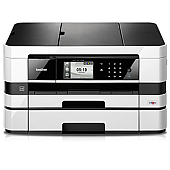
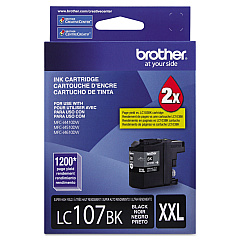
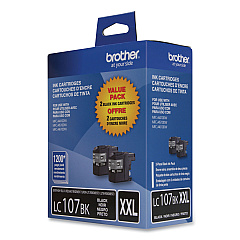
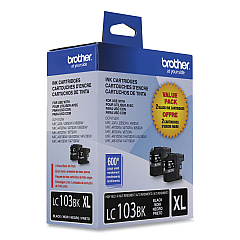
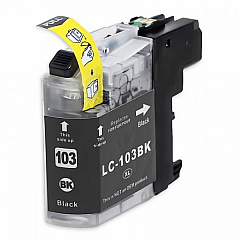
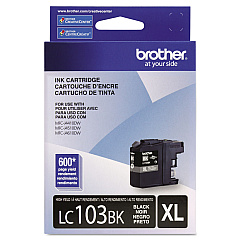
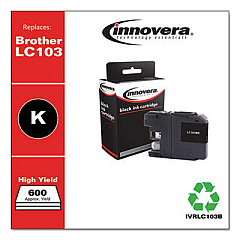
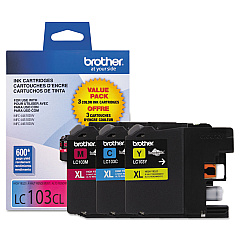
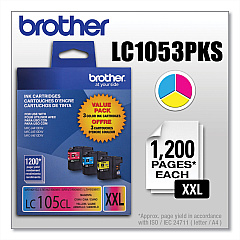
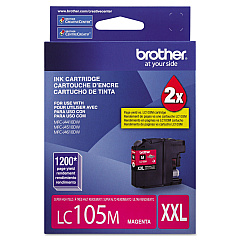
Brother MFC-J4710DW Black Ink Cartridges

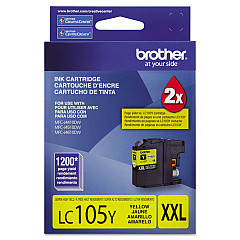
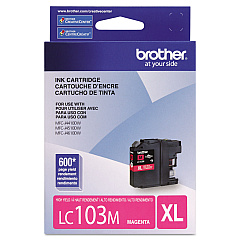
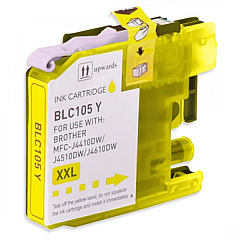
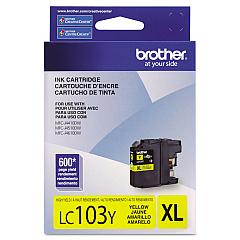
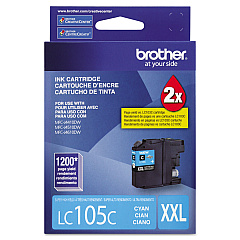
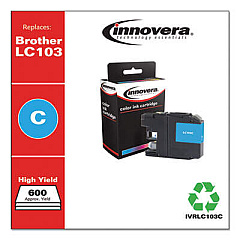
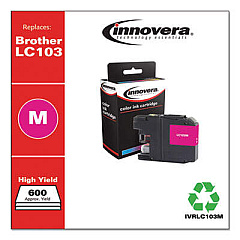
Brother MFC-J4710DW Color Ink Cartridges

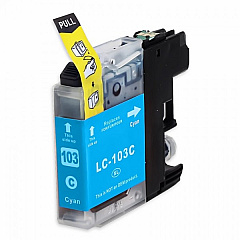
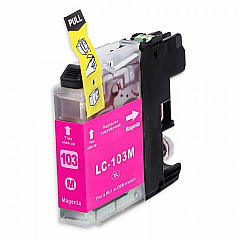
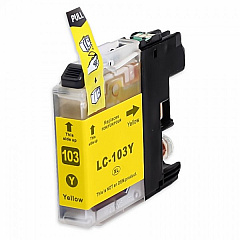
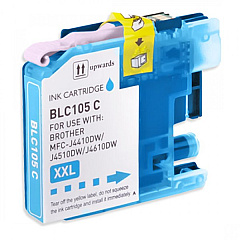
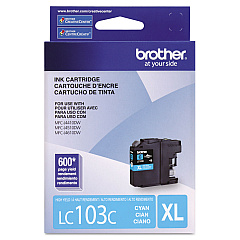
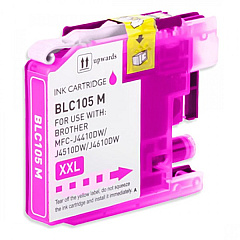
Keep your Brother MFC-J4710DW printer running smoothly with our comprehensive range of Brother MFC-J4710DW Ink Cartridges. Choose from various options, including value packs and individual cartridges in black, cyan, magenta, and yellow. The LC103 series offers standard yield, while the LC105 and LC107 series provide high-yield alternatives for more demanding print jobs. These genuine Brother ink cartridges ensure optimal print quality and longevity for your documents and photos. Whether you're printing for business, education, or personal use, our selection of Brother MFC-J4710DW Ink Cartridges caters to all your needs. Enjoy crisp text, vibrant colors, and cost-effective printing with these reliable ink supplies. Stock up now to avoid interruptions in your printing tasks and maintain peak performance from your Brother MFC-J4710DW printer.

Brother MFC-J4710DW Ink Cartridges FAQs

  • What is the difference between LC103, LC105, and LC107 series cartridges?

    LC103 are standard yield cartridges, while LC105 and LC107 are high-yield cartridges that provide more prints per cartridge.

  • Are these cartridges compatible with other Brother printer models?

    These cartridges are specifically designed for the Brother MFC-J4710DW. Always check your printer's compatibility before purchasing.

  • What is a value pack?

    A value pack typically includes multiple cartridges (often one of each color) at a discounted price compared to buying them individually.

  • How long do these ink cartridges last?

    The lifespan of cartridges varies depending on usage, but high-yield cartridges generally last longer than standard yield ones.

  • Can I use third-party ink cartridges in my Brother MFC-J4710DW?

    While third-party cartridges may work, using genuine Brother cartridges ensures optimal print quality and prevents potential printer damage.

  • How do I install these ink cartridges?

    Follow the instructions in your printer's manual. Generally, you'll need to open the ink cartridge cover, remove the old cartridge, and insert the new one until it clicks into place.

  • What should I do if my printer doesn't recognize the new cartridge?

    Try removing and reinserting the cartridge. If the issue persists, clean the cartridge contacts and try again. If problems continue, contact Brother support.

  • How should I store unused ink cartridges?

    Store cartridges in a cool, dry place in their original packaging. Avoid direct sunlight and extreme temperatures.

  • Can I recycle empty ink cartridges?

    Yes, Brother offers a recycling program for empty cartridges. Check their website or local office supply stores for recycling options.

  • What's the shelf life of these ink cartridges?

    Unopened cartridges typically have a shelf life of 1-2 years. Always check the expiration date on the package before use.

Warehouse Locations

Policy & Agreement | Copyright © 1995-2026 BlueDogInk.com
