




Ads

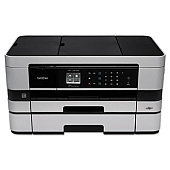
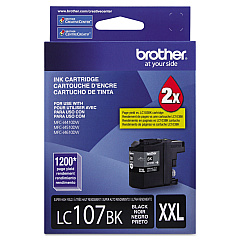
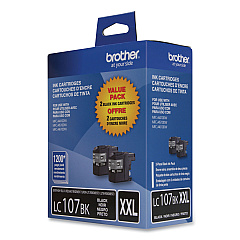
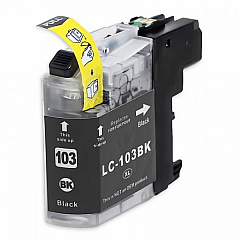
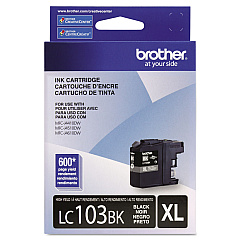
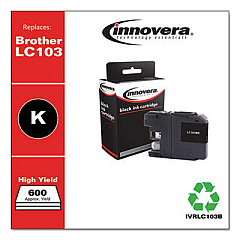
Brother MFC-J4610DW Black Ink Cartridges

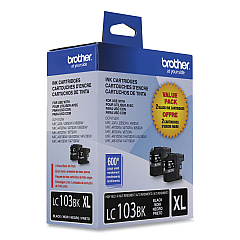
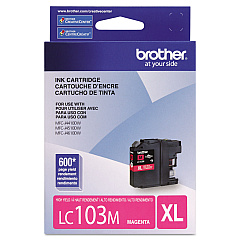
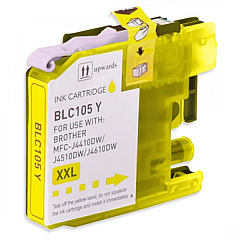
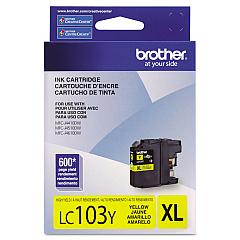
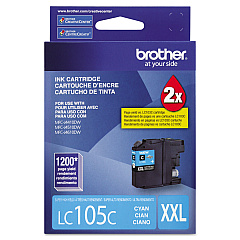
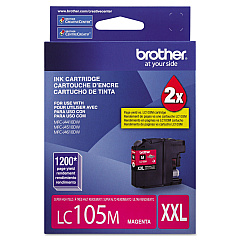
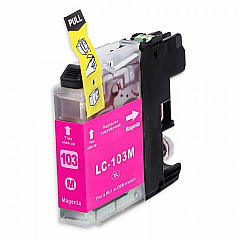
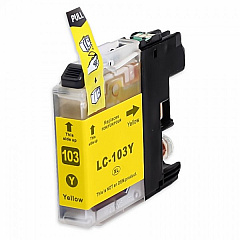
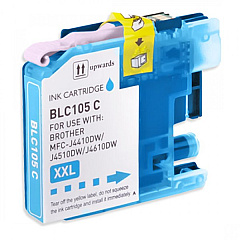
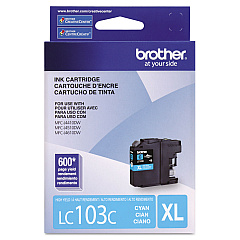
Brother MFC-J4610DW Color Ink Cartridges

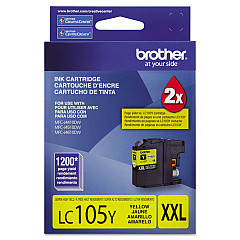
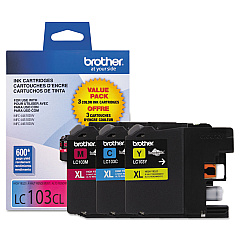
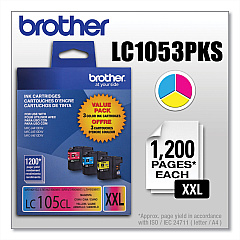
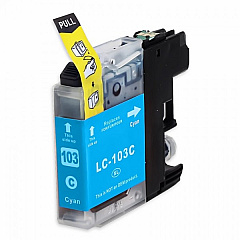
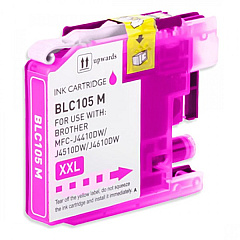
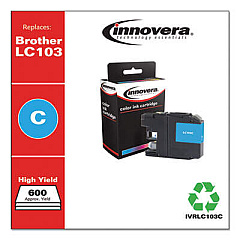
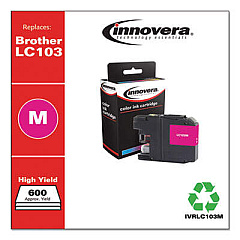
Ensure top-quality prints with genuine Brother MFC-J4610DW Ink Cartridges. This versatile printer supports a wide range of cartridge options, including value packs for cost-effective bulk printing. Choose from standard-yield LC103 series cartridges in black, cyan, magenta, and yellow, or opt for high-yield LC105 color cartridges for extended print runs. For maximum efficiency, consider the LC107BK black cartridge, offering superior page yield. Value packs like the LC1032PKS, LC1033PKS, LC1053PKS, and LC1072PKS provide excellent savings for high-volume users. Whether you're printing documents or vibrant photos, these Brother ink cartridges deliver crisp text and vivid colors. Compatible with the Brother MFC-J4610DW printer, these cartridges ensure consistent, professional results for all your printing needs. Maximize your printer's performance and minimize costs with these reliable, high-quality ink options.

Brother MFC-J4610DW Ink Cartridges FAQs

  • What is the difference between LC103 and LC105 cartridges?

    LC105 cartridges are high-yield versions, offering more ink and a higher page yield compared to the standard LC103 cartridges.

  • Are these cartridges compatible with other Brother printers?

    These cartridges are specifically designed for the Brother MFC-J4610DW. Always check your printer's compatibility before purchasing.

  • What's included in the value packs?

    Value packs typically include a set of black and color cartridges, offering a cost-effective solution for purchasing multiple cartridges.

  • How long do these cartridges last?

    Cartridge life varies depending on usage and print settings. High-yield cartridges like the LC105 and LC107 series last longer than standard-yield options.

  • Can I use third-party ink cartridges in my Brother MFC-J4610DW?

    While third-party cartridges may work, using genuine Brother cartridges ensures optimal print quality and printer performance.

  • How do I install these ink cartridges?

    Simply open the ink cartridge cover, remove the old cartridge, and insert the new one until it clicks into place. Refer to your printer's manual for detailed instructions.

  • Are these cartridges environmentally friendly?

    Brother offers a cartridge recycling program. Check their website for details on how to recycle your used cartridges.

  • What's the shelf life of unopened ink cartridges?

    Unopened cartridges typically last up to two years. Always check the expiration date on the package.

  • Can I mix different series of cartridges (e.g., LC103 and LC105) in my printer?

    Yes, you can use different series cartridges simultaneously in your Brother MFC-J4610DW printer.

  • How can I tell when it's time to replace my ink cartridges?

    Your printer will display a low ink warning. You can also check ink levels through the printer's control panel or your computer's printer software.

Warehouse Locations

Policy & Agreement | Copyright © 1995-2026 BlueDogInk.com
