




Ads

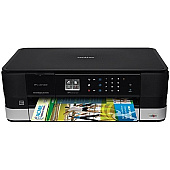
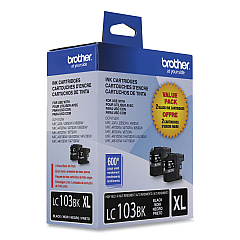
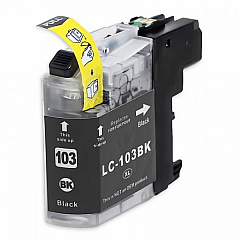
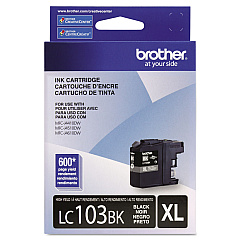
Brother MFC-J4310DW Black Ink Cartridges

Brother MFC-J4310DW Color Ink Cartridges

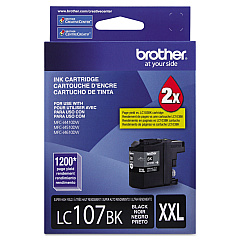
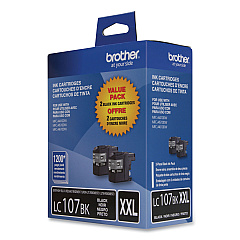
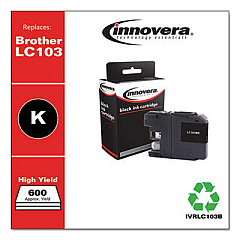
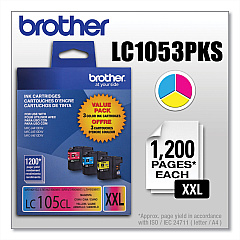
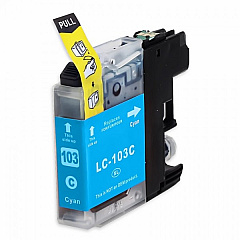
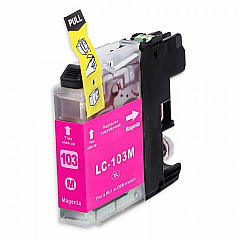
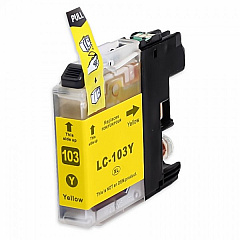
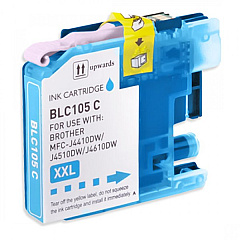
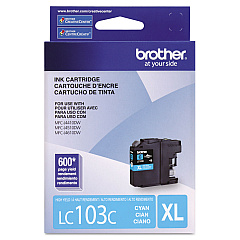
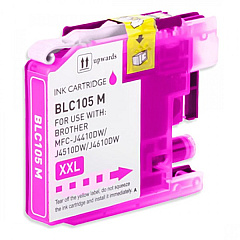
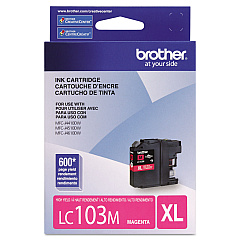
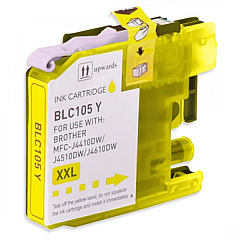
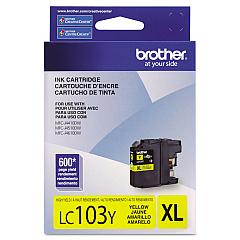
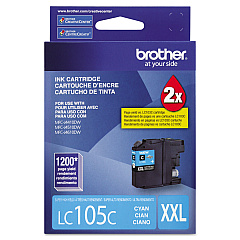
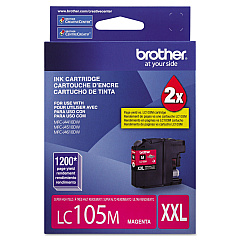
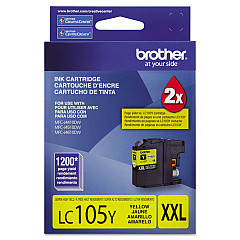
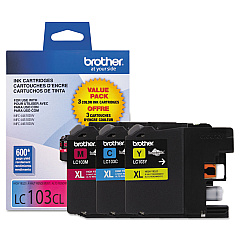
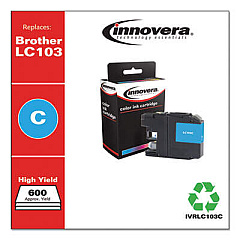
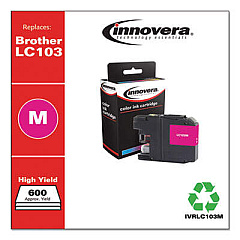
Ensure top-quality prints with genuine Brother MFC-J4310DW Ink Cartridges. This versatile printer supports a wide range of cartridges, including the economical LC1032PKS and LC1033PKS Value Packs for high-volume printing. For individual color replacements, choose from LC103BK (Black), LC103C (Cyan), LC103M (Magenta), and LC103Y (Yellow). Need even higher yields? Opt for the LC1053PKS Value Pack or individual LC105 series cartridges in Cyan, Magenta, and Yellow. For maximum black ink capacity, the LC1072PKS Value Pack and LC107BK cartridge offer extended printing capabilities. These authentic Brother cartridges deliver crisp text and vibrant colors, making them ideal for both professional documents and photo printing. Whether you're a small business, home office, or high-volume user, there's a Brother MFC-J4310DW ink solution to meet your specific needs and budget.

Brother MFC-J4310DW Ink Cartridges FAQs

  • How long do Brother MFC-J4310DW ink cartridges last?

    The lifespan of ink cartridges varies depending on usage and print settings. Standard yield cartridges typically last for about 600 pages, while high-yield cartridges can print up to 1200 pages.

  • Can I use third-party ink cartridges in my Brother MFC-J4310DW?

    While third-party cartridges may work, using genuine Brother cartridges ensures optimal print quality and prevents potential damage to your printer.

  • What's the difference between the LC103 and LC105 series cartridges?

    LC105 series cartridges are high-yield versions, offering more ink and a higher page yield compared to the standard LC103 series.

  • How do I install new ink cartridges in my Brother MFC-J4310DW?

    Open the ink cartridge cover, remove the empty cartridge, unpack the new one, and insert it until it clicks into place. Close the cover and follow on-screen instructions to complete the process.

  • Are Brother MFC-J4310DW ink cartridges recyclable?

    Yes, Brother offers a cartridge recycling program. You can return used cartridges to Brother or participating retailers for proper recycling.

  • Can I use LC107BK black ink cartridge with LC103 color cartridges?

    Yes, the LC107BK is compatible with LC103 color cartridges, allowing you to mix and match based on your printing needs.

  • What's included in the Brother LC1032PKS Value Pack?

    The LC1032PKS Value Pack typically includes one black and one of each color (cyan, magenta, yellow) standard yield cartridge.

  • How can I check the ink levels in my Brother MFC-J4310DW?

    You can check ink levels through the printer's control panel or by using the Brother Status Monitor software on your computer.

  • Do Brother MFC-J4310DW ink cartridges expire?

    While ink cartridges don't technically expire, it's best to use them within 6 months of purchase for optimal print quality.

  • Can I buy individual color cartridges or do I have to replace all colors at once?

    You can buy and replace individual color cartridges as needed. The printer will only prompt you to replace the specific color that's low or empty.

Warehouse Locations

Policy & Agreement | Copyright © 1995-2026 BlueDogInk.com
