




Ads

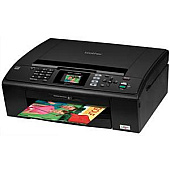
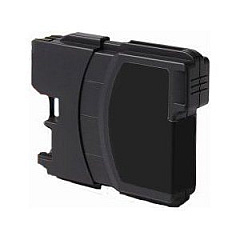
Brother MFC-J220 Black Ink Cartridges

Brother MFC-J220 Color Ink Cartridges

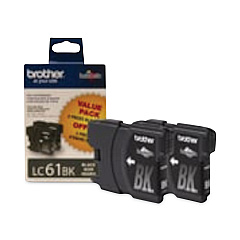
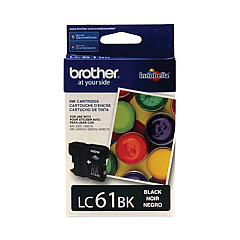
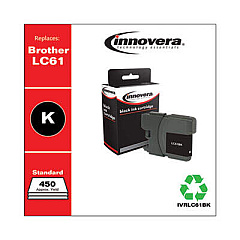
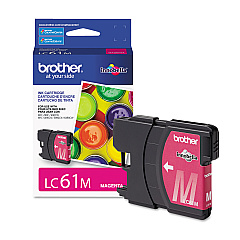
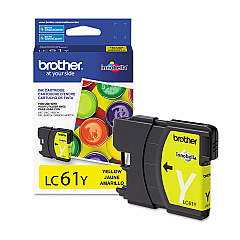
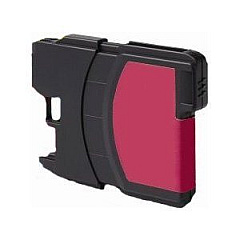
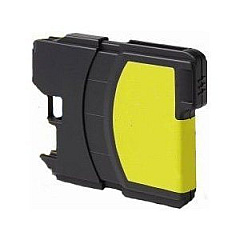
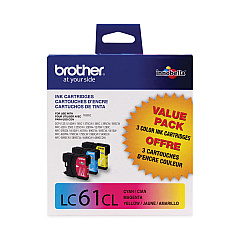
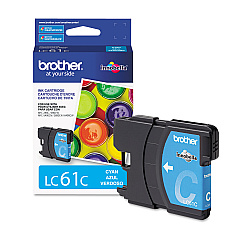
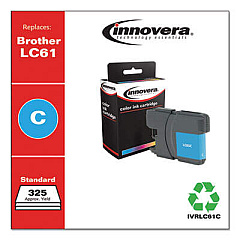
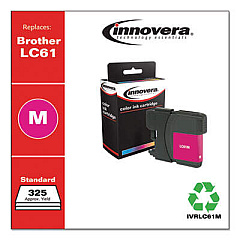
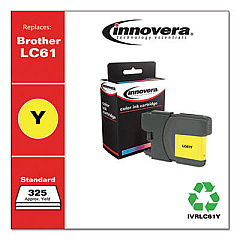
Keep your Brother MFC-J220 printer running smoothly with our high-quality Brother MFC-J220 Ink Cartridges. We offer a comprehensive range of genuine Brother ink cartridges, including the LC612PKS Black Ink Cartridge Twin Pack for cost-effective, high-volume printing, and the LC613PKS Color Ink Cartridge Multipack for vibrant, long-lasting colors. For individual color replacements, choose from our selection of LC61BK Black, LC61C Cyan, LC61M Magenta, and LC61Y Yellow ink cartridges. These cartridges are designed to deliver crisp text and vivid images, ensuring professional-quality prints every time. Whether you're a small business, educational institution, or healthcare facility, our Brother MFC-J220 Ink Cartridges provide reliable performance and exceptional value. Don't let low ink levels slow you down – stock up on these genuine Brother cartridges to keep your printing tasks running efficiently and cost-effectively.

Brother MFC-J220 Ink Cartridges FAQs

  • How long do Brother MFC-J220 ink cartridges typically last?

    The lifespan of ink cartridges varies depending on usage, but on average, they can last for about 300-400 pages for black ink and 300 pages for color cartridges.

  • Are these ink cartridges compatible with other Brother printer models?

    While these cartridges are designed for the Brother MFC-J220, they may be compatible with other Brother models. Always check your printer's manual or the Brother website for compatibility information.

  • Can I use third-party ink cartridges in my Brother MFC-J220 printer?

    While third-party cartridges may work, using genuine Brother ink cartridges ensures optimal print quality and helps maintain your printer's warranty.

  • How can I tell when it's time to replace my ink cartridges?

    Your printer will display a low ink warning when cartridges need replacement. You may also notice a decrease in print quality.

  • What's the difference between the twin pack and individual cartridges?

    The twin pack (LC612PKS) contains two black ink cartridges, offering better value for high-volume printing. Individual cartridges allow you to replace only the colors you need.

  • How should I store unused ink cartridges?

    Store cartridges in a cool, dry place away from direct sunlight. Keep them in their original packaging until ready for use.

  • Can I recycle empty ink cartridges?

    Yes, Brother offers a recycling program for empty cartridges. Check their website for details on how to participate.

  • What should I do if my printer doesn't recognize a new cartridge?

    Try removing and reinserting the cartridge. If the issue persists, clean the cartridge contacts and try again. If problems continue, contact Brother support.

  • Is it necessary to replace all color cartridges at once?

    No, you can replace individual color cartridges as needed. However, replacing all colors at once can ensure consistent print quality.

  • What's the shelf life of unopened ink cartridges?

    Unopened cartridges typically have a shelf life of 1-2 years. Always check the expiration date on the packaging before use.

Warehouse Locations

Policy & Agreement | Copyright © 1995-2026 BlueDogInk.com
