










Ads

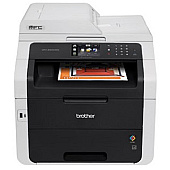
Brother MFC-9340CDW Black Toner Cartridges

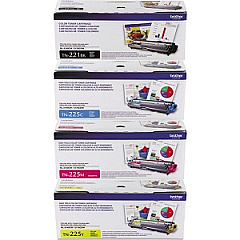
Brother MFC-9340CDW Color Toner Cartridges

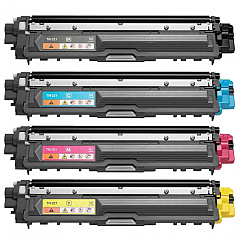
Brother MFC-9340CDW Toner Set

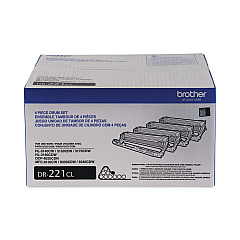
Brother MFC-9340CDW Drum Units

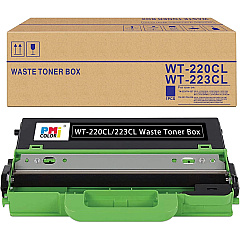
Brother MFC-9340CDW Waste Toner Kits

Brother MFC-9340CDW Maintenance Kits

Brother MFC-9340CDW Copy Paper

Brother MFC-9340CDW Warranty and Services

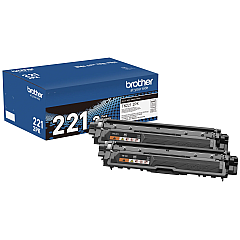
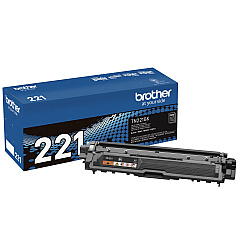
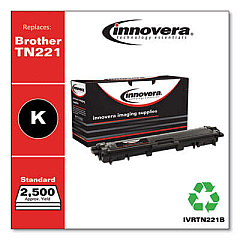
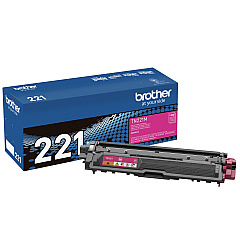
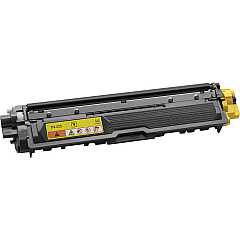
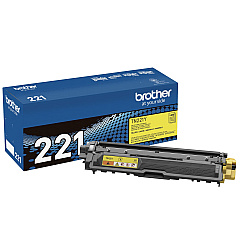
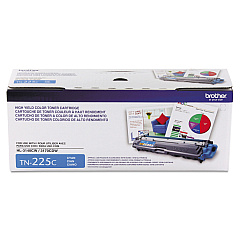
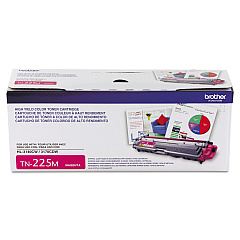
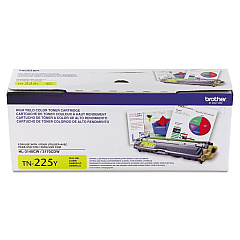
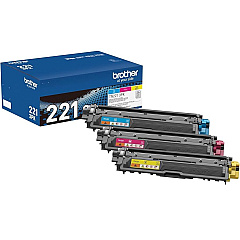
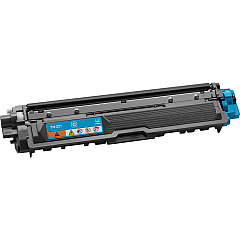
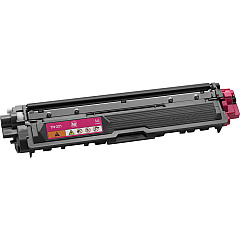
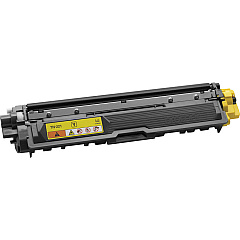
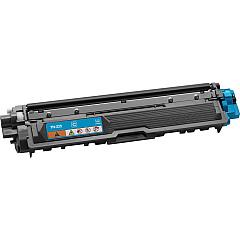
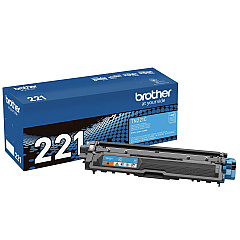
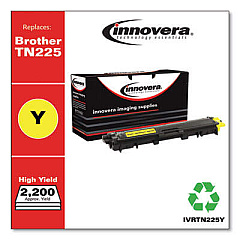
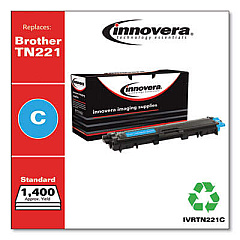
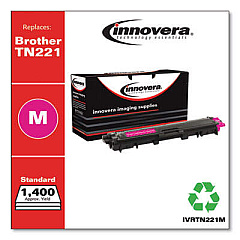
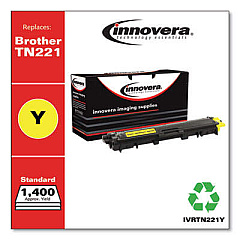
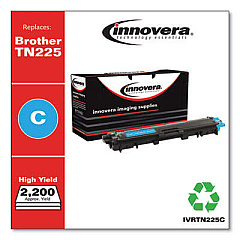
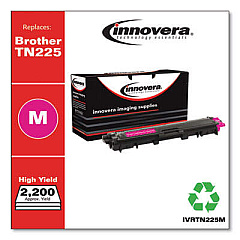
Ensure optimal performance and stunning print quality with genuine Brother MFC-9340CDW Toner Cartridges. This comprehensive range includes the BU220CL Belt Unit, DR221CL Drum Unit, and various toner cartridges to meet all your printing needs. Choose from black toner options like the TN2212PK Twin Pack or TN221BK, and vibrant color cartridges such as TN221C (Cyan), TN221M (Magenta), and TN221Y (Yellow). For high-yield requirements, consider the TN225 Toner Cartridge Set or individual TN225 color cartridges. The TN2213PK Color Multi-Pack offers convenience for busy offices. Don't forget the essential WT220CL Waste Toner Box to maintain your printer's cleanliness. With these genuine Brother supplies, your MFC-9340CDW will consistently deliver professional-quality documents and vivid color prints, ensuring your business communications always make a lasting impression.

Brother MFC9340CDW All-in-One Printer Toner FAQs

  • How often should I replace the Brother MFC-9340CDW toner cartridges?

    Replacement frequency depends on usage, but typically when print quality diminishes or the printer indicates low toner levels.

  • Can I use non-genuine toner cartridges in my Brother MFC-9340CDW?

    While possible, using non-genuine cartridges may compromise print quality and potentially damage your printer. Genuine Brother cartridges are recommended.

  • What's the difference between TN221 and TN225 toner cartridges?

    TN225 cartridges are high-yield versions, offering more prints per cartridge compared to the standard TN221 cartridges.

  • How do I install a new toner cartridge in the Brother MFC-9340CDW?

    Open the front cover, remove the old cartridge, unpack the new one, and insert it until it clicks into place. Close the cover to complete installation.

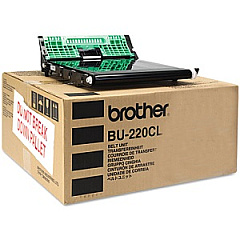
  • What is the purpose of the Brother BU220CL Belt Unit?

    The belt unit transfers toner from the cartridges onto the paper. It's essential for maintaining print quality and should be replaced periodically.

  • How long does the Brother DR221CL Drum Unit typically last?

    The drum unit usually lasts for approximately 15,000 pages, but this can vary based on usage and print conditions.

  • What should I do with used toner cartridges and the waste toner box?

    Brother offers a recycling program for used cartridges and waste toner boxes. Check their website for details on how to participate.

  • Can I replace individual color toners, or do I need to replace all at once?

    You can replace individual color toners as needed. The printer will indicate which specific color is low or empty.

  • What's the benefit of using the TN2212PK Black Toner Cartridge Twin Pack?

    The twin pack offers convenience and potential cost savings for users who frequently print in black and white.

  • How do I know when to replace the WT220CL Waste Toner Box?

    The printer will display a message indicating when the waste toner box is full and needs replacement.

Warehouse Locations

Policy & Agreement | Copyright © 1995-2026 BlueDogInk.com
