









Ads

Brother MFC-9010CN Black Toner Cartridges

Brother MFC-9010CN Color Toner Cartridges

Brother MFC-9010CN Toner Set

Brother MFC-9010CN Drum Units

Brother MFC-9010CN Waste Toner Kits

Brother MFC-9010CN Copy Paper

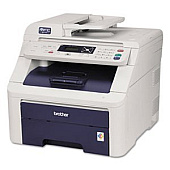
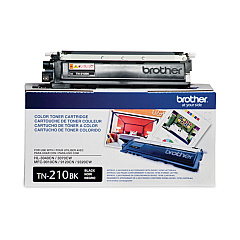
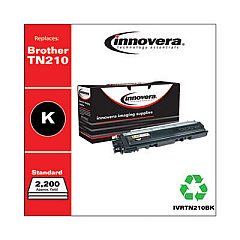
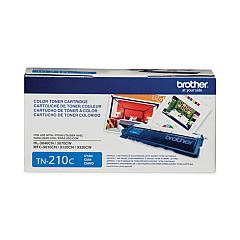
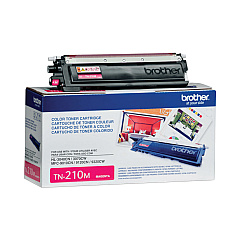
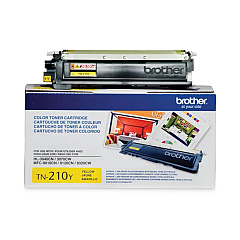
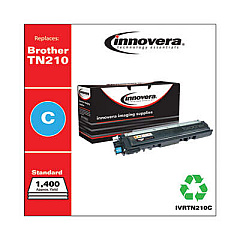
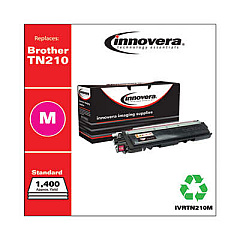
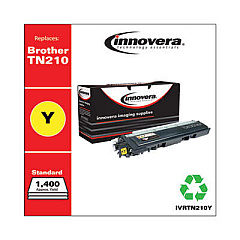
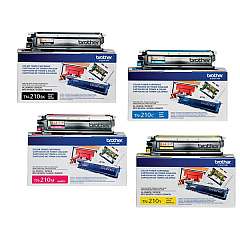
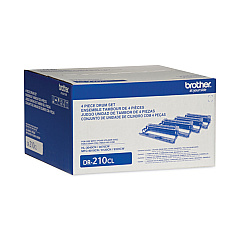
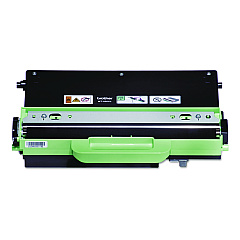
Ensure optimal performance for your Brother MFC-9010CN printer with our high-quality Brother MFC-9010CN Toner Cartridges. Our comprehensive range includes the essential Brother DR210CL Drum Unit and the complete Brother TN210 Toner Cartridge Set, featuring individual cartridges in black, cyan, magenta, and yellow. These genuine Brother toner cartridges deliver crisp text and vibrant colors, meeting the demands of businesses, schools, and healthcare facilities. For extended print runs, consider our cost-effective multipacks. Don't forget the Brother WT200CL Waste Toner Pack to maintain your printer's cleanliness and efficiency. With our Brother MFC-9010CN Toner Cartridges, you'll experience consistent, professional-quality prints while maximizing your printer's lifespan. Trust in our products to keep your Brother MFC-9010CN running smoothly, ensuring uninterrupted productivity for all your printing needs.

Brother MFC-9010CN Toner Cartridges FAQs

  • How long do Brother MFC-9010CN toner cartridges typically last?

    The lifespan of toner cartridges varies depending on usage, but on average, they can print approximately 2,200 pages for color cartridges and 2,400 pages for black cartridges.

  • Are these toner cartridges compatible with other Brother printer models?

    These cartridges are specifically designed for the Brother MFC-9010CN. Always check your printer's compatibility before purchasing toner cartridges.

  • How often should I replace the Brother DR210CL Drum Unit?

    The drum unit typically needs replacement after processing about 15,000 pages, but this can vary based on usage patterns and print environment.

  • Can I use third-party toner cartridges in my Brother MFC-9010CN?

    While third-party cartridges may work, using genuine Brother toner cartridges ensures optimal print quality and prevents potential damage to your printer.

  • What's the difference between toner cartridges and the drum unit?

    Toner cartridges contain the powder used for printing, while the drum unit transfers the toner onto the paper. Both need periodic replacement but at different intervals.

  • How do I know when it's time to replace my toner cartridge?

    Your printer will typically display a message indicating low toner levels. You may also notice a decrease in print quality.

  • What is the Brother WT200CL Waste Toner Pack used for?

    The waste toner pack collects excess toner during printing. It helps maintain printer cleanliness and needs replacement when full.

  • Can I recycle my used Brother toner cartridges?

    Yes, Brother offers a recycling program for used toner cartridges. Check their website or contact your local office supply store for details.

  • How should I store unused toner cartridges?

    Store unused cartridges in a cool, dry place away from direct sunlight. Keep them in their original packaging until ready for use.

  • Do all four color cartridges need to be replaced at the same time?

    Not necessarily. You can replace individual color cartridges as they run out, but it's often more cost-effective to replace them as a set.

Warehouse Locations

Policy & Agreement | Copyright © 1995-2026 BlueDogInk.com
