









Ads

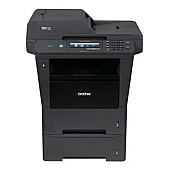
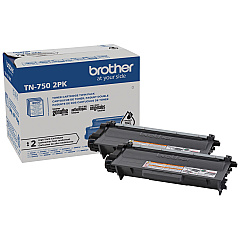
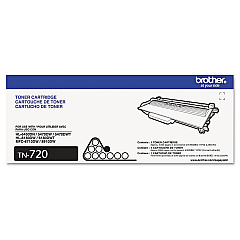
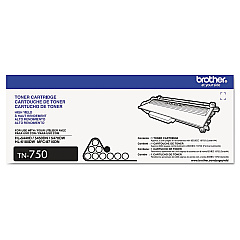
Brother MFC-8950DWT Black Toner Cartridges

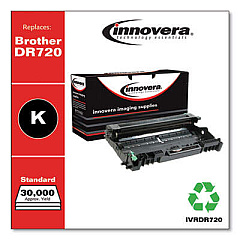
Brother MFC-8950DWT Drum Units

Brother MFC-8950DWT Copy Paper

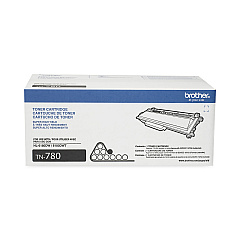
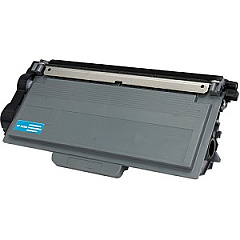
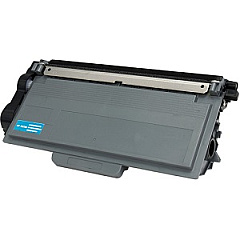
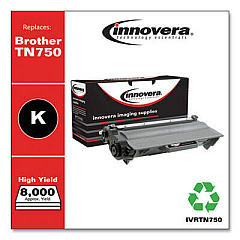
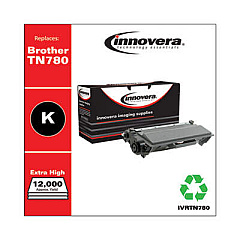
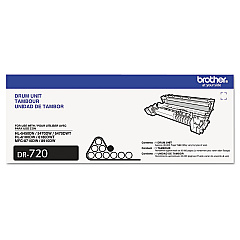
Keep your Brother MFC-8950DWT printer running smoothly with our high-quality Brother MFC-8950DWT Toner Cartridges. We offer a range of genuine Brother supplies, including the DR720 Drum Unit for crisp, clear prints, and various toner options to suit your printing needs. Choose from the standard-yield TN720, high-yield TN750, or super high-yield TN780 Black Toner Cartridge for exceptional coverage and value. For busy offices, the TN7502PK Black Toner Cartridge Twin Pack provides an economical solution to maintain productivity. These authentic Brother cartridges ensure optimal performance, preventing potential damage to your printer and delivering consistently professional results. Whether you're printing documents for business, education, healthcare, or government use, our Brother MFC-8950DWT Toner Cartridges guarantee reliability and superior print quality, page after page.

Brother MFC-8950DWT Toner Cartridges FAQs

  • What is the page yield for the Brother TN720 toner cartridge?

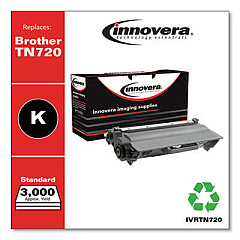
    The Brother TN720 toner cartridge has an approximate page yield of 3,000 pages at 5% coverage.

  • How often should I replace the Brother DR720 drum unit?

    The Brother DR720 drum unit typically needs replacement after approximately 30,000 pages, depending on usage.

  • Are these toner cartridges compatible with other Brother printer models?

    While these cartridges are designed for the Brother MFC-8950DWT, they may be compatible with other Brother models. Always check your printer's manual for specific compatibility information.

  • What's the difference between the TN750 and TN780 toner cartridges?

    The TN780 is a super high-yield cartridge with a higher page yield than the high-yield TN750, offering more prints before needing replacement.

  • Can I use third-party toner cartridges in my Brother MFC-8950DWT?

    While third-party cartridges may work, using genuine Brother cartridges ensures optimal print quality and prevents potential printer damage.

  • How do I install a new toner cartridge in the Brother MFC-8950DWT?

    Open the front cover, remove the old cartridge, unpack the new one, and insert it until it clicks into place. Close the cover to complete installation.

  • What's the benefit of purchasing the TN7502PK twin pack?

    The twin pack offers cost savings compared to buying individual cartridges and ensures you have a replacement on hand to minimize printer downtime.

  • How can I tell if my toner cartridge needs replacement?

    Your printer will display a 'Toner Low' or 'Replace Toner' message when it's time to change the cartridge.

  • Are these toner cartridges environmentally friendly?

    Brother offers a recycling program for used cartridges, promoting environmental sustainability.

  • What should I do if I experience print quality issues after installing a new cartridge?

    Try removing and reinserting the cartridge. If issues persist, check for damage or contact Brother support for assistance.

Warehouse Locations

Policy & Agreement | Copyright © 1995-2026 BlueDogInk.com
