










Ads

Brother MFC-8950DW Black Toner Cartridges

Brother MFC-8950DW Drum Units

Brother MFC-8950DW Copy Paper

Brother MFC-8950DW Warranty and Services

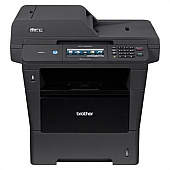
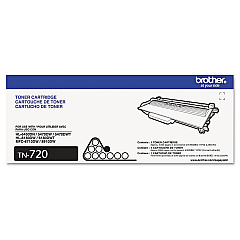
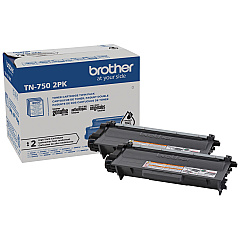
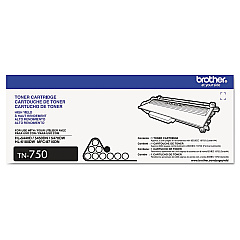
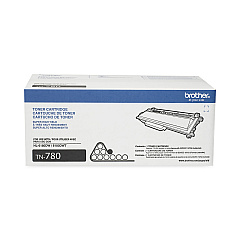
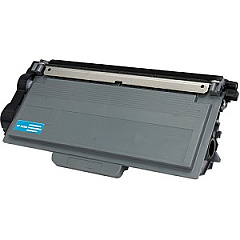
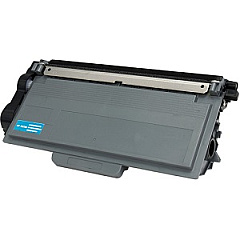
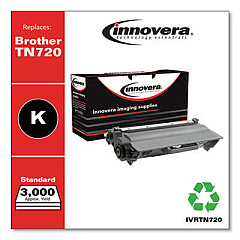
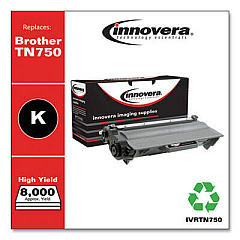
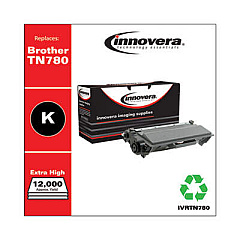
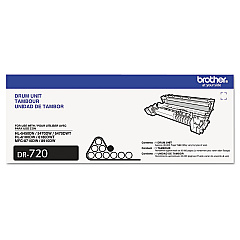
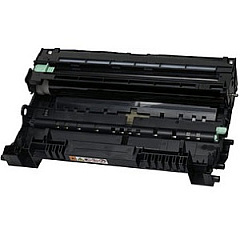
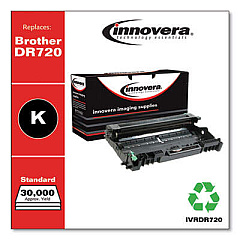
Ensure peak performance for your Brother MFC-8950DW with our premium selection of Brother MFC-8950DW Toner Cartridges. Our range includes the essential Brother DR720 Drum Unit for crisp, clear prints, and a variety of toner options to suit your printing needs. Choose from the standard-yield Brother TN720 Black Toner Cartridge, the high-yield Brother TN750 Black Toner Cartridge for more pages, or the cost-effective Brother TN7502PK Black Toner Cartridge Twin Pack. For heavy-duty printing, the Brother TN780 Black Toner Cartridge offers maximum yield. These genuine Brother supplies ensure optimal print quality, reliability, and longevity for your MFC-8950DW printer. Whether you're printing business documents, educational materials, or healthcare records, our toner cartridges deliver professional results every time. Trust in the quality and compatibility of our Brother MFC-8950DW Toner Cartridges for all your printing needs.

Brother MFC-8950DW Toner Cartridges FAQs

  • What is the page yield of the Brother TN720 toner cartridge?

    The Brother TN720 toner cartridge has an approximate page yield of 3,000 pages at 5% coverage.

  • How often should I replace the Brother DR720 drum unit?

    The Brother DR720 drum unit typically needs replacement after approximately 30,000 pages, depending on usage.

  • Are these toner cartridges compatible with other Brother printers?

    While these cartridges are designed for the Brother MFC-8950DW, they may be compatible with other Brother models. Always check your printer's manual for specific compatibility.

  • What's the difference between the TN750 and TN780 toner cartridges?

    The TN780 is a super high-yield cartridge, offering more pages per cartridge than the high-yield TN750.

  • Can I use third-party toner cartridges in my Brother MFC-8950DW?

    While third-party cartridges may work, using genuine Brother toner cartridges ensures optimal print quality and prevents potential damage to your printer.

  • How do I install a new toner cartridge in the Brother MFC-8950DW?

    Open the front cover, remove the old cartridge, unpack the new one, and insert it until it clicks into place. Close the cover to complete installation.

  • What's the benefit of buying the TN7502PK twin pack?

    The twin pack offers a cost-effective solution for high-volume printing, providing two cartridges at a discounted price compared to buying them separately.

  • How can I tell if my toner cartridge needs replacement?

    Your Brother MFC-8950DW will display a 'Toner Low' or 'Replace Toner' message when it's time to change the cartridge.

  • Are these toner cartridges environmentally friendly?

    Brother offers a recycling program for used toner cartridges, promoting environmental sustainability.

  • What should I do if I experience print quality issues after installing a new cartridge?

    Try cleaning the corona wire inside the drum unit. If issues persist, contact Brother customer support for assistance.

Warehouse Locations

Policy & Agreement | Copyright © 1995-2026 BlueDogInk.com
