




Ads

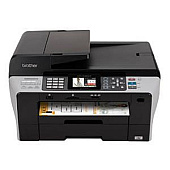
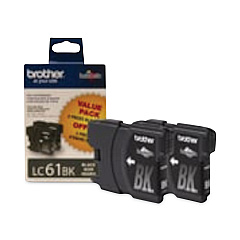
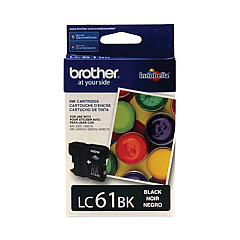
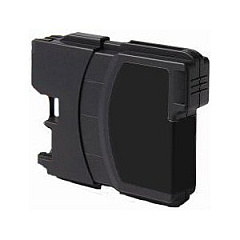
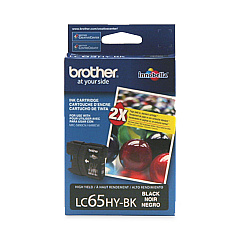
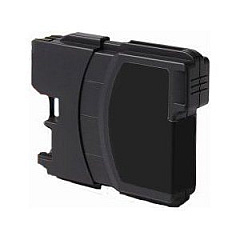
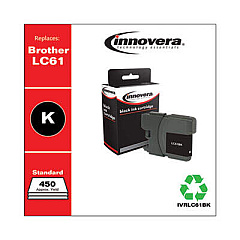
Brother MFC-6490CW Black Ink Cartridges

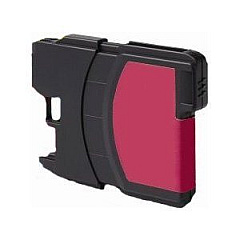
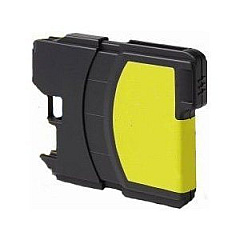
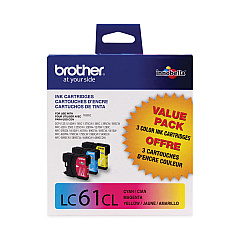
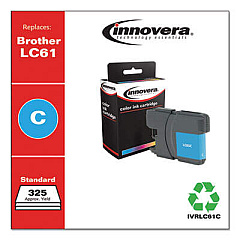
Brother MFC-6490CW Color Ink Cartridges

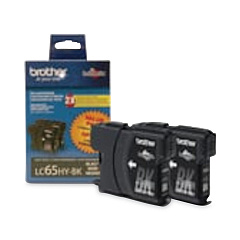
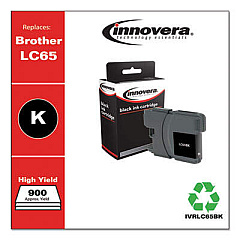
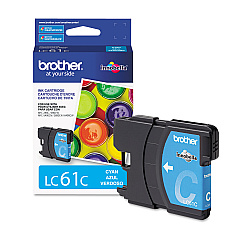
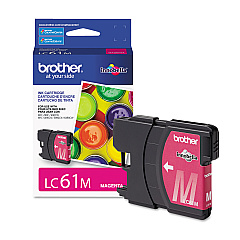
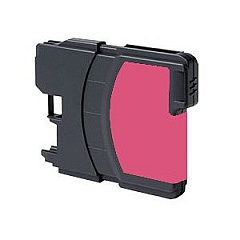
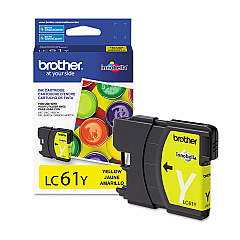
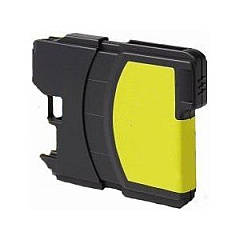
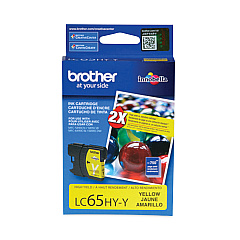
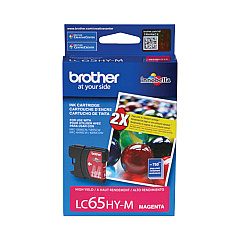
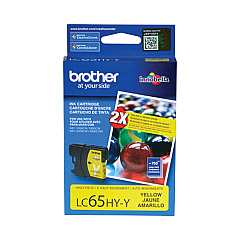
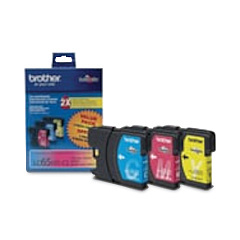
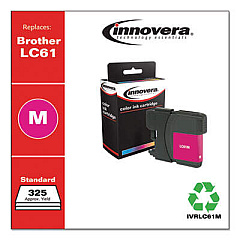
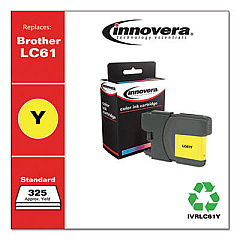
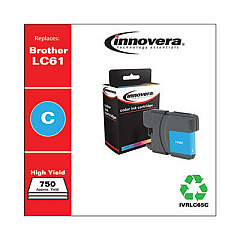
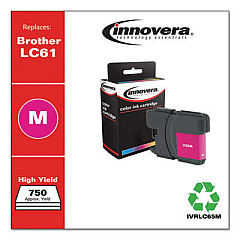
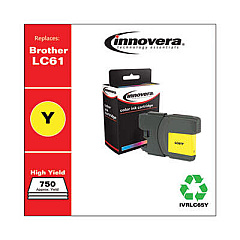
Enhance your printing experience with genuine Brother MFC-6490CW Ink Cartridges. These high-quality cartridges are designed to deliver exceptional results for your Brother MFC-6490CW printer. Choose from a range of options including the LC612PKS Black Twin Pack for increased efficiency, or the LC613PKS Color Multipack for vibrant prints. Individual cartridges in black, cyan, magenta, and yellow are also available for targeted replacements. For those requiring higher yield options, the LC652PKS Black Twin Pack and LC653PKS Color Multipack offer extended printing capacity. The LC65HY series provides even greater page yields for high-volume printing needs. With these genuine Brother ink cartridges, you'll consistently produce sharp text and vivid colors, ensuring professional-quality documents and photos every time.

Brother MFC-6490CW Ink Cartridges FAQs

  • Are these ink cartridges compatible with other Brother printers?

    These cartridges are specifically designed for the Brother MFC-6490CW. Always check your printer's manual for compatible cartridge models.

  • What's the difference between the LC61 and LC65 series?

    The LC65 series are high-yield cartridges that provide more ink and can print more pages than the standard LC61 series.

  • How long do these ink cartridges last?

    The lifespan of ink cartridges varies depending on usage and print settings. High-yield cartridges typically last longer than standard ones.

  • Can I use third-party ink cartridges in my Brother MFC-6490CW?

    While third-party cartridges may work, using genuine Brother cartridges ensures optimal print quality and printer performance.

  • How do I install these ink cartridges?

    Follow the instructions in your printer's manual. Generally, you'll need to open the ink cartridge cover, remove the old cartridge, and insert the new one until it clicks into place.

  • What's the shelf life of unopened ink cartridges?

    Unopened ink cartridges typically have a shelf life of 1-2 years. Check the expiration date on the package for specific information.

  • Are these cartridges recyclable?

    Yes, Brother offers a recycling program for used ink cartridges. Check their website for details on how to participate.

  • What should I do if my printer doesn't recognize the new cartridge?

    Try removing and reinserting the cartridge. If the issue persists, clean the cartridge contacts and try again. If problems continue, contact Brother support.

  • Can I mix LC61 and LC65 cartridges in my printer?

    Yes, you can use both LC61 and LC65 series cartridges in the Brother MFC-6490CW printer.

  • How do I know when it's time to replace my ink cartridges?

    Your printer will display a low ink warning. You can also check ink levels through the printer's control panel or your computer's printer software.

Warehouse Locations

Policy & Agreement | Copyright © 1995-2026 BlueDogInk.com
