




Ads

Brother MFC-250C Black Ink Cartridges

Brother MFC-250C Color Ink Cartridges

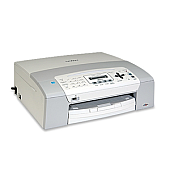
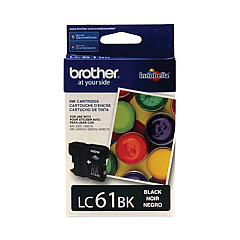
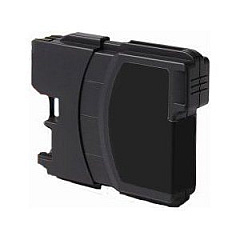
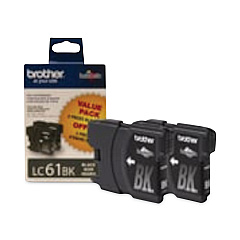
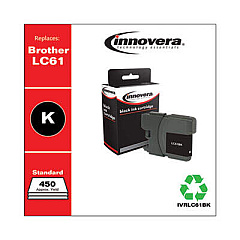
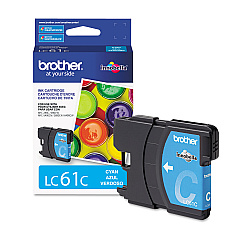
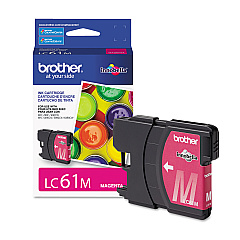
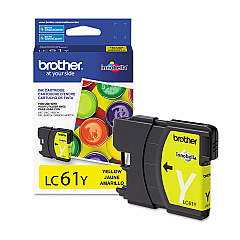
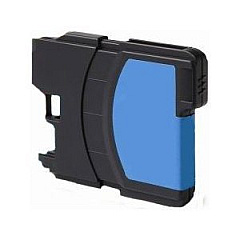
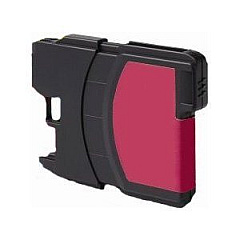
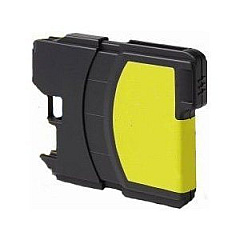
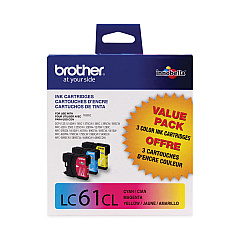
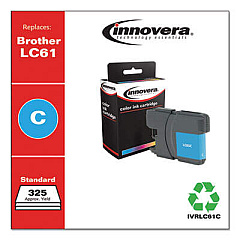
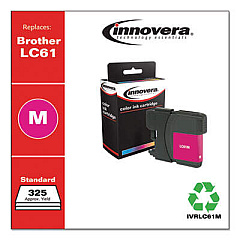
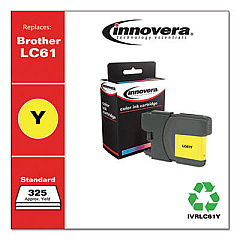
Keep your Brother MFC-250C printer running smoothly with our high-quality Brother MFC-250C Ink Cartridges. We offer a comprehensive range of genuine Brother ink cartridges, including the convenient LC612PKS Black Ink Cartridge Twin Pack and the LC613PKS Color Ink Cartridge Multipack for all your printing needs. For individual color replacements, choose from our selection of LC61BK Black, LC61C Cyan, LC61M Magenta, and LC61Y Yellow ink cartridges. These cartridges are designed to deliver crisp text and vibrant colors, ensuring professional-quality prints every time. Whether you're printing important business documents, school projects, or cherished family photos, our Brother MFC-250C Ink Cartridges provide reliable performance and long-lasting results. Don't compromise on quality – trust our genuine Brother ink cartridges to keep your MFC-250C printer operating at its best.

Brother MFC-250C Ink Cartridges FAQs

  • How long do Brother MFC-250C ink cartridges typically last?

    The lifespan of ink cartridges varies depending on usage, but on average, they can last for 300-400 pages for black ink and 300-350 pages for color cartridges.

  • Can I use third-party ink cartridges in my Brother MFC-250C printer?

    While third-party cartridges may work, we recommend using genuine Brother ink cartridges for optimal print quality and to avoid potential damage to your printer.

  • How do I know when it's time to replace my ink cartridges?

    Your printer will display a low ink warning when cartridges are running low. You can also check ink levels through the printer's control panel or your computer's printer software.

  • Are Brother MFC-250C ink cartridges recyclable?

    Yes, Brother offers a cartridge recycling program. You can return your used cartridges to Brother or participating retailers for proper recycling.

  • Can I buy individual color cartridges for my Brother MFC-250C?

    Yes, you can purchase individual LC61C Cyan, LC61M Magenta, and LC61Y Yellow cartridges for your Brother MFC-250C printer.

  • What's the difference between the LC612PKS and LC613PKS cartridge packs?

    The LC612PKS is a twin pack of black ink cartridges, while the LC613PKS is a multipack containing cyan, magenta, and yellow ink cartridges.

  • How should I store unused ink cartridges?

    Store unused cartridges in a cool, dry place away from direct sunlight. Keep them in their original packaging until you're ready to use them.

  • What should I do if my printer doesn't recognize a new ink cartridge?

    Try removing and reinserting the cartridge. If the issue persists, clean the cartridge contacts and try again. If problems continue, contact Brother support.

  • Can I use Brother MFC-250C ink cartridges in other Brother printer models?

    These cartridges are specifically designed for the MFC-250C model. Always check your printer's manual or Brother's website for compatibility information.

  • How can I maximize the life of my Brother MFC-250C ink cartridges?

    To extend cartridge life, print in draft mode when possible, avoid leaving the printer idle for long periods, and only replace cartridges when they're completely empty.

Warehouse Locations

Policy & Agreement | Copyright © 1995-2026 BlueDogInk.com
