





Ads

Brother IntelliFAX 4100 Black Toner Cartridges

Brother IntelliFAX 4100 Drum Units

Brother IntelliFAX 4100 Warranty and Services

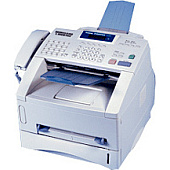
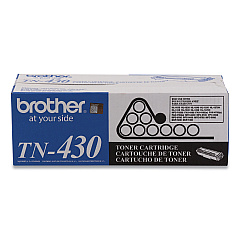
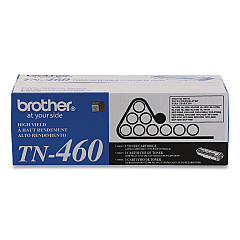
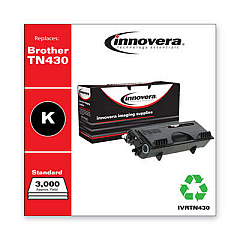
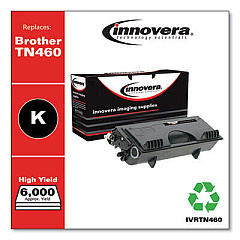
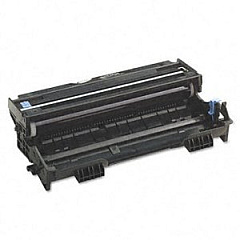
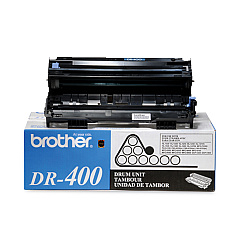
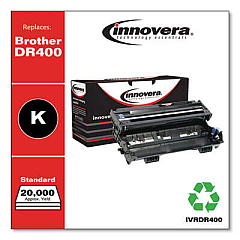
Ensure uninterrupted productivity with genuine Brother IntelliFAX 4100 Toner Cartridges. These high-quality supplies are designed specifically for your Brother IntelliFAX 4100 machine, delivering crisp, professional results every time. The Brother DR400 Drum Unit offers long-lasting performance, while the Brother TN430 Black Toner Cartridge provides standard yield for everyday printing needs. For high-volume printing, opt for the Brother TN460 Black Toner Cartridge, which offers extended yield without compromising on quality. These reliable cartridges are easy to install and help maintain your printer's optimal performance. By choosing authentic Brother supplies, you'll experience fewer paper jams, reduced waste, and consistent print quality. Whether you're printing important business documents or sending faxes, trust Brother IntelliFAX 4100 Toner Cartridges to meet your office's demanding needs efficiently and cost-effectively.

Brother IntelliFAX 4100 Printers Supplies FAQs

  • What is the page yield for the Brother TN430 toner cartridge?

    The Brother TN430 toner cartridge has an approximate page yield of 3,000 pages at 5% coverage.

  • How often should I replace the Brother DR400 drum unit?

    The Brother DR400 drum unit typically needs replacement after approximately 20,000 pages, depending on usage.

  • Are these toner cartridges compatible with other Brother printer models?

    While these cartridges are designed for the Brother IntelliFAX 4100, they may be compatible with other Brother models. Check your printer's manual or the Brother website for compatibility information.

  • What's the difference between the TN430 and TN460 toner cartridges?

    The TN460 is a high-yield cartridge that prints approximately 6,000 pages, while the TN430 is a standard-yield cartridge that prints about 3,000 pages.

  • Can I use third-party toner cartridges in my Brother IntelliFAX 4100?

    While third-party cartridges may work, using genuine Brother cartridges ensures optimal performance and print quality, and helps maintain your printer's warranty.

  • How do I know when it's time to replace my toner cartridge?

    Your Brother IntelliFAX 4100 will display a 'Toner Low' or 'Replace Toner' message when it's time to replace the cartridge.

  • Are these toner cartridges environmentally friendly?

    Brother offers a recycling program for used toner cartridges, helping to reduce environmental impact. Check the Brother website for details on their recycling initiative.

  • How should I store unused toner cartridges?

    Store unused cartridges in a cool, dry place away from direct sunlight. Keep them in their original packaging until ready for use.

  • Can I shake the toner cartridge to extend its life?

    Gently shaking the cartridge from side to side can help redistribute toner and may temporarily extend its life, but it's not a long-term solution.

  • What should I do if I experience print quality issues?

    First, check if the toner is low. If not, try cleaning the corona wire on the drum unit. If issues persist, consult your printer's manual or contact Brother support.

Warehouse Locations

Policy & Agreement | Copyright © 1995-2026 BlueDogInk.com
